49
SMART APPLICATION FUNCTION
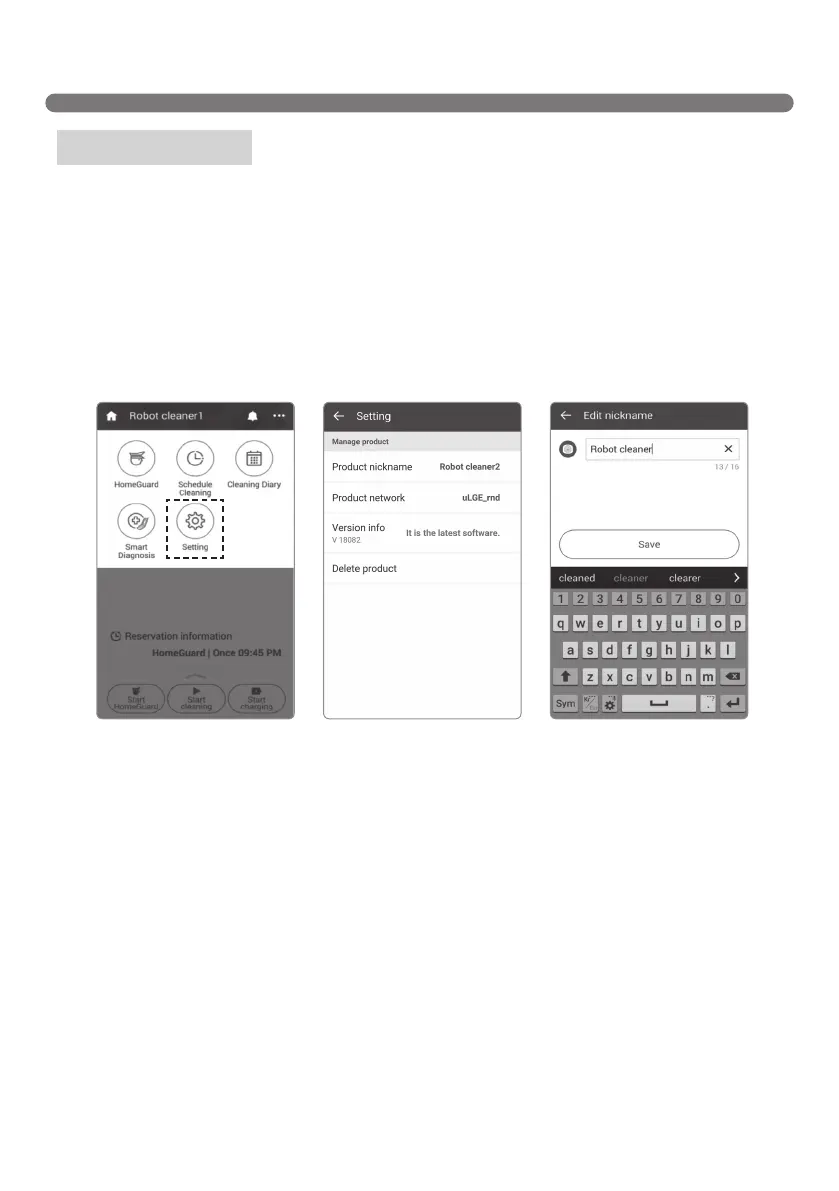
You can check or change the current information set up on Robot Cleaner.
Click Voice gender to change the voice of the Robot Cleaner to male or female.
Click Product nickname to change the current nickname of the Robot Cleaner; a pop-up where you can
enter a new nickname opens (up to 10 characters allowed including English, Korean and numeric).
You can check the current software version of the Robot Cleaner and the latest version. If the current
software is not the latest, please update it. Refer to the details on "Software Update."
Basic Information shows the current version of the application and open source license information.
Menu – Setting
[Setting 2][Setting 1] [Edit nickname]



 To Next Page