Chapter 2 - Operating Instructions 7200 Series UPS User Manual
Procedure Single Module and 1+1 Parallel System
document in response to "powersure ups"
Page 2-4
Issue 6
(03/98)
Your load is now powered from the maintenance bypass system and the UPS is completely shut
down.
2.4 Procedure for Switching the UPS ON from a Maintenance Power down
condition
This procedure will describe how to start the UPS and the how to transfer the load from the
maintenance bypass to the UPS inverter.
1. Close the output power switch Q4 and the Bypass power switch Q2.
The Module Mimic indicators ( 1 ) Bypass supply present and ( 3 ) Load on bypass will
illuminate.
2. Close the Rectifier input power switch Q1.
The rectifier will `walk-in' and stabilize at float the voltage. Check the battery voltage on the
measurement screen.
3. Wait for 20 seconds then close the battery circuit breaker. This is located inside the battery
cabinet (if used) or is otherwise located adjacent to the battery racks.
The Module Mimic indicator ( 4 ) Battery unavailable should extinguish. Several LED's on the
Battery state of charge bar graph will illuminate showing the battery state of charge.
4. Open the Maintenance Bypass power switch Q3 and fit lock.
The Module mimic indicator Load on bypass ( 3 ) will Flash amber.
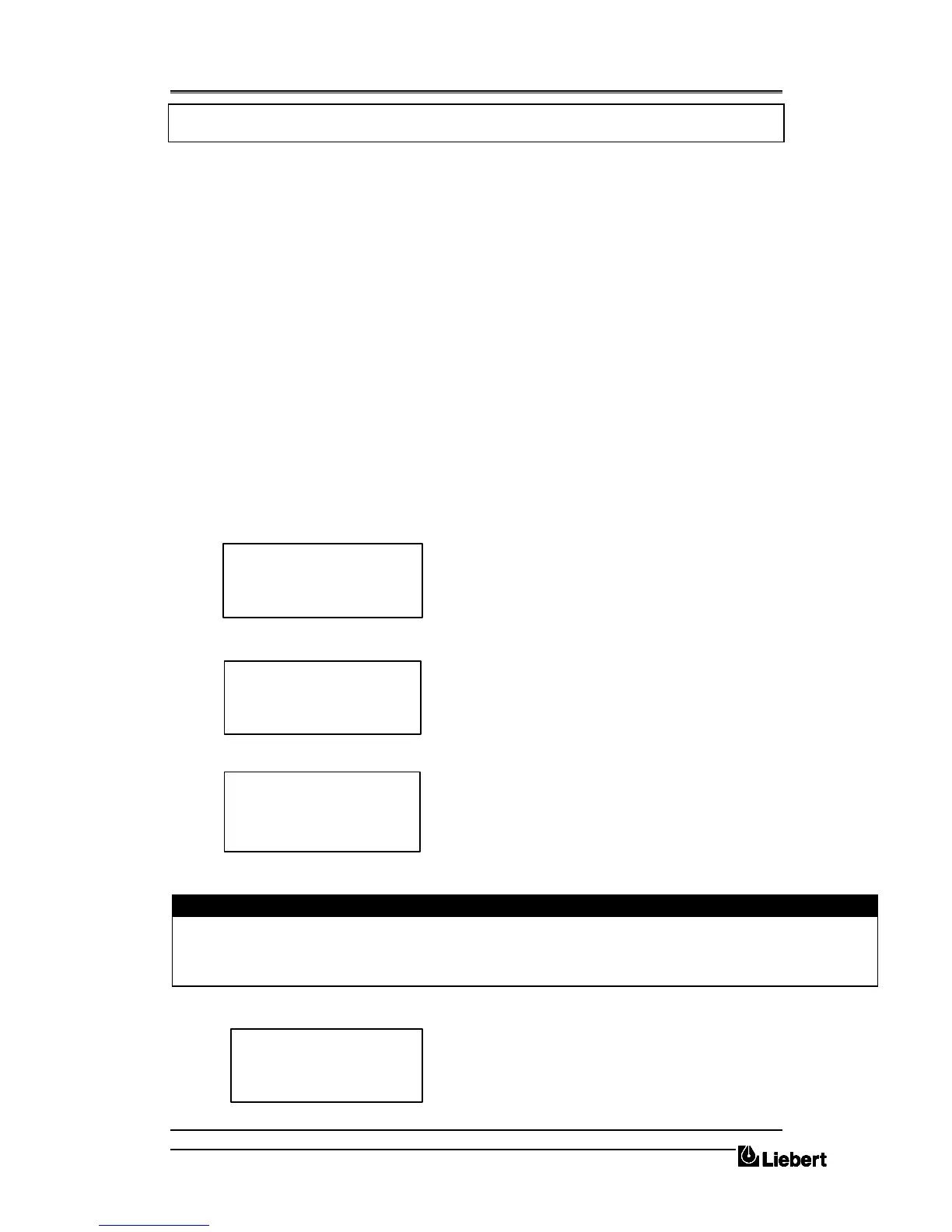
The Display window will show the present status of the UPS:
5. From the above window press the ENTER key:
The Main Menu Window will display:
6. Select FUNCTION and press ENTER key:
Before being allowed into the FUNCTION windows you are requested to enter a password.
This is achieved by pressing the UP arrow key repeatedly
until the first digit displays the character required, you then
press the DOWN arrow key once to move on to the second
digit. This action is repeated for all eight digits. When the
PASSWORD has been completed press the ENTER key.
Caution
This operation gives the operator access to modify UPS’s operating mode, it is advised that only trained qualified
personnel should attempt to do that.
7. You now have access to all function windows.
Press the DOWN arrow key until the cursors have
selected NEXT PAGE - press the ENTER key.
8. Press the DOWN arrow key until the cursors have selected ON/OFF UPS BLOCK.
LOAD ON BYPASS
INV.: OFF
HH.MM.SS DD.MM.YY
WRITE SAVE
MOVE EXIT C
ENTER PASSWORD
00000000
MEASUREMENT
> FUNCTION <
MAINTENANCE
SETUP
BATTERY TEST
GENERATOR
PANEL SETUP
> NEXT PAGE


 To Next Page