Chapter 5 - Mantenance 7200 Series UPS User Manual
UPS status parameters Single Module and 1+1 Parallel System
document in response to "powersure ups"
Page 5-4
Issue 6
(03/98)
5.4 UPS status parameters
The value of the status parameters are displayed on the LCD screen by selecting options from the
windows reached via the measurement option on the main screen ( see figure 5-1 menu map ). Under
normal circumstances the default window will be displayed:-
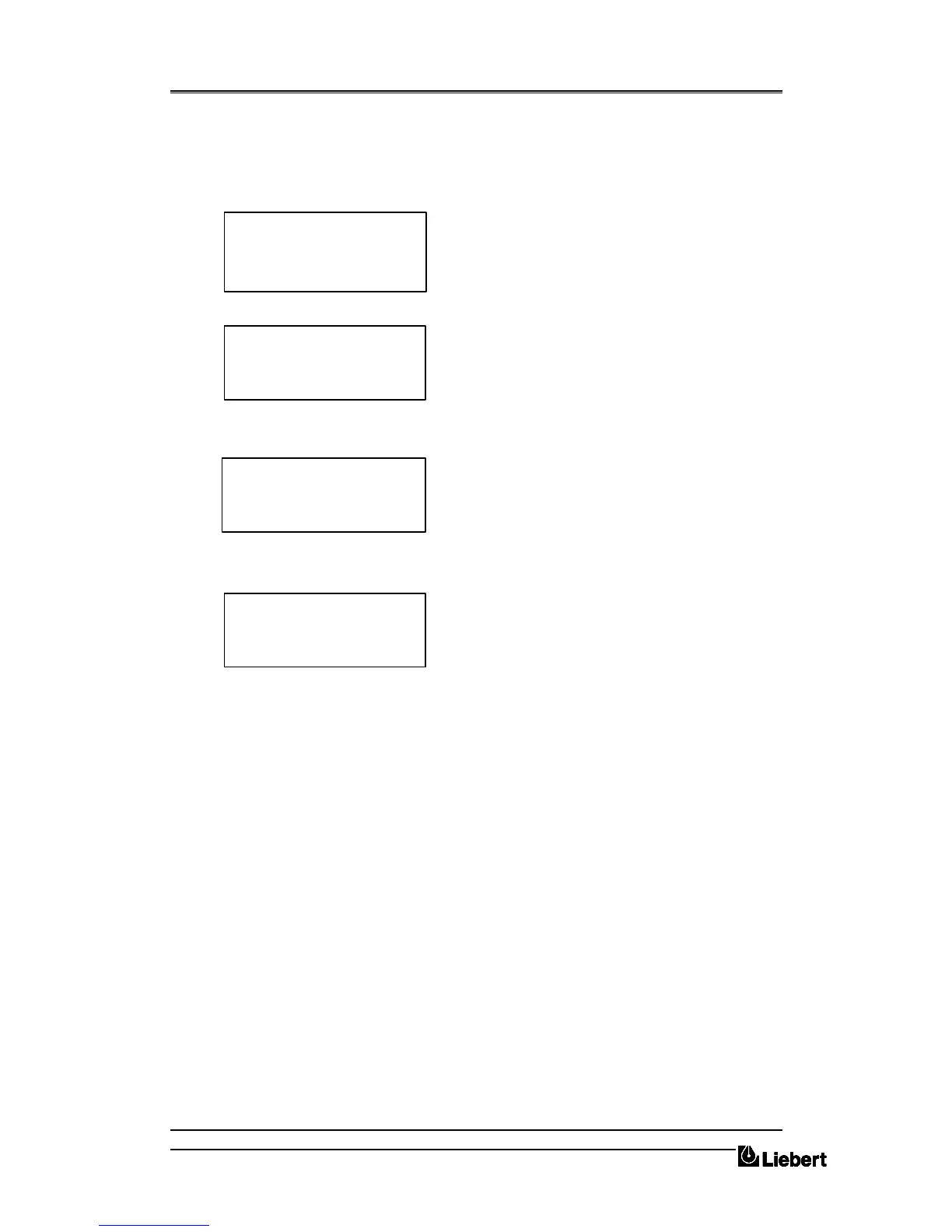
From the default window press ENTER to display the
main access screen:
The cursor will be aligned with the MEASUREMENT
option, once again press ENTER.
Note: The menu options FUNCTION,
MAINTENANCE and SETUP are only accessible with
a password, but for general maintenance procedures
these options are not required.
With reference to figure 5-1 and by using the DOWN
and ENTER keys all the parameters monitored from
the operator control and display panel can be viewed.
For example to view the system temperatures use the
DOWN key until the cursors are opposite
TEMPERATURE; now press the ENTER key.
The TEMPERATURE screen is displayed where:-
Tt is transformer temperature
To is UPS cabinet outgoing temperature;
Ta is ambient temperature;
Tb s battery cabinet temperature.
NORMAL OPERATION
11.16.10 01.05.97
> MEASUREMENT <
FUNCTION
MAINTENANCE
SETUP
TEMPERATURE [C]
Tt + 27,4 To +25,4
Ta + 22,6 Tb +20,7
OUTPUT
INPUT
BATTERY
> TEMPERATURE <


 To Next Page