Chapter 5 Micro-Processing Controller 31
New Liebert_DM Series Air Conditioner User Manual
Table 5-4 Alarm output logic
Note
The alarms Hi Press, Lo Press and Hi Temp are serious fault alarms. So they cannot be set to OFF, but can only be set to
ENAB and DISA.
Customer Alarm
The AC unit provides two customer alarms, including customer 1 and customer 2, corresponding to PIN1, 2 of the
control terminals J19 and PIN5, 6 of J19 respectively.
The customer alarm can be set to ‘NO’ or ‘NC’. You must set them according to the actual alarm signal of the control
terminals. If the power SPD is selected, the customer 1 alarm terminal has been connected with power SPD alarm
signal before delivery and the customer 1 has been set to ‘NC’.
5.6.3 Set Points
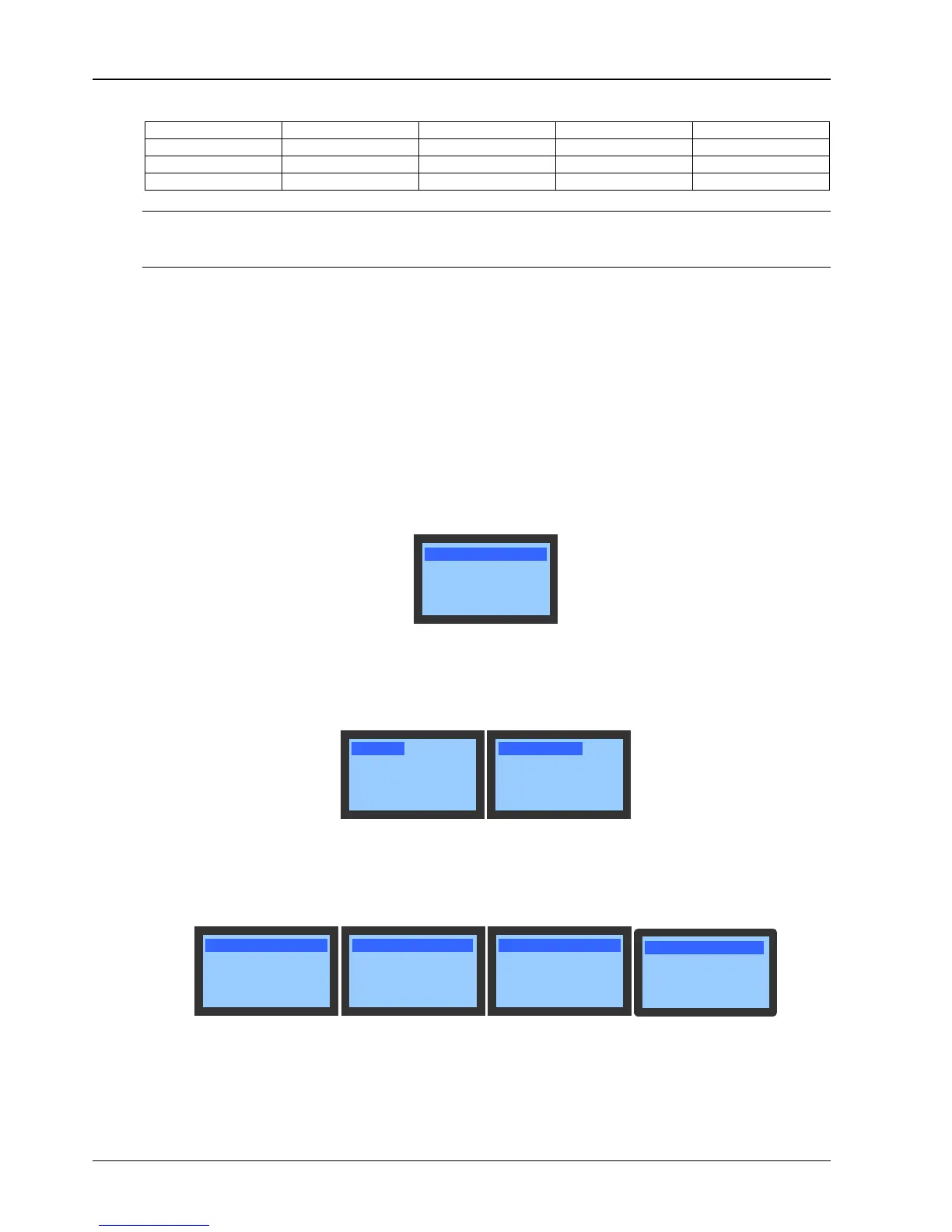
Select Set Points in Main Menu to enter the Set Points menu, as shown in Figure 5-12.
The Set Points settings will not be lost when the power fails. For detailed setting ranges, refer to
Appendix 2 Parameter Setting Table.
Figure 5-12 Set Points menu
5.6.4 System Status
Select Main Menu -> System Status to enter the System Status menu, as shown in Figure 5-13.
Figure 5-13 System Status screen
Analog
The Analog menu displays the indoor temperature & humidity, 3-ph voltage & frequency and condenser pressure with
a decimal in real time, as shown in Figure 5-14.
Figure 5-14 Analog screen
Time/Date
The Time/Date screen displays the current time and date of the system in the format of Year/Month/Date and
Hour/Minute/Second, as shown in Figure 5-15.




 To Next Page