32 Chapter 5 Micro-Processing Controller
New Liebert_DM Series Air Conditioner User Manual
If the change is successful, the current time and date will be changed to the set time automatically. Otherwise, the
current time and date will not be changed.
Date (Y)
2012
Date (M)
1
Date (D)
1
Time (H)
0
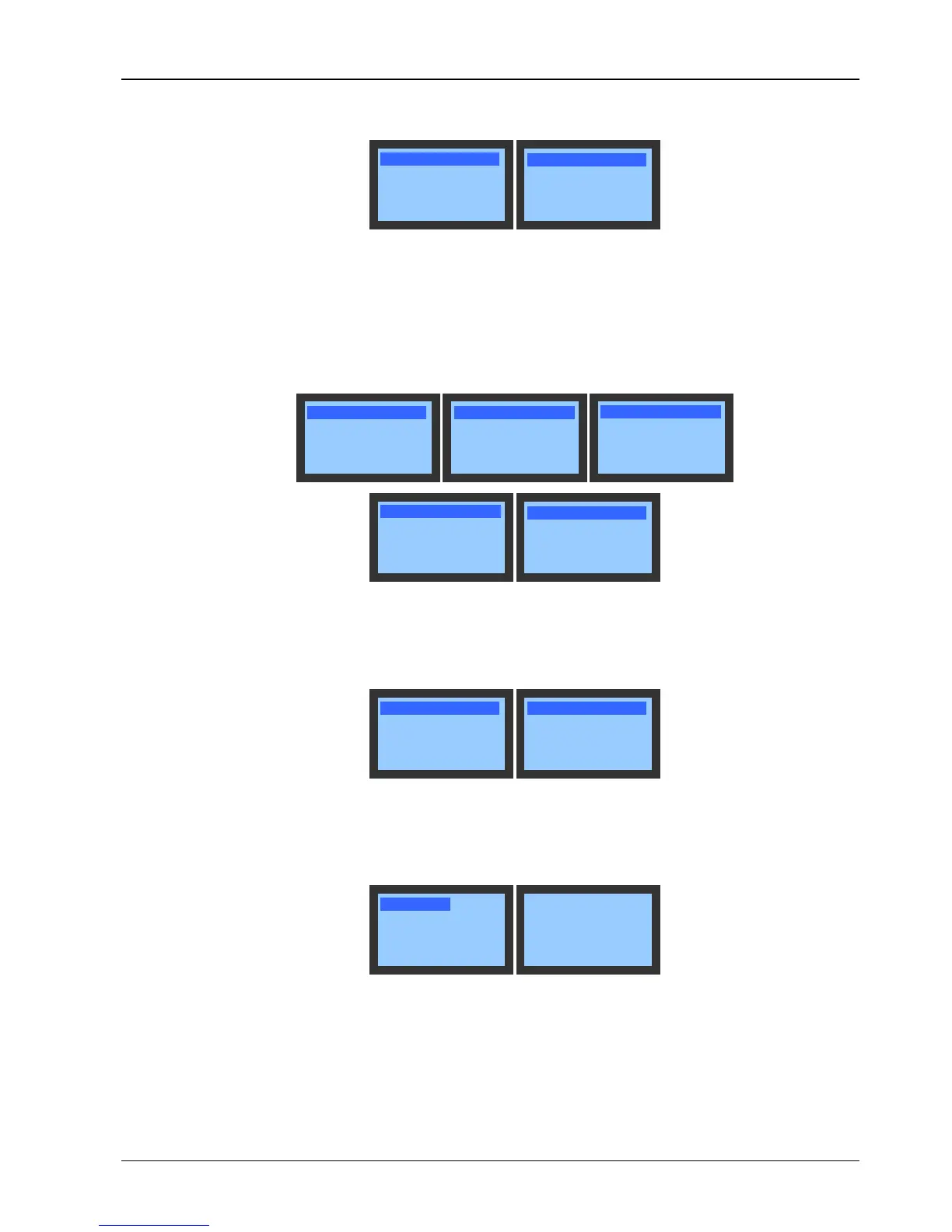
Figure 5-15 Time/Date screen
In/Out Status
The In/Out Status screen is shown in Figure 5-16. You can browse the current input and output status of the unit on
the screen. If Manual Run Enab is set to ‘YES’, the output can be controlled manually. If the manual output is inner
fan output, the rest outputs will be closed; if the manual output is electrical heater output, the inner fans will be started
up simultaneously and the rest outputs will be closed. The system will quit the manual mode in an hour if you do not
quit.
Inner Fan OFF
Compressor
OFF
Heater
OFF
Humidifier OFF
Lo Fan Speed OFF
Outer Fan OFF
Comm Alm OFF
Spare Enab OFF
Manual Opt
NO
HP SW Open
LP SW
Open
Dschg SW Open
Water UF OPEN
Customer1 OPEN
Hum Fail OPEN
Customer2 OPEN
Figure 5-16 In/Out Status screen
Run Time
The Run Time screen is shown in Figure 5-17. You can browse the current operation hours of the equipment on the
screen.
Inner Fan
0h
Comp 0h
Heater 0h
Hum 0h
Figure 5-17 Run Time screen
Run Records
The Run Records screen is shown in Figure 5-18. You can browse the start and stop records of the equipment on the
screen.
<Inner Fan>
<Compressor>
<Heater>
<Humidifier>
Inner Fan 1/4
2012/01/01 00:00
2012/01/01 00:00
Figure 5-18 Run Records screen
5.6.5 System Menu
Select Main Menu -> System Menu to enter the System Menu screen, as shown in Figure 5-19.




 To Next Page