Chapter 5 Micro-Processing Controller 33
New Liebert_DM Series Air Conditioner User Manual
<
Setup System
>
<Outdoor Unit>
<Select Options>
<
Change Password
>
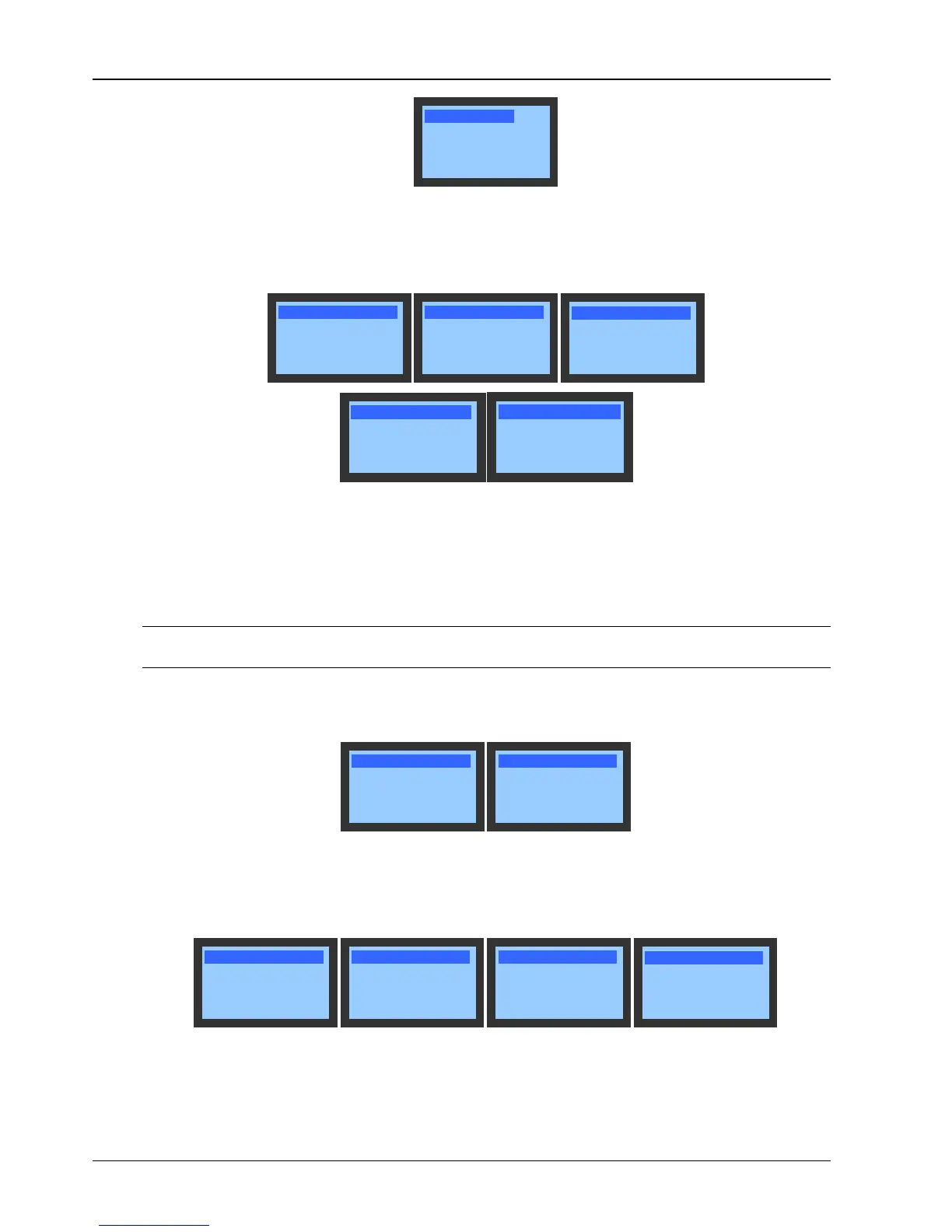
Figure 5-19 System Menu screen
Setup System
The Setup System settings will not be lost when the power fails. The menu screen is shown in Figure 5-20. For
detailed setting ranges, refer to Appendix 2 Parameter Setting Table.
Mntr Prtcl YDN23
Mntr Addr 1
Baut Rate 19200
Over Volt 15%
Lack Volt 15%
Freq Shift 3Hz
In Fan Start 10s
In Fan Stop 30s
Cp MinOn 180s
Cp MinOff
180s
Cold St Delay 180s
Hum Control
REL
Temp Compsen N
Factory Reset N
Fan type AC
EC max. output 75%
Figure 5-20 Setup System screen
Factory Reset
Use Up or Down button to move the cursor to Factory Reset in the Setup System menu and press the Enter button.
Use Up or Down button to set it to YES or No and press the Enter button to validate the setting. If Yes is selected, all
system setpoints will be restored to the factory-recommended values, but the operation time and history alarm
records will not be cleared.
Note
Because the Factory Reset will clear all setpoints configured by the user and the AC unit will be turned off, be cautious to use it.
Outdoor Unit
The menu screen is shown in Figure 5-21.
Min. Volt 30%
Max. Volt 100%
Output Volt 95%
Press Bd 5.0Bar
Figure 5-21 Outdoor Unit menu
Select Options
The Select Options settings will not be lost when the power fails. The menu screen is shown in Figure 5-22. For
detailed setting range, refer to Appendix 2 Parameter Setting Table.
Heater Num 0
Hum Num 0
Ecnmy Mod OFF
Start At 22:00
End At 7:00
Enlarge 0.0 C
T/H Card Num 4
Sleep At 27.0 C
°
°
#1 T/H 0.0 C
#2 T/H 0.0 C
#3 T/H 0.0 C
#4 T/H 0.0
C
°
°
°
°
Unit Mode SIGL
Switch Mod STDB
Rt Time 1d
Rt At 12:00
Figure 5-22 Select Options screen




 To Next Page