Unpacking, Inspecting and Installing
248083389-1 Rev 3-9
WARNING: Take care
to prevent damage to the
O-ring on the sensor
fitting.
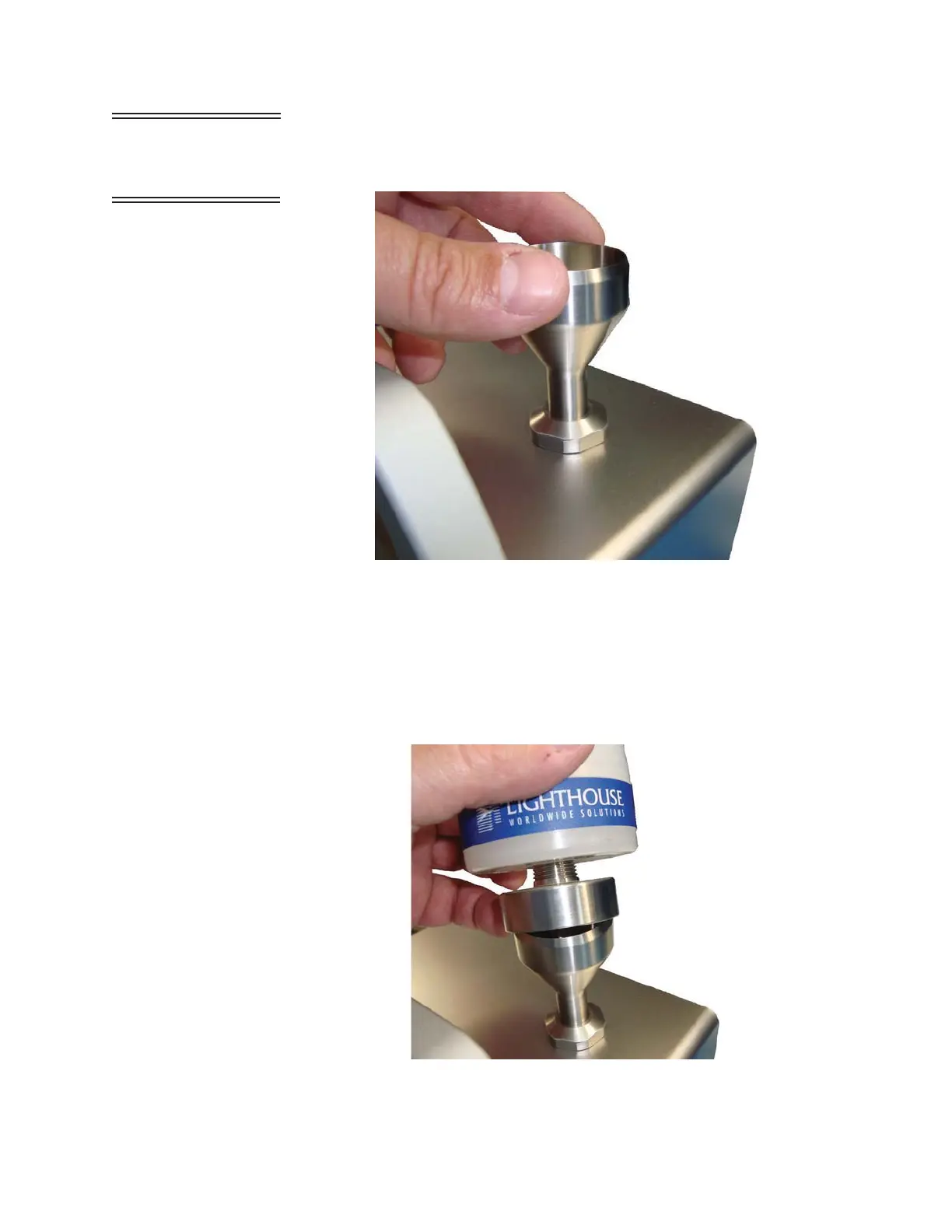
3. Thread the ISO Probe onto the sensor inlet fitting until it stops, as
shown in Figure 3-9.
Figure 3-9 Install ISO Probe
4. Thread the seal nut down onto the top cover until the seal nut O-
ring makes contact. Tighten the seal nut an additional 1/2 turn.
5. Place the ISP Filter Cap over the ISO Probe and push down to seat
the O-ring seal. See Figure 3-10.
Figure 3-10 Attach ISP Filter Cap










 To Next Page