Lighthouse S3100/S5100/Boulder Counter Operating Manual
3-12 248083389-1 Rev
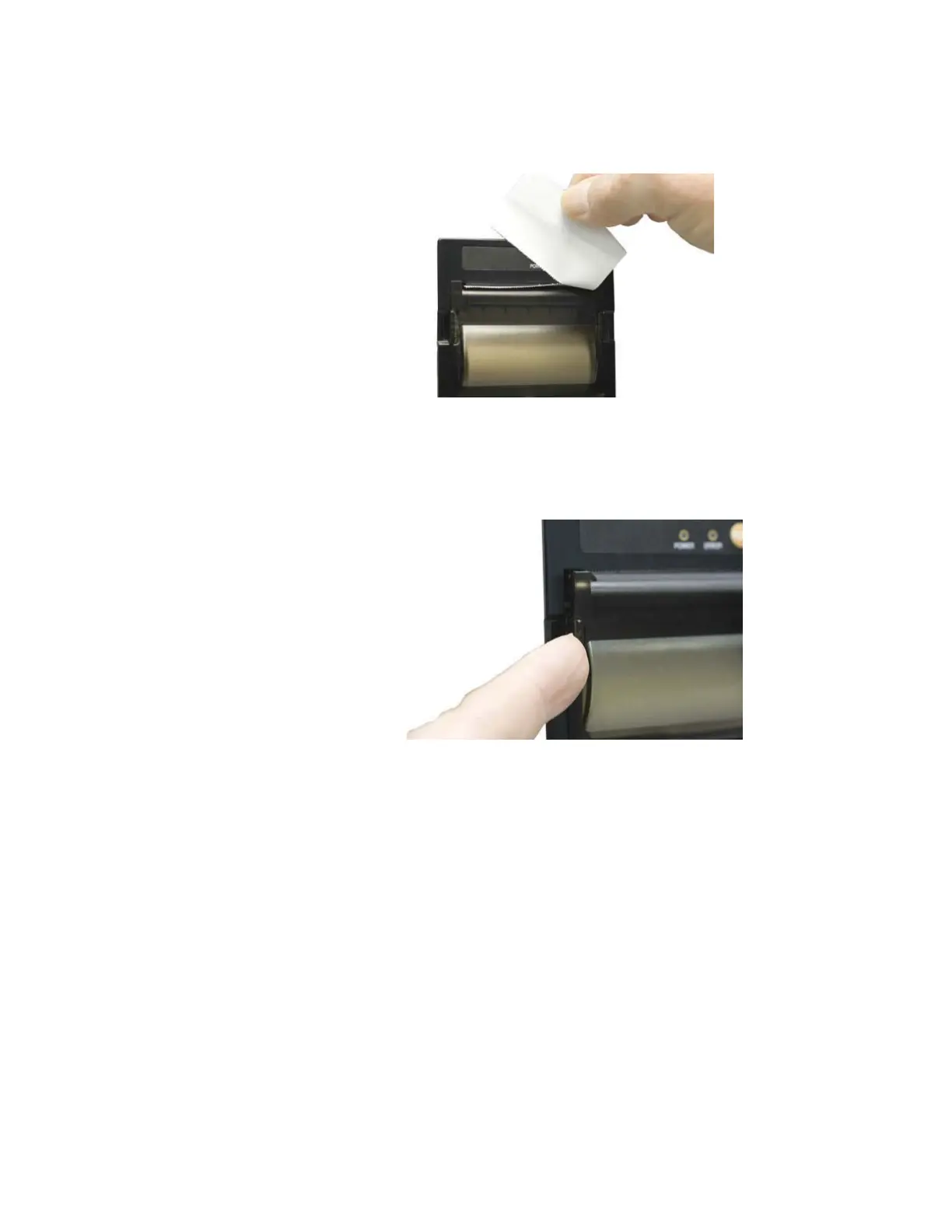
6. Tear the leading edge off by pulling the paper up against the cutting
teeth.
Figure 3-16 Trimming off extra paper
When the paper is torn off the door could open slightly, if left in this
state the open door could prevent the instrument from printing.
Figure 3-17 Door in Latched Properly
Connecting Analog Sensors
The SOLAIR provides 4-20mA analog input ports on the back of the
instrument. Specific details about these ports are described in Chapter
4.
Examples of analog sensors that can be used are Temperature, Relative
Humidity, Air Velocity, Differential Pressure, ESD, Vibration, AMC
Analyzer and others.
Please refer to each sensor manual for the appropriate pinouts.










 To Next Page