Unpacking, Inspecting and Installing
248083389-1 Rev 3-11
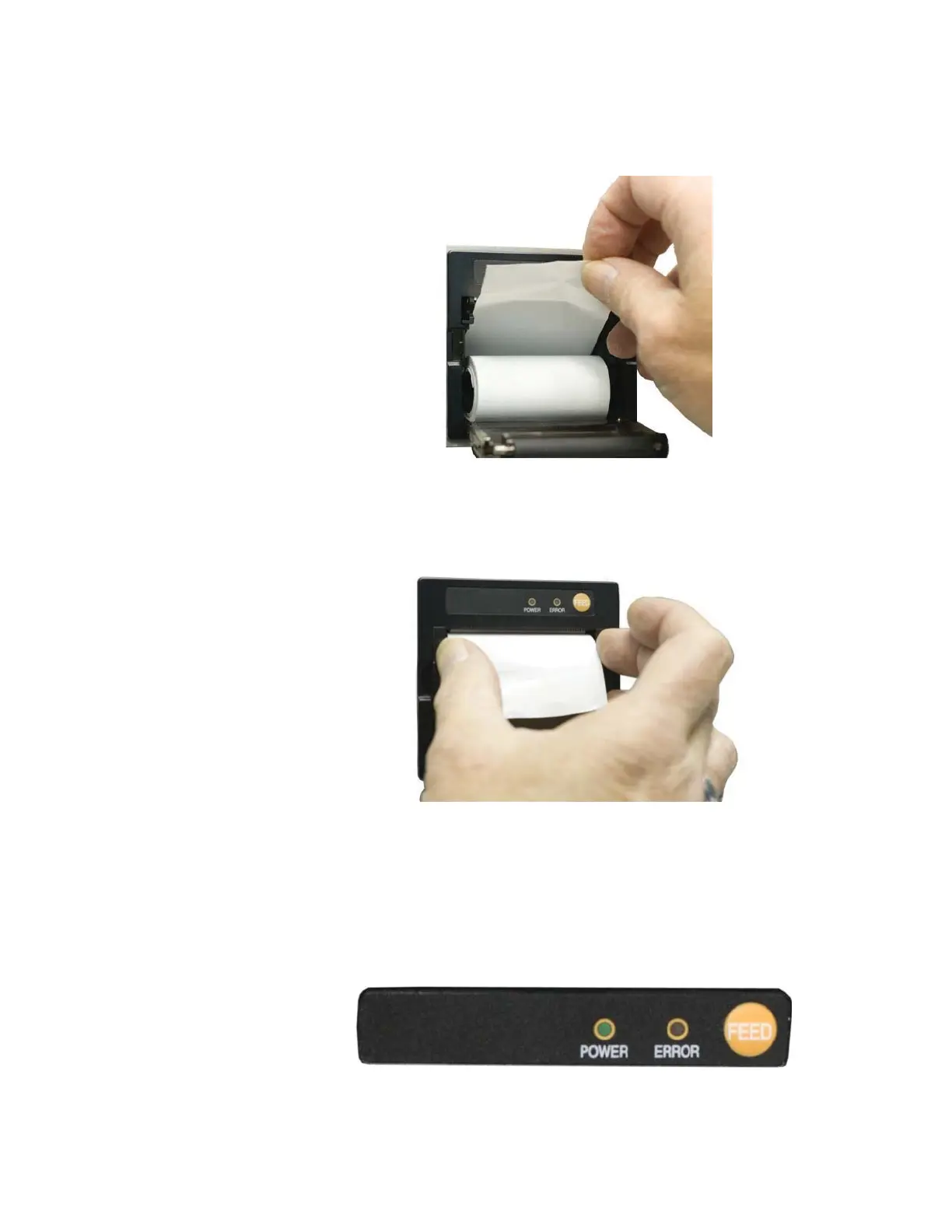
2. Unroll the paper and place the roll in the printer with the paper
feeding from the top.
Figure 3-13 Putting the paper into the printer
3. Make sure that the paper is lined up straight with the cutting edge.
Figure 3-14 Aligning the paper
Note: The printer door
must be securely closed in
order to print. If attempting
to print and nothing
happens, press the
corners of the door firmly
against the chassis.
4. Close the printer door so that about 1/2 inch or 2 centimeters of
paper protrudes from the opening.
5. Press the paper feed button to ensure that the paper is loaded
correctly.
Figure 3-15 Advancing the Paper










 To Next Page