Lighthouse S3100/S5100/Boulder Counter Operating Manual
4-22 248083389-1 Rev
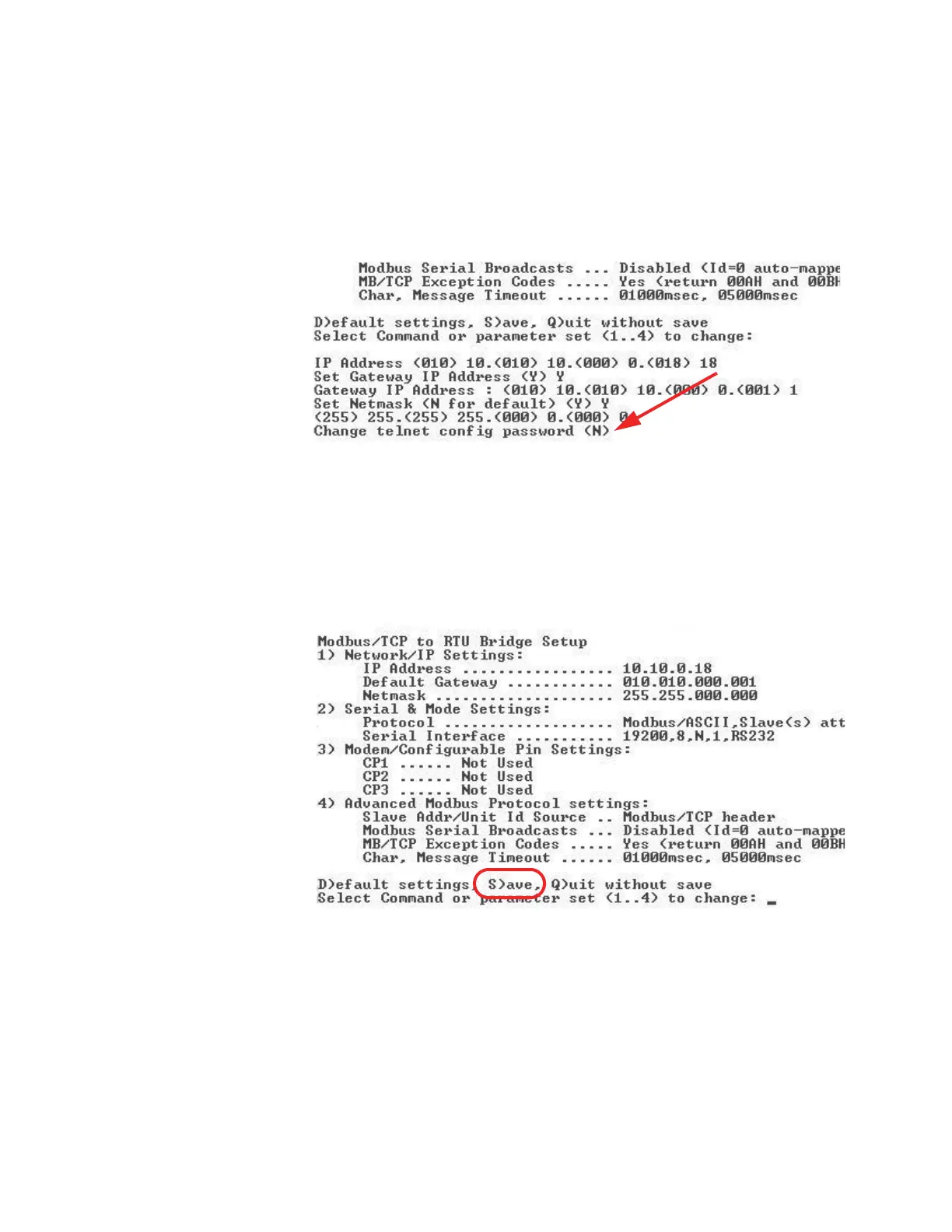
15. Type N in response to “Change telnet config password”as shown
in Figure 4-23. The instrument is shipped without a password.
Changing the telnet password or providing one is discouraged,
except for absolute security requirements. If a password is
applied and forgotten, the instrument will have to be returned to
Lighthouse to get the password cleared.
Figure 4-23 Telnet Config Password Screen
16. Type S to Save and restart and press Enter to save the changes.
See Figure 4-24.
Note:
When the
Ethernet restarts, it will
lose connection to the PC,
reported as, “Connection
to host lost”.
Figure 4-24 Saving the Settings
17. Perform Step 7. though Step 16. for each SOLAIR.










 To Next Page