Lighthouse S3100/S5100/Boulder Counter Operating Manual
5-4 248083389-1 Rev
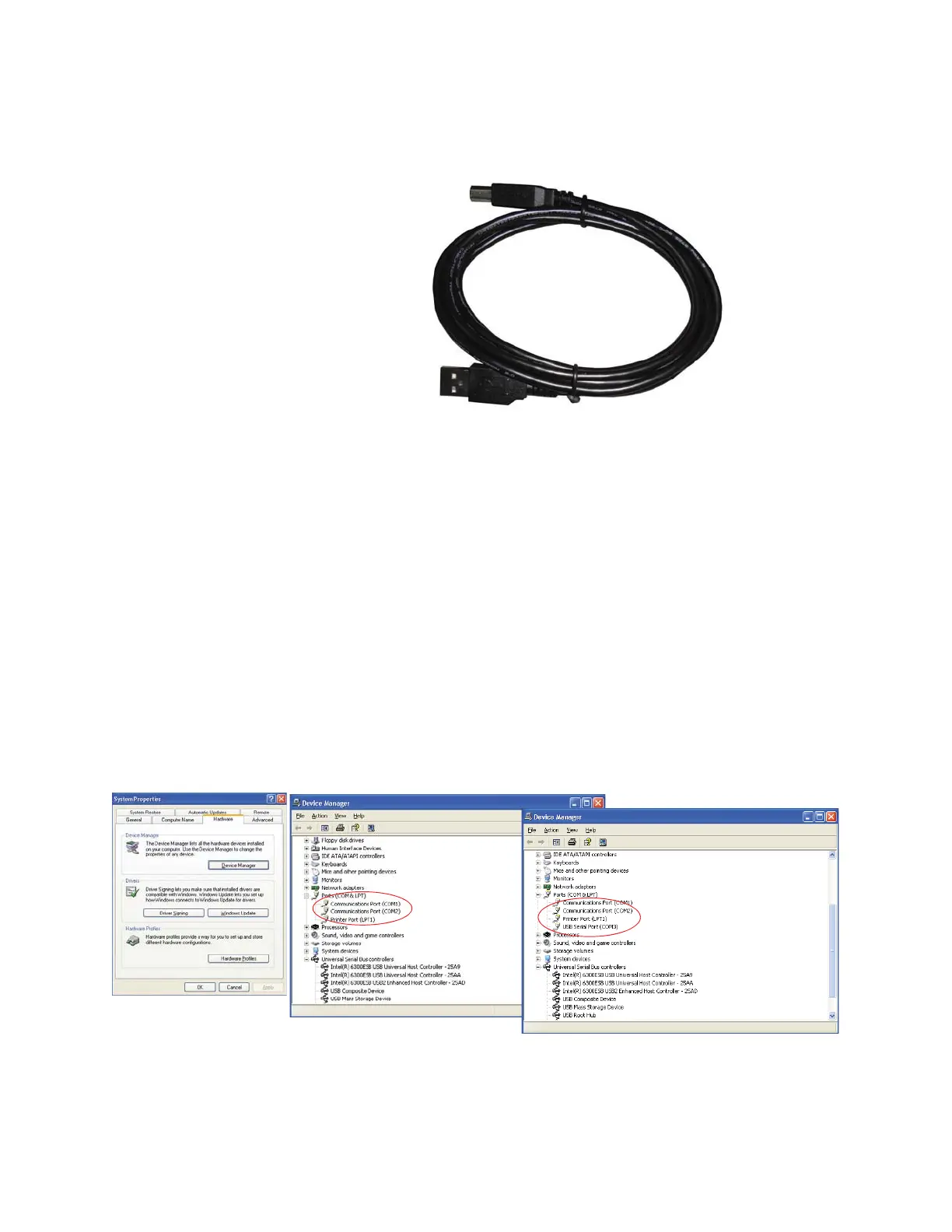
2. Connect Side B of a standard “A to B” USB cable to the instrument
(only Side B will fit). See Figure 5-2.
Figure 5-2 “A to B” USB Cable
3. Connect Side A to any available USB port on the PC.
4. Apply power to the instrument.
5. Windows will recognize that a new hardware device has been
attached and will finalize the installation as needed. This is a
routine "registering" of components that should take only a
moment. An additional COM port will be added to the PC.
6. Identify the computer port that has been added to the PC by using
the “Properties” of My Computer and examining the COM ports.
USB ports are generally added to the bottom of the list and named
USB COM port ’x’. Refer to Figure 5-3 for screen examples
(Windows XP).
Figure 5-3 Example Device Manager Screens
After port is added
Before port is added
Device Manager
Screen










 To Next Page