OK
Press and move to choose the country.
Press to confirm.
The MAIN DISPLAY show the status of the system.
Press to see the firmware version and IP adress.
Press again to see the date and time.
Press in order to go back to the main display
6. Configuration
6.1 Choose country
*NOTE
The status of the system can be:
- Idle
- Normal operation
- Test procedure
OK
C
OK
view alarms
exit value
editing
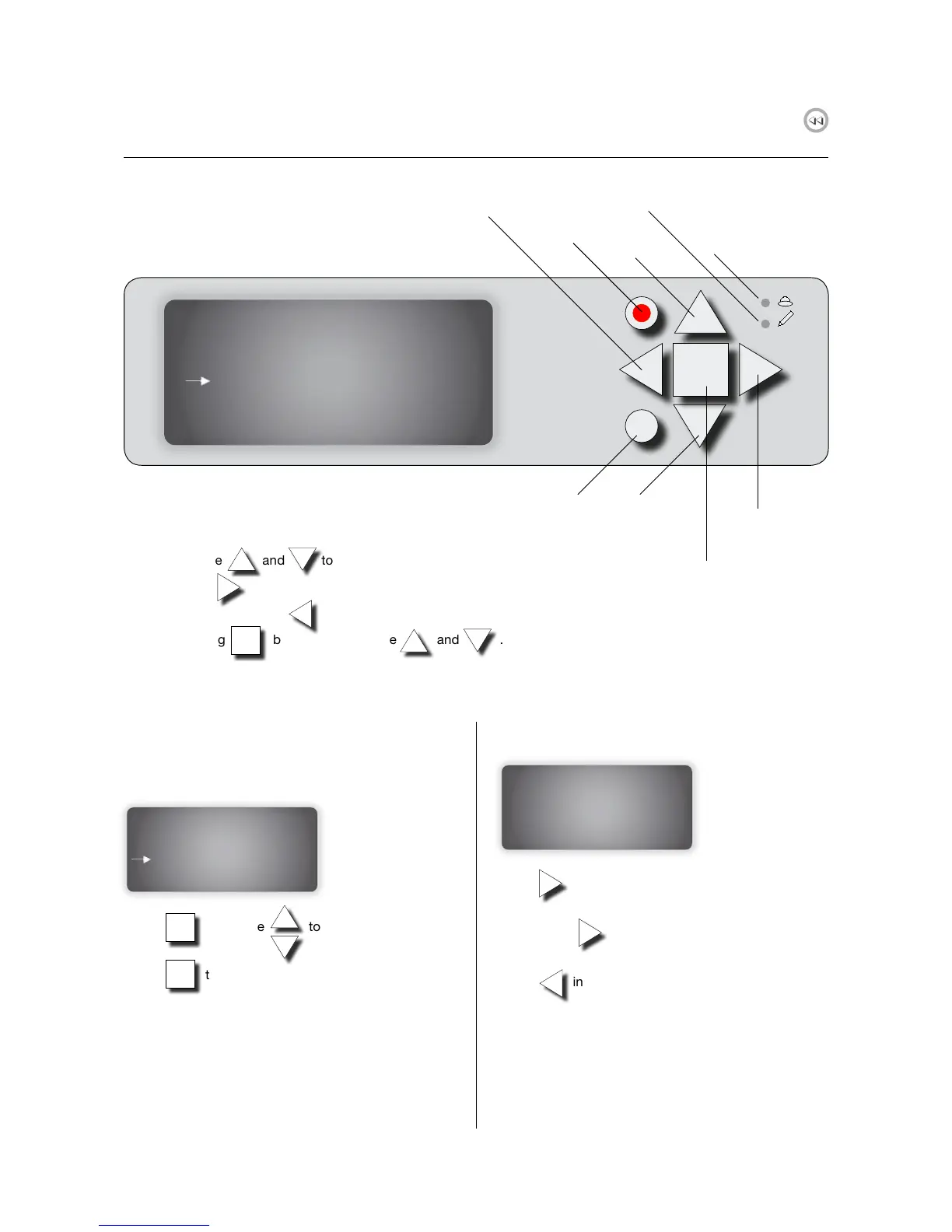
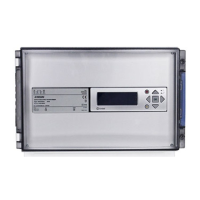
Yellow LED
write indicator
Red LED
Alarm indicator
Scroll up
Scroll down
Enter
(right)
Confirm
one step back
(left)
Display buttons
In the menu, use and to scroll up and down.
To select, use button.
To go one step back, use button.
Edit, by pressing button, and then use and .
OK
- Lindab FDS Master
Select country:
Not selected
- Lindab FDS Master
A alarms : 0
Service alarms : 0
Idle*
- Lindab FDS Master
Select country:
Not selected


 To Next Page