17
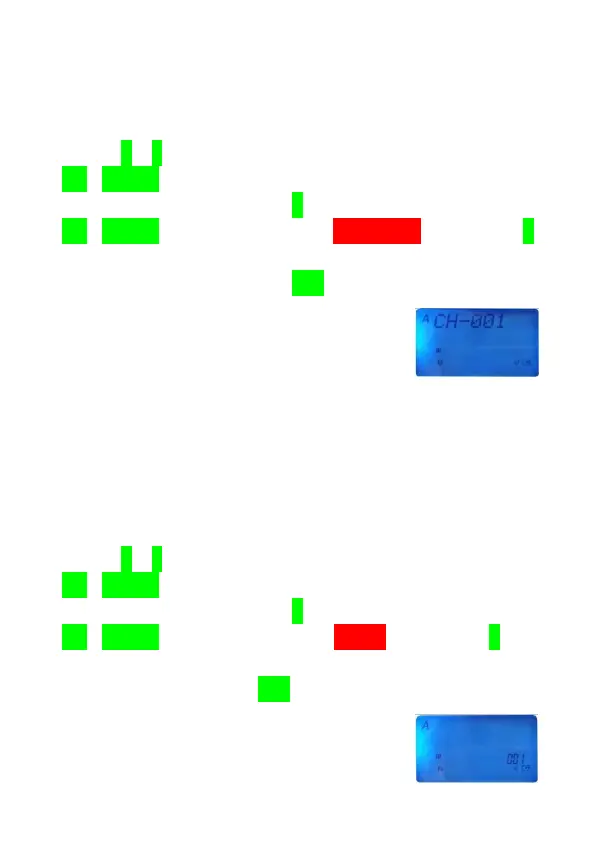
■Channel Display Mode(CH)
Channel display mode is used for programming infrequently
changed values or conditions of functions. In MR mode,
press [F]+[0] key to access menu system, then use
[UP]/[DOWN] key to select Menu No.2 for Band A or Menu
No.3 for Band B, then press [F] key to confirm selection, use
[UP]/[DOWN] key again to select “CHANNEL” and press [F]
key to confirm your selection, at last press [PTT] switch to
quit menu system and press [V/M] key to select CH mode.
Note: You can’t access this mode unless you program one memory
channel at least.
■Channel Name Mode(NM)
Channel display mode is used for programming infrequently
changed values or conditions of functions. In MR mode,
press [F]+[0] key to access menu system, then use
[UP]/[DOWN] key to select Menu No.2 for Band A or Menu
No.3 for Band B, then press [F] key to confirm selection, use
[UP]/[DOWN] key again to select “NAME” and press [F] key
to confirm your selection, at last press [PTT] switch to quit
menu system and press [V/M] key to select NM mode.



 To Next Page