51
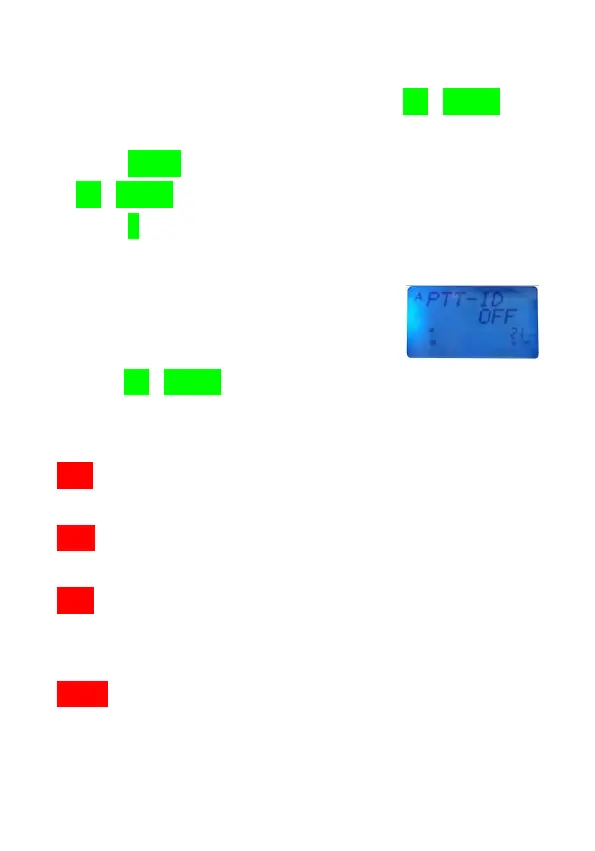
Switch PTT ID On/Off when transmitting
1.In VFO/MR/CH/NM mode of B2/B4, use [UP]/[DOWN] key
or keypad to select the frequency or memory channel.
2.Press [MENU] key to access menu system, and use
[UP]/[DOWN] key to select Menu No.26.
3.Press [F] key to access setting mode.
●The menu appears on LCD display.
4.Use [UP]/[DOWN] key to select circularly from the
following 4 types:
OFF(Off): when you press and release [PTT] switch, the
transceiver will not transmit PTT ID code.
BOT(Begin of TX) : when you press [PTT] switch, the
transceiver will transmit PTT ID code.
EOT(End of TX) : when you release [PTT] switch, the
transceiver will transmit PTT ID code
before ending of transmitting.
BOTH(Both): when you press [PTT] switch, the transceiver
will transmit PTT ID code, when you release
[PTT] switch, the transceiver will transmit PTT



 To Next Page