58
Transmit Output Selection
The transceiver has two output levels to suit your operating
requirements. Low output power during short-range
communications may reduce the possibility of interference to
other stations and will reduce current consumption.
1.Press [F]+[MENU] key to make sure current working band
is B2/B4.
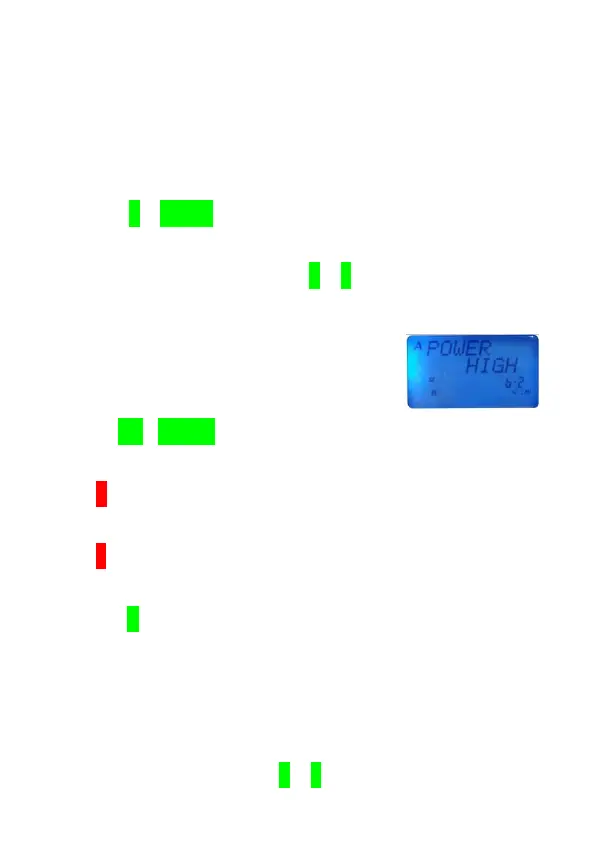
2.In VFO/MR/NM mode, press [F]+[2] key to switch ON.
●The current power output level appears.
3.Use [UP]/[DOWN] key to select High/Low output power
level.
●If H appears on LCD display
,
it means the current output is Low,
Otherwise.
●If L appears on LCD display
,
it means the current output is Low,
Otherwise.
4.Press [F] key to complete the setting.
Changing Frequency Step Size
Choosing the correct step size is essential in order to select
your exact receive frequency.
1.In VFO mode, press [F]+[4] key to enter changing



 To Next Page