59
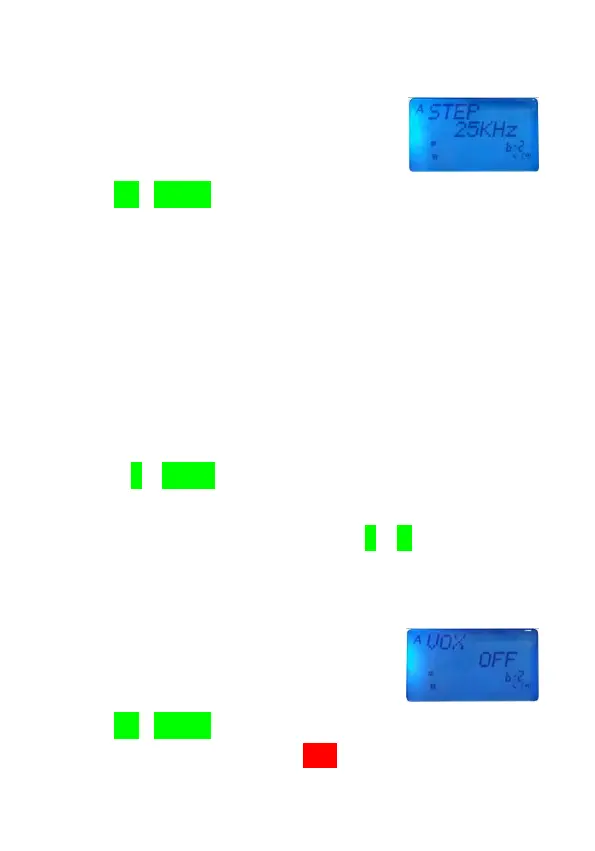
frequency step size menu.
2.Use [UP]/[DOWN] key to select the step size desired.
●There are 5,6.25,10,12.5, 25,50,100KHz and 1MHzfor selection.
3.Press [PTT] button to complete the change.
Hands-Free Operated (VOX)
VOX allows you to transmit hands-free with the transceiver
or thru a headset. When you stop speaking, VOX will
automatically stop transmitting.
1.Press [F]+[MENU] key to make sure the current working
band is B2/B4.
2.In VFO/MR/CH/NM mode, press [F]+[8] key to switch
ON/OFF.
● The menu appears.
3.Use [UP]/[DOWN] key to select OFF(default)/ON.
●When switch VOX function ON,VOX will appear on LCD display.



 To Next Page