LITE-CHECK INSPECTOR 930
14
Operations
Reading the Digital Display
The digital display on the INSPECTOR 930 provides a range of error messages that indicate
operational status. The following are examples only. The full list of messages is shown with the
appropriate test procedure.
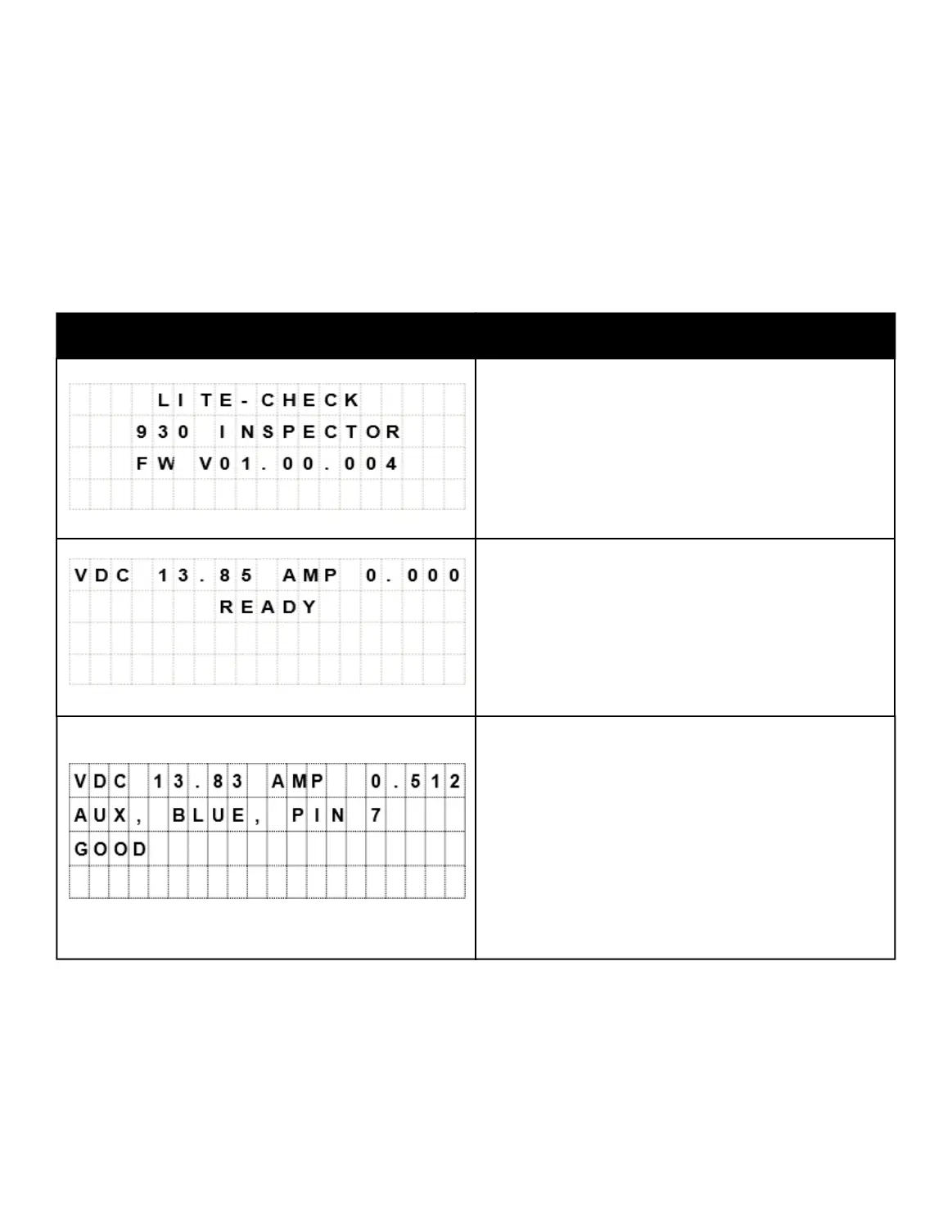
DISPLAY DETAIL
The first screen appears on the display for
several seconds.
This screen displays this message when the
tester is ready for operations.
● VDC is the voltage at the tester
● AMP is the circuit amperage the tester is
reading.
● AUX, BLUE, PIN 7 indicates 7-way PIN
number and circuits are currently being tested.
● Electrical circuits will display “GOOD” if greater
than 0.005 amps and less than 20 amps and
no other faults are found.



 To Next Page