LITE-CHECK INSPECTOR 930
29
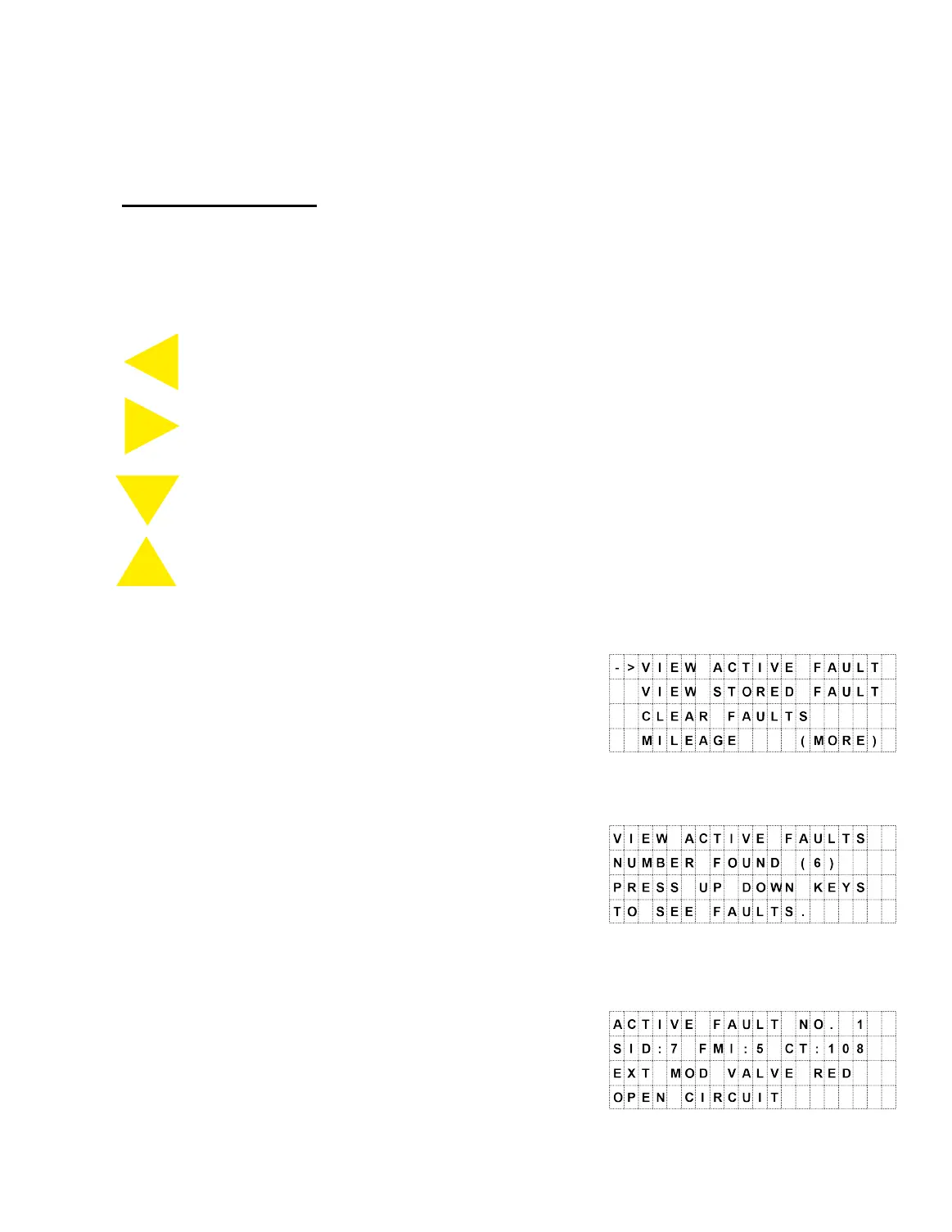
ABS Button Codes
The following ABS Button will codes provide additional help in finding and correcting
faults. The four yellow buttons on the panel, and the remote, will select menu items
and display fault information and the on-line help.
ABS/BACK – Moves back one display screen
SELECT/HELP – Enter selected option
DOWN – Move display cursor -> down
UP – Move display cursor -> up
The menu items are explained below:
· View Active Faults
o Press SELECT to view active faults.
o Press the DOWN button to see detailed
fault information.
o Press the SELECT to display the help
screen for this fault – this displays the
factory solution for this fault. Use the
DOWN/UP buttons to scroll through the
Help Information.
o Press ABS/BACK to return to the fault.
o Press ABS/BACK again to return to the
menu.
ABS
BACK
SELECT
HELP
DOWN
UP



 To Next Page