LITE-CHECK INSPECTOR 930
30
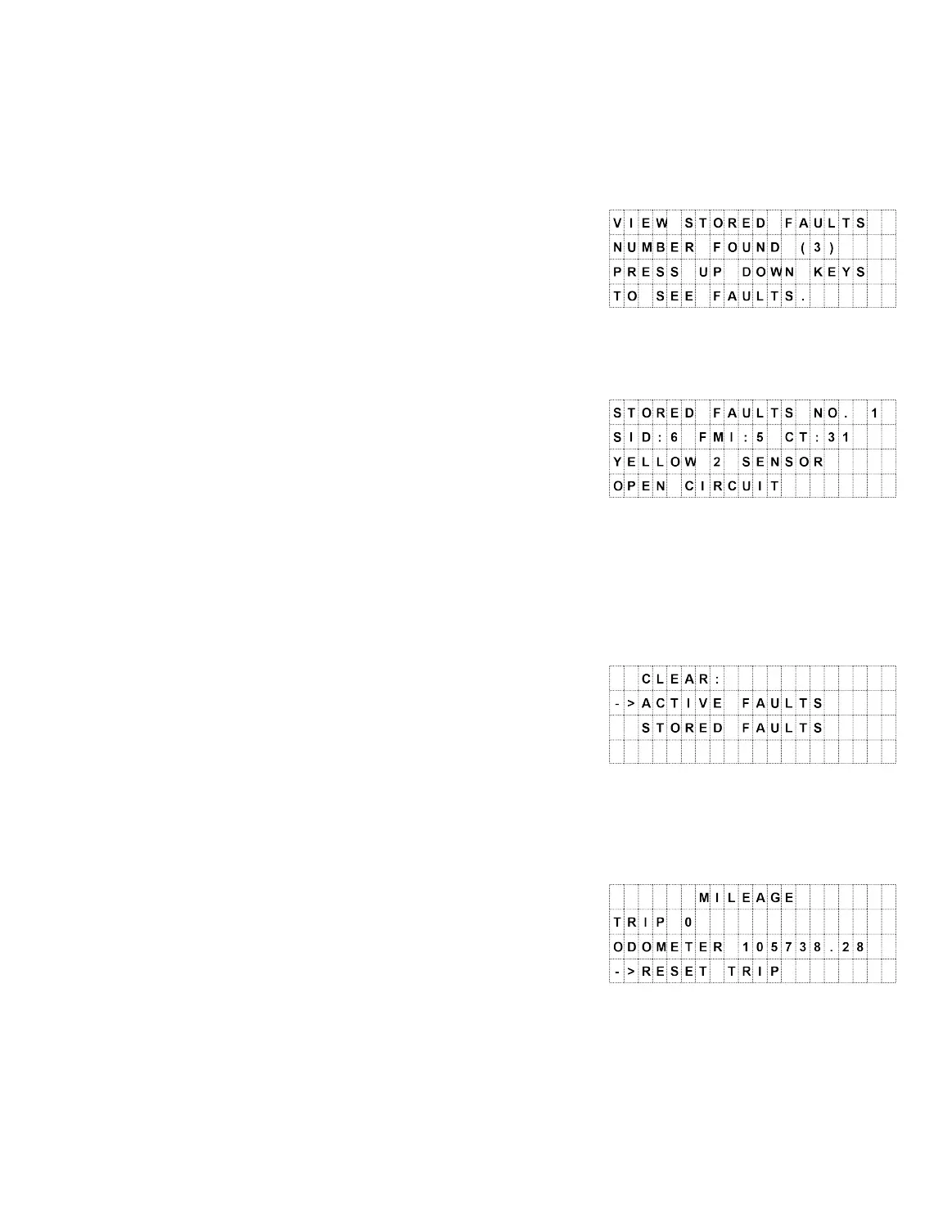
· View Stored Faults
o Press SELECT to view the stored faults.
o Display – Number found (#).
o Press the DOWN button to see detailed
stored fault information.
o Press SELECT to display the help
screen for this fault – this displays the
factory solution for this fault. Use the
DOWN/UP buttons to scroll through the
Help Information.
o Press ABS/BACK to return to the fault.
o Press ABS/BACK again to return to the menu.
· Clear Faults
o Press SELECT to clear faults.
o Use the UP/DOWN buttons to choose
active or stored faults.
o Press SELECT to clear either Active or
stored faults.
· Mileage
o Press SELECT to display trip and total mileage.
o Press SELECT to reset the trip odometer.
o Press ABS/BACK to return to the menu.
Note: Use the DOWN button to move to the second menu screen.



 To Next Page