LITE-CHECK INSPECTOR 930
31
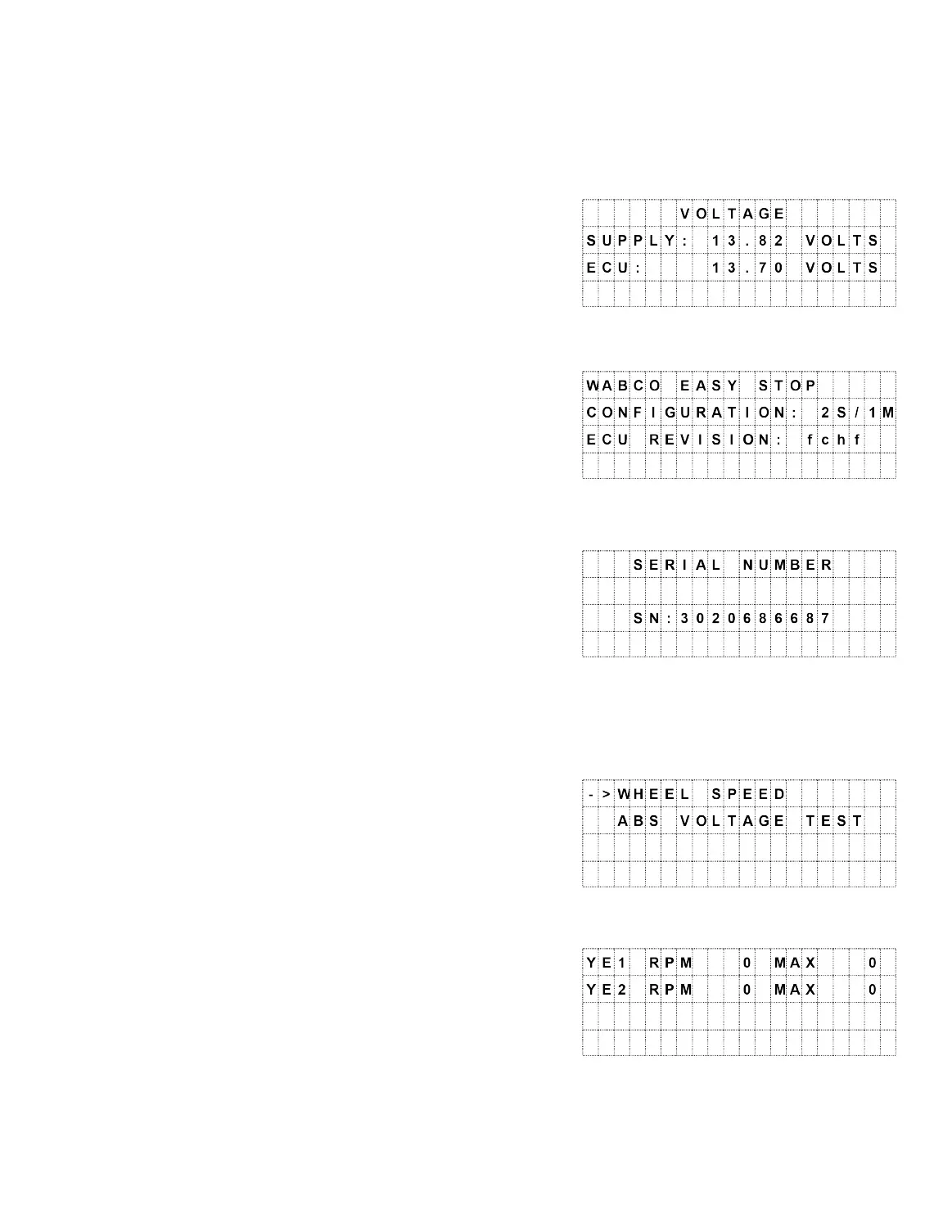
· ECU Voltage
o Press SELECT to display the ECU and
supply voltages.
o The digital display will show both supply
(AUX voltage at the nose plug) and ECU
voltage.
o Press ABS/BACK to return to the menu.
· MFG/Configuration
o Press SELECT to display the ECU
manufacturer, configuration and Rev #.
o Press ABS/BACK to return to the menu.
· Serial Number
o Press SELECT to display the ECU
serial number.
o Press ABS/BACK to return to the
menu.
· Special Functions
o Press SELECT to display the Special
Functions menu.
o Note: Manufacturers may have other
special functions.
o Press SELECT to display the Trailer’s
wheel speed.
o The wheels must be manually spun to
view actual speeds.
o Press ABS/BACK to return to the menu.



 To Next Page