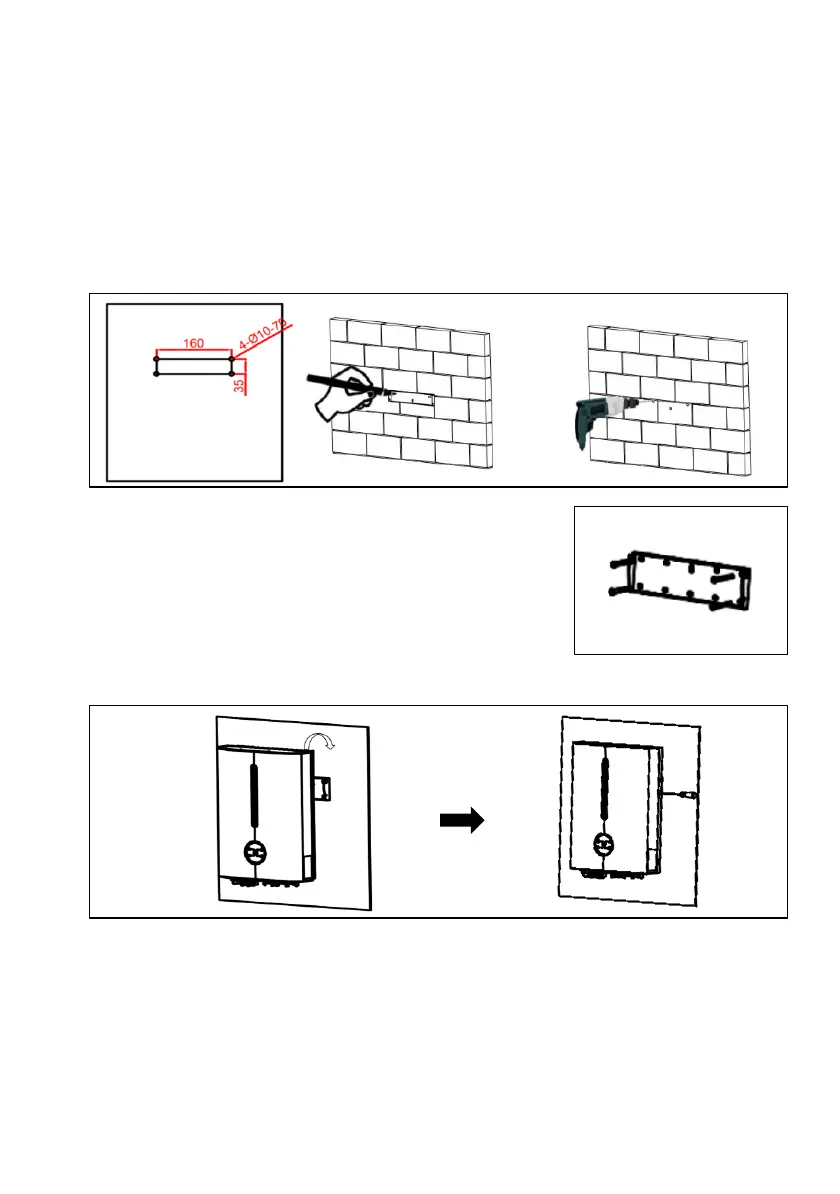
5.2.1 Installing the Inverter (Split Application)
Step1: Drill holes on the wall
• Take out the wall-mounting Bracket from the inverter package.
• Locate the appropriate drilling holes and mark it with a marker pen (Using a digital
level to make sure the bracket is at a horizontal position before installation.)
• Drill holes with driller, make sure the holes are deep enough (at least 70mm) to support
the inverter.
Step 2: Secure the mounting bracket on the wall
• Use expansion bolts or correct wall fixings to attach the
mounting bracket to the wall tightly.
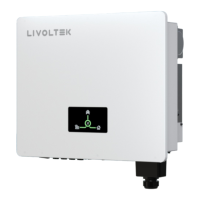
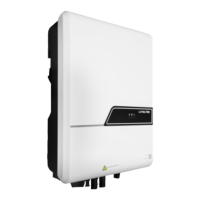
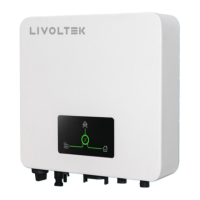
Step 3: Install the inverter on the mounting bracket
• Hang the inverter on the mounting bracket and lock the side with screw.
Step 4: Installation Self-check
• Ensure the inverter is well fixed;
• Ensure DC-switch is switched to OFF.




 To Next Page