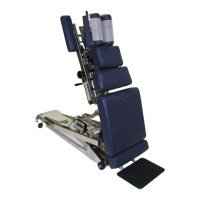
Deluxe Headpiece
To Elevate the Head Cushion
1. The head cushion is assisted by a gas shock in raising the cushion. With a hand supporting the head cush
ion, turn the Elevation Knob (No. 2) on either side of the table upward to unlock.
When the desired height is determined simply release the Elevation Knob (No. 2) to lock.
To Lower the Head Cushion
1. Turn the Elevation Knob upward to unlock. While unlocked push down on the cushion to lower.
When the desired height is determined simply rotate the Elevation Knob (No. 2) down to lock.
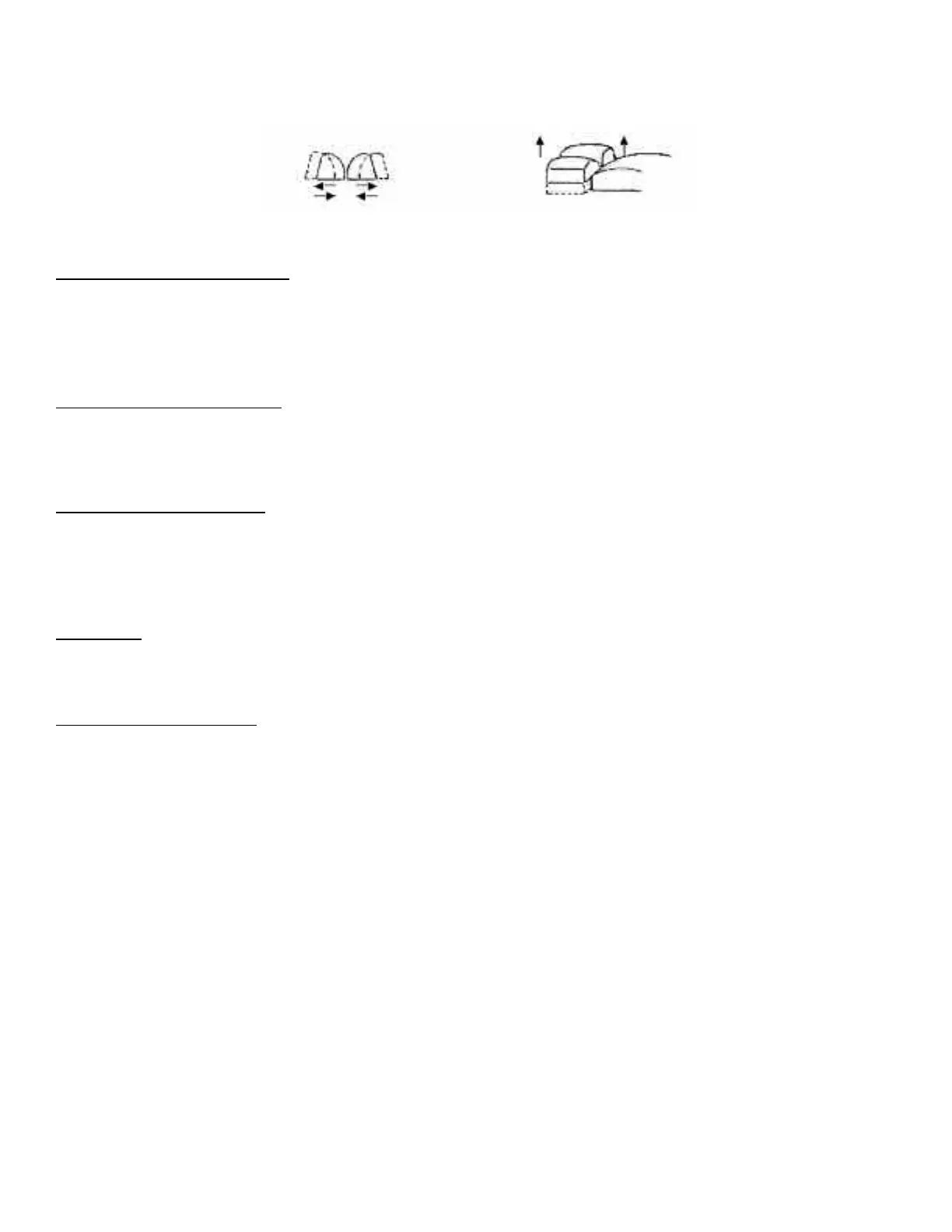
Face Opening Adjustment
1. The Head Cushion’s face opening can be opened or closed to adjust for comfort with the Face
Opening Lever (No. 3). By Pushing slightly down on the Face Opening Lever, slide cushions to adjust
opening. The Face Opening Lever must be released in one of eight positions to lock the cushions in place.
Paper Roll
The paper roll mounts conveniently inside the right-hand cushion.
Replacing the Paper Roll
1. Remove the paper hanger tension rod (No. 4) by compressing ends of the rod horizontally.
This will allow you to slide one end out, to remove the paper roll tube.
2. Slide a new paper roll on the tension rod so that it rolls off the bottom side. Compress the rod
ends horizontally and set inside the head cushion.
3. Swing the Center Bar (No. 5, Page 4) and Outside Cutting Bar (No. 6, Page 4) up. Route paper over the
cushions and down between the two outside cutting bars. Return both bars to their original position.
4. Trim the paper by supporting the paper cutting bar with one hand and pulling the paper up
along the bar’s edge.
Page 5



 To Next Page