LOADRITE SPRINT OPERATORS MANUAL
5
The Loadrite beeps at each lift
and displays the count down from
3. After the third lift, the Ready
screen is displayed and the
screen may look like this.
If it is time to check zero, the
Loadrite will display the Check
Zero message to remind you.
More information about Ready
screen and Check Zero screen
will be covered later in this
manual.
Ready
0
Check
Zero
The Ready Screen
The Ready screen shows the ready status and the short total. The short
total is simply the sum of loads since you last cleared the total.
When the Ready screen is displayed, the Loadrite is ready to weigh.
Ready
3400
The Loadrite is ready to weigh
Current total loaded
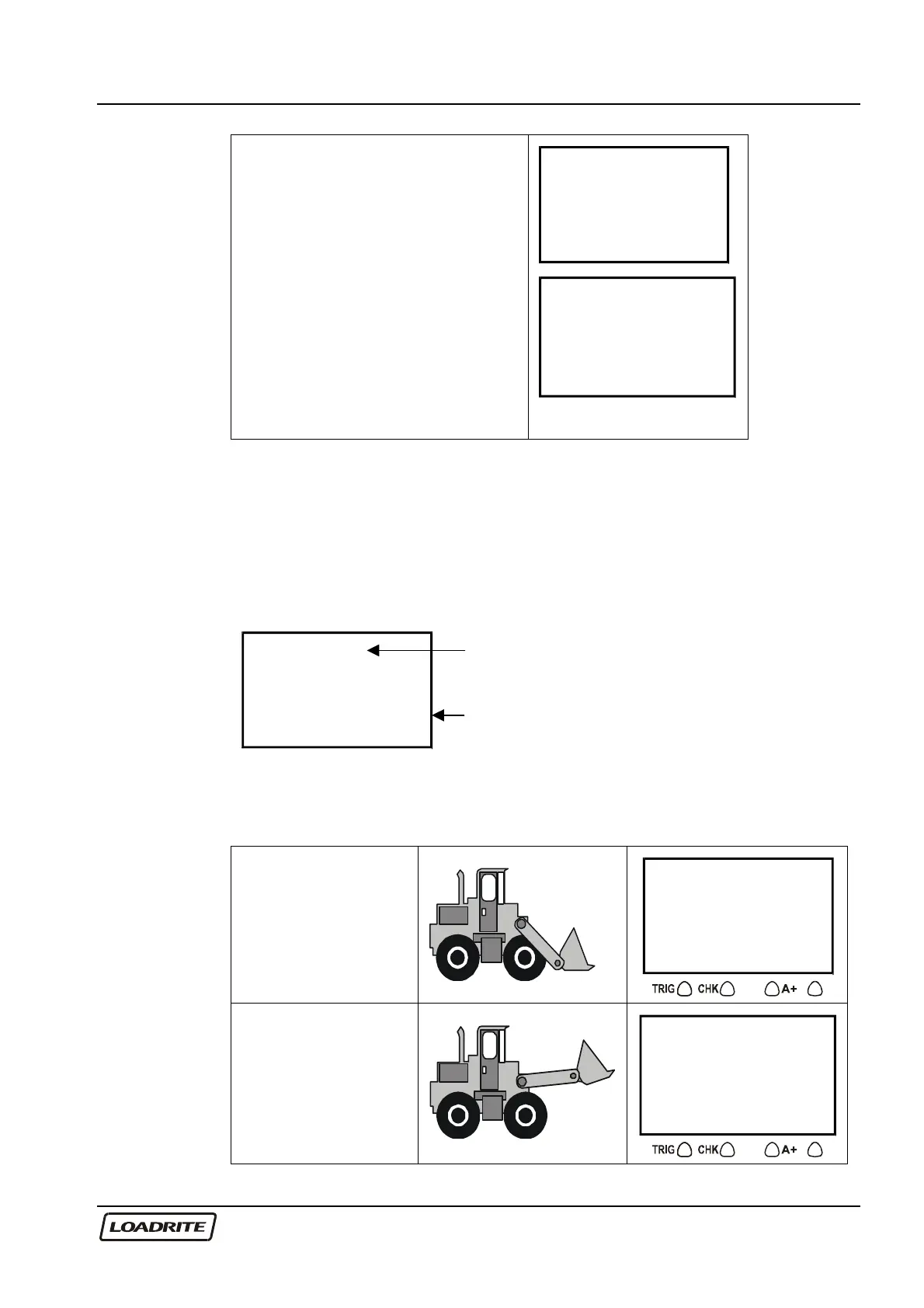
Weighing a Load
(Weights shown are examples only)
Loadrite is ready to
weigh sand.
(Current total 3400)
Ready
3400
Raise the load
smoothly past the
trigger point using
normal engine revs.
The bucket must be
fully rolled back
during weighing.
Weighing
3400



 To Next Page