LOADRITE SPRINT OPERATORS MANUAL
6
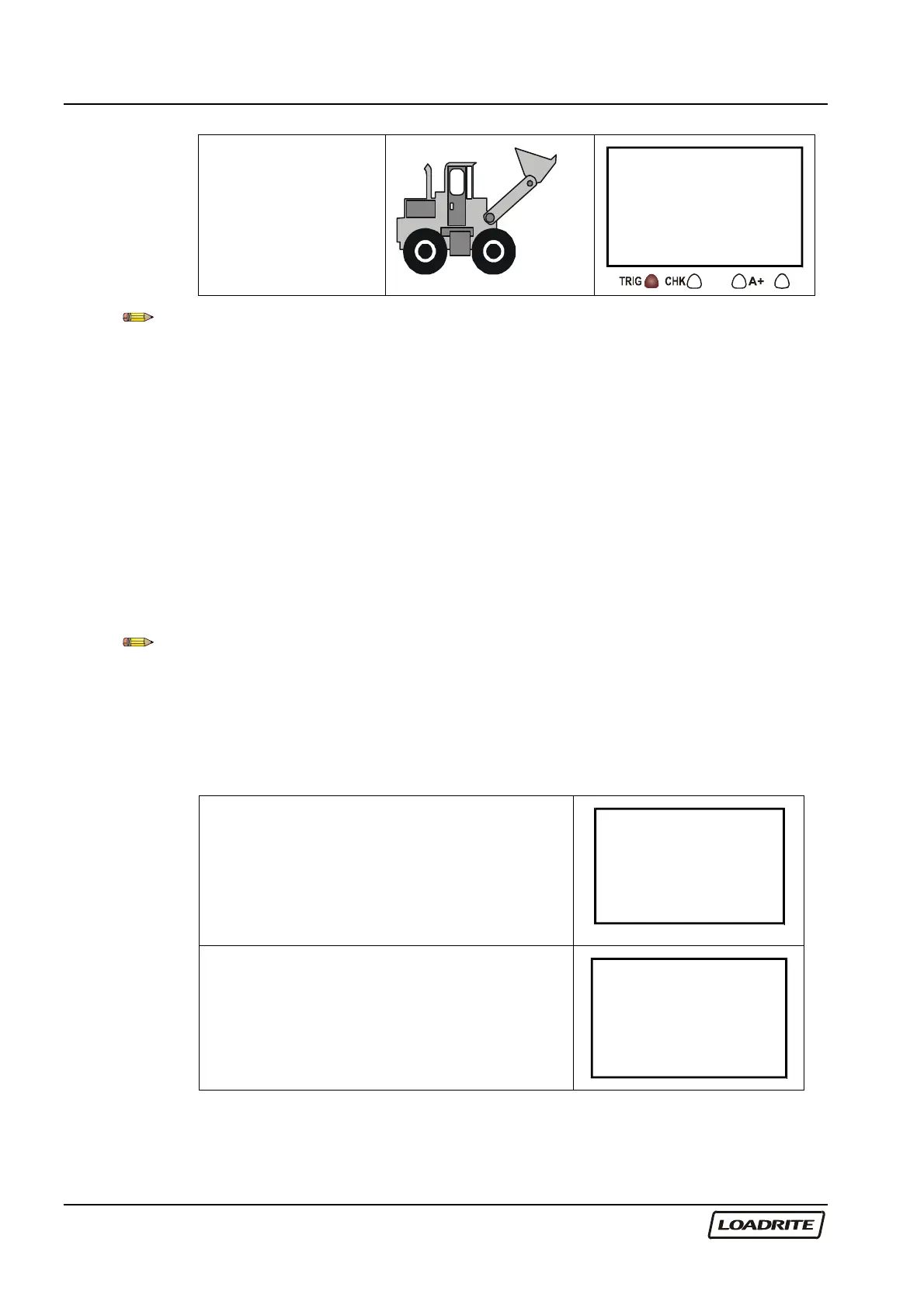
A short time later,
the Loadrite beeps,
turns the TRIG
indicator light on
and displays the
load lifted (2200).
Total
3400
2200
The trigger point is where the trigger activator (e.g. the metal plate in the
optical trigger or the magnet in the magnetic trigger) passes the body of the
trigger.
Static Weigh function
The Loadrite has an option known as ‘Static Weigh’. When this is used, the
weight display is always ‘live’ and no trigger is used.
The ‘Trigger’ light is used to indicate that the weight being measured is
‘stable’ (not changing too much) and therefore can be Added, Subtracted or
Zeroed.
Your Loadrite dealer will have configured the Static Weigh function if
required.
Recall function does not work when in ‘Static Weigh’ mode – refer to page
15.
Adding a Load
(Weights shown are examples only)
Before lifting.
(Current total 5600)
Ready
5600
Raise the load smoothly past the trigger
point using normal engine revs.
The Loadrite beeps and displays the load.
(Weight of load 2200)
Total
5600
2200



 To Next Page