LOADRITE SPRINT OPERATORS MANUAL
32
Appendix i Time and Date
The Loadrite has an internal clock which can be used for inserting the time
and date into printed data.
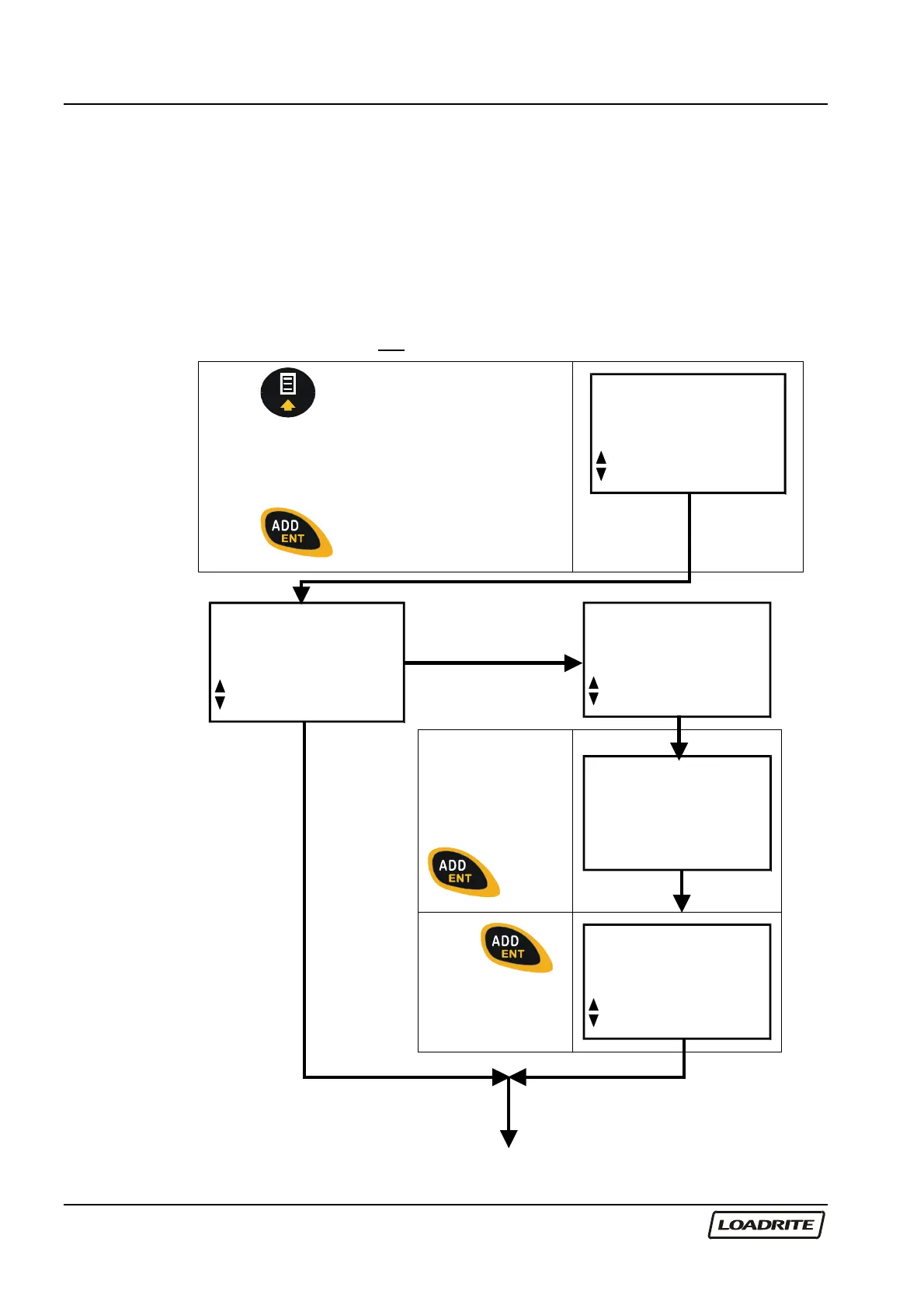
To set the time and date:
You may need an access code from your Loadrite Dealer to be able to set
the clock. This is configured at installation time. A code is needed if the
“Clock” function does not appear on the menu.
Press .
Use
to scroll through to Clock. If not
available, scroll to Setup.
Press
.
Menu
Setup...
Menu
Clock
NO
Menu
Setup...
YES
Enter the
Access code
supplied by your
Loadrite Dealer,
then press
.
Access
Code?
Press
to select the
clock setting
function.
Setup
Clock



 To Next Page