LOADRITE SPRINT OPERATORS MANUAL
33
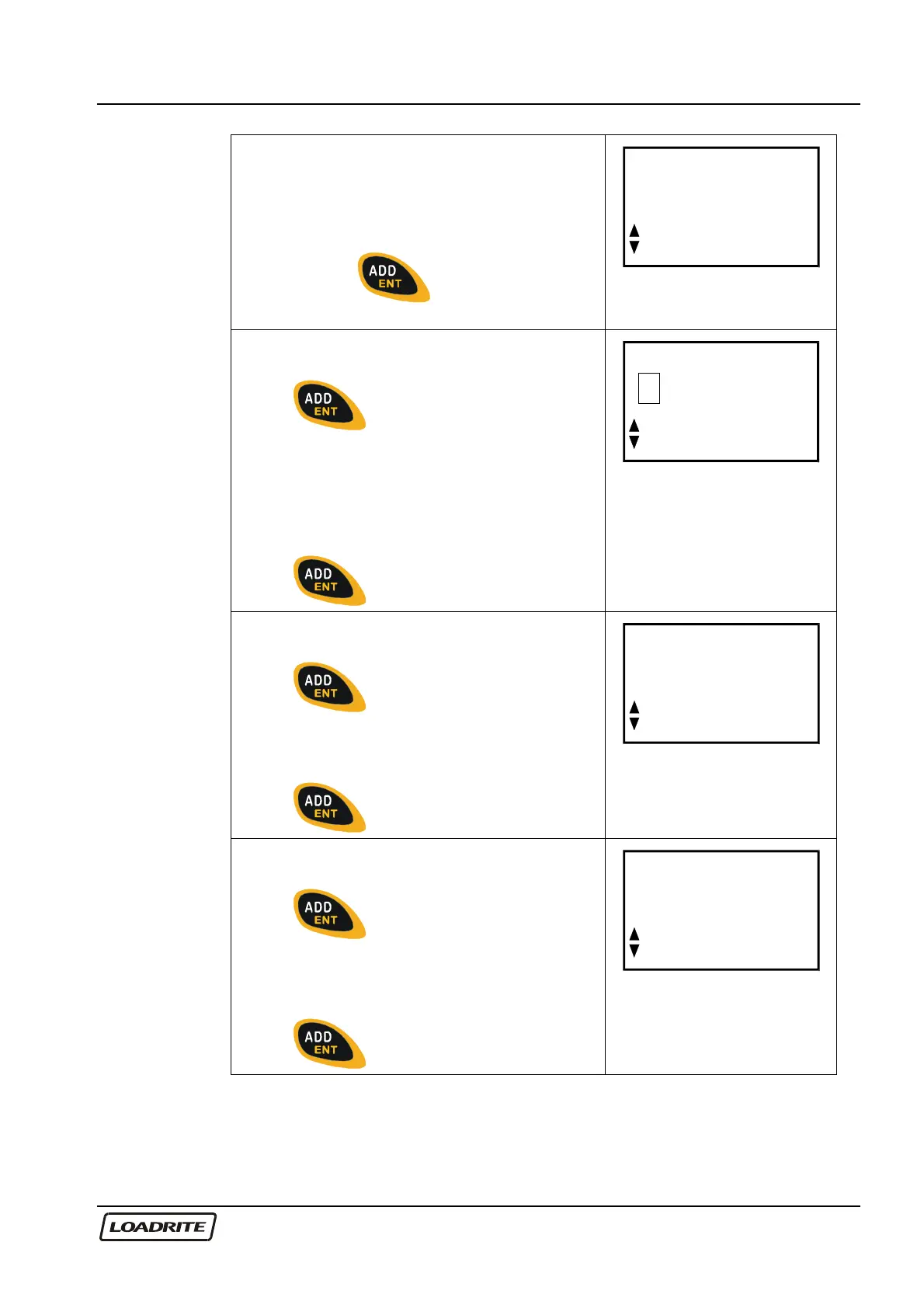
The Loadrite displays the first of the time /
date screens.
You can use to scroll through the
time/ date screens. When on the required
screen, press to change the
setting.
Time
11:31
Time of day screen:
Press to allow editing, a flashing
cursor will appear.
Use to change time and AM/PM
setting if available.
Use to move across different fields.
Press to confirm the new time.
Time
1
1:31
Day and month screen:
Press to allow editing.
Use to change the setting and
to move across different fields.
Press
to confirm the new date.
Date
Oct 18
Year screen:
Press
to allow editing.
Use the to change the setting.
Press to confirm the new year.
Clock
Year
03



 To Next Page