Start-up
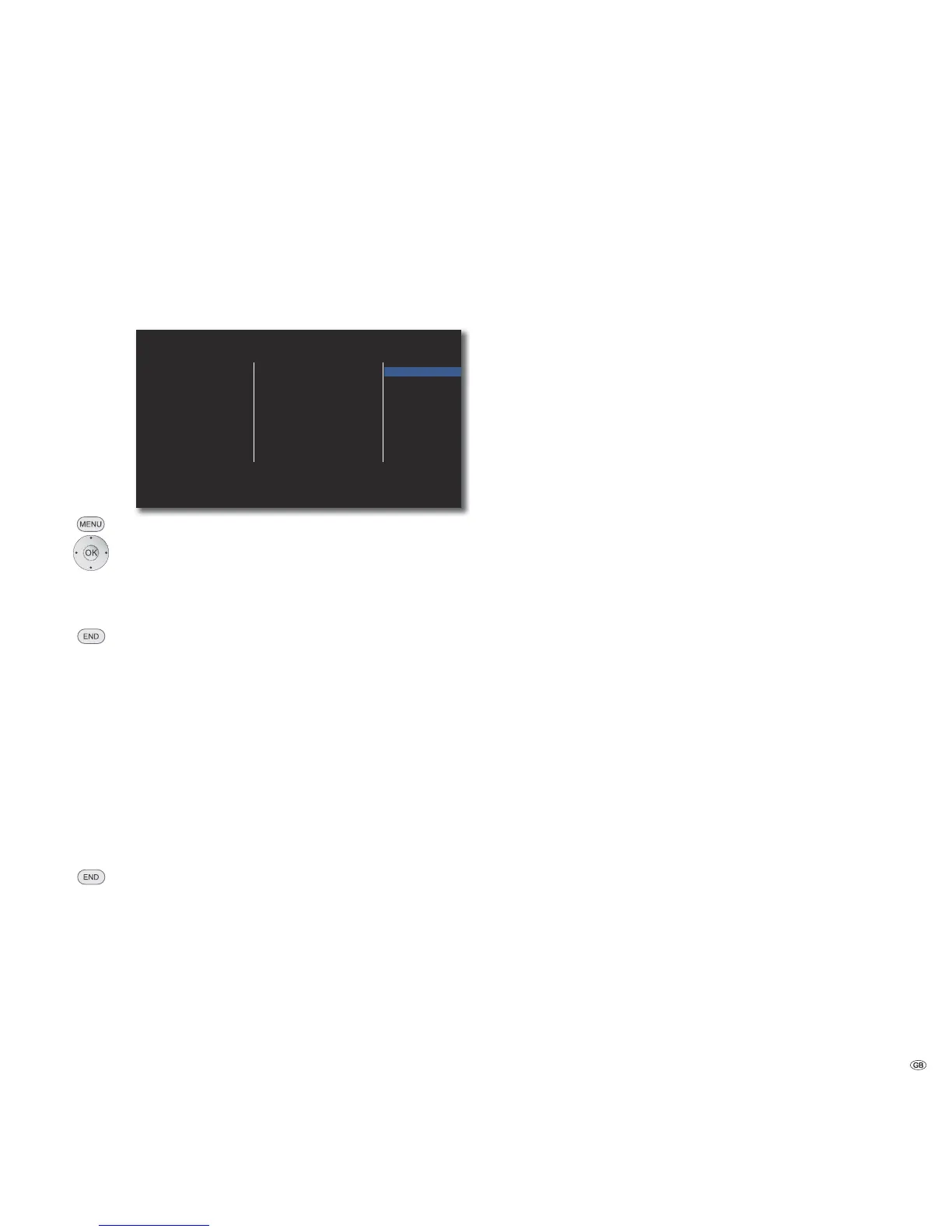
Language Menu
Your BluTechVision Interactive attempts to set the correct menu language
automatically over the HDMI-CEC connection to the same language as that of the
Loewe TV unit. You can also set the desired menu language manually.
Display Menu
Disc Menu
Disc Audio
Disc Subtitle
English
Español
Français
Deutsch
Italiano
Nederlands
DISPLAY
LANGUAGE
AUDIO
LOCK
NETWORK
OTHERS
Call up the Setup menu.
Select option LANGUAGE.
Select the option Display Menu.
Select required language.
Confirm OK.
Close menu.
Disc Languages
Select a language for the menu, the sound and the subtitles of the disc. If you
want to use a language other than the "original" version of the disc, then select
it here if it is available on the disc.
Select option Disc Menu, Disc Audio or Disc Subtitles.
Select required option.
Off Switch off Subtitles on Disc
Original The original language of the disc is selected.
Other Select another language (page 37).
Confirm OK.
Close menu.
15 -


 To Next Page