Start-up
Menu Audio
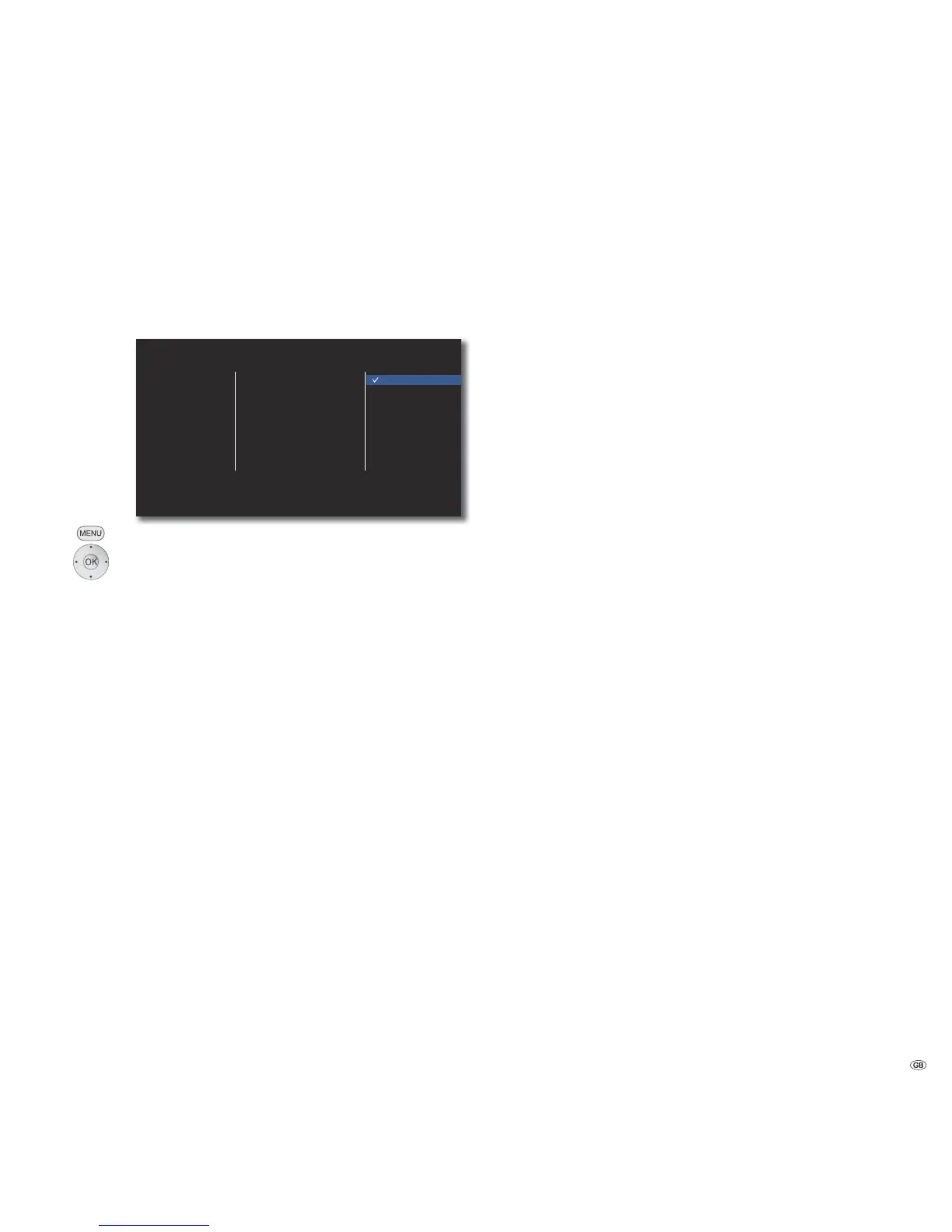
In the AUDIO menu you can make various sound settings.
➠ These settings are automatically imported when the HDMI
socket is used.
HDMI
SPDIF
Sampling Freq.
DRC
PCM Stereo
PCM Multi-Ch
DTS Re-Encode
Primary Pass-Thru
DISPLAY
LANGUAGE
AUDIO
LOCK
NETWORK
OTHERS
Call up the Setup menu.
Select option AUDIO.
HDMI/SPDIF
The digital audio signal, which is outputted from the HDMI OUT or DIGITAL AUDIO
OUT - COAXIAL/OPTICAL (SPDIF) socket (page 6), can be adjusted.
PCM Stereo Select this option if a unit with twin channel stereo
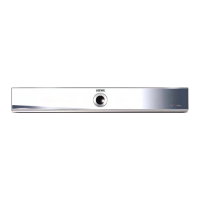
amplifier is connected to the BluTechVision
Interactive
PCM Multi-Ch Select this option if a unit with digital multi-
channel decoder is connected to the BluTechVision
Interactive
DTS Re-Encode Select this option if a unit with DTS decoder is
connected to the BluTechVision Interactive
Primary Pass-Thru Select this option if a unit with Dolby Digital Plus,
Dolby True HD, DTS and DTS HD decoder is connected
to the BluTechVision Interactive.
➠ If the option HDMI is set to PCM Multi-Ch, the audio may,
under certain circumstances, be outputted as PCM stereo
audio if the PCM Multi-Ch information cannot be obtained
from the HDMI unit.
Sampling Freq.
If you use the socket DIGITAL AUDIO OUT - COAXIAL/OPTICAL (SPDIF), you can
set the sampling frequency.
48 KHz Select this option if your connected unit cannot
process 192 KHz or 96 KHz signals. In this selection,
your BluTechVision Interactive automatically
converts 192 KHz and 96 KHz signals into 48 KHz
signals.
96 KHz Select this option if your connected unit cannot
process 192 KHz signals. In this selection, your
BluTechVision Interactive automatically converts
192 KHz signals into 96 KHz signals.
192 KHz Select this option if your connected unit can process
192 KHz signals.
Night Mode ( DRC)
With the setting On you can limit the dynamics (i.e., the difference between the
loudest and the softest sounds). You can therefore also play back a movie with
lower volume differences.
17 -


 To Next Page