Playback of Media Files
Music Files
Playback of Music Files
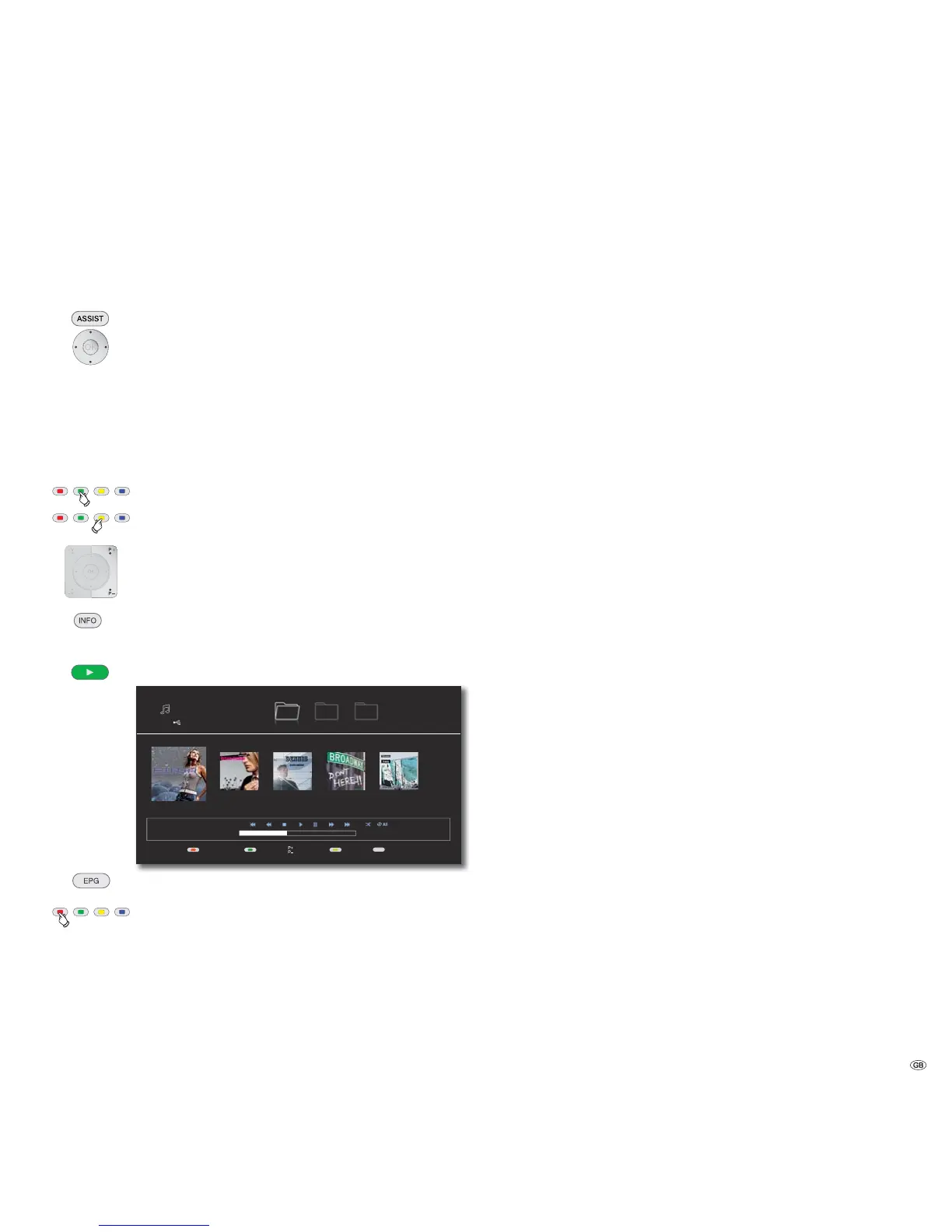
Call up Home Menu.
Select the Option Music in the Home Menu.
Confirm OK.
If both a disc and a USB Storage are available, a selection menu
appears.
Select desired medium.
Confirm OK.
Select file or folder.
Green Button Jump to the start of the list.
Yellow Button Jump to the end of the list.
P+ or P- browse pages forwards/backwards.
Change view.
OK Start playback or change to folder.
Play Start/continue playback.
INFO
S
S
1/5
01:51 / 04:12
USB 15287 MB
Music
FirstScreen off/on LastPages View
Musik Photo Movie
Title1.mp3
04:12
Title1.mp3
Title2.mp3
02:56
Title3.mp3
3:22
Title4.mp3
4:43
Title5.mp3
3:31
Select type of repeat.
Red Button Screen Off/On (from mainframe L271x, software
V9.2 - if applicable a TV software update may be required).
➠ For how to control playback of media files, see Chapter
"Playback in General" (Page 24).
Conditions for Music Files
• Sampling Frequency: between 11 - 48 kHz (MP3), between 8 - 48 kHz (WMA).
• Bit rate: between 8 and 320kbps (MP3 and WMA).
• The maximum number of files and folders is 2000. The search run can take
more than 1 minute.
• File extensions: ".mp3"/".wma".
• CD/DVD/BD format: ISO9660/JOLIET/UDF (Bridge).
• ID3 Tags are not supported.
31 -


 To Next Page