59 -
english
Media
+
Configuration of the built-in LAN adapter
You will see an overview of the current settings for the
selected network adapter (for an explanation of the points,
see right column).
OK Change settings for the network adapter.
Select type of IP configuration.
Manual: Enter your fixed static IP address manually
(see below).
Automatic: Automatic configuration of the IP address
via DHCP server or via multiple protocols
according to UPnP specification (including
DHCP).
OK Proceed.
If manual has been selected under IP configuration:
Enter IP, Subnet mask, Gateway and DNS server
addresses in succession with the numeric keys on
the remote control.
OK Proceed.
You will now see an updated overview of the settings for
the network adapter.
OK End of wizard.
Explanation of the adapter settings:
The current assignment method for the IP address of
your TV set.
Your current IP address.
Your current subnet-mask IP address.
(only for IP configuration manual)
Your manually set gateway IP address.
(only for IP configuration manual)
Your manually set first DNS server IP address.
(only for IP configuration manual)
Your manually set second DNS server IP address.
Indicates the MAC address fixed in the hardware of your
TV set.
OK
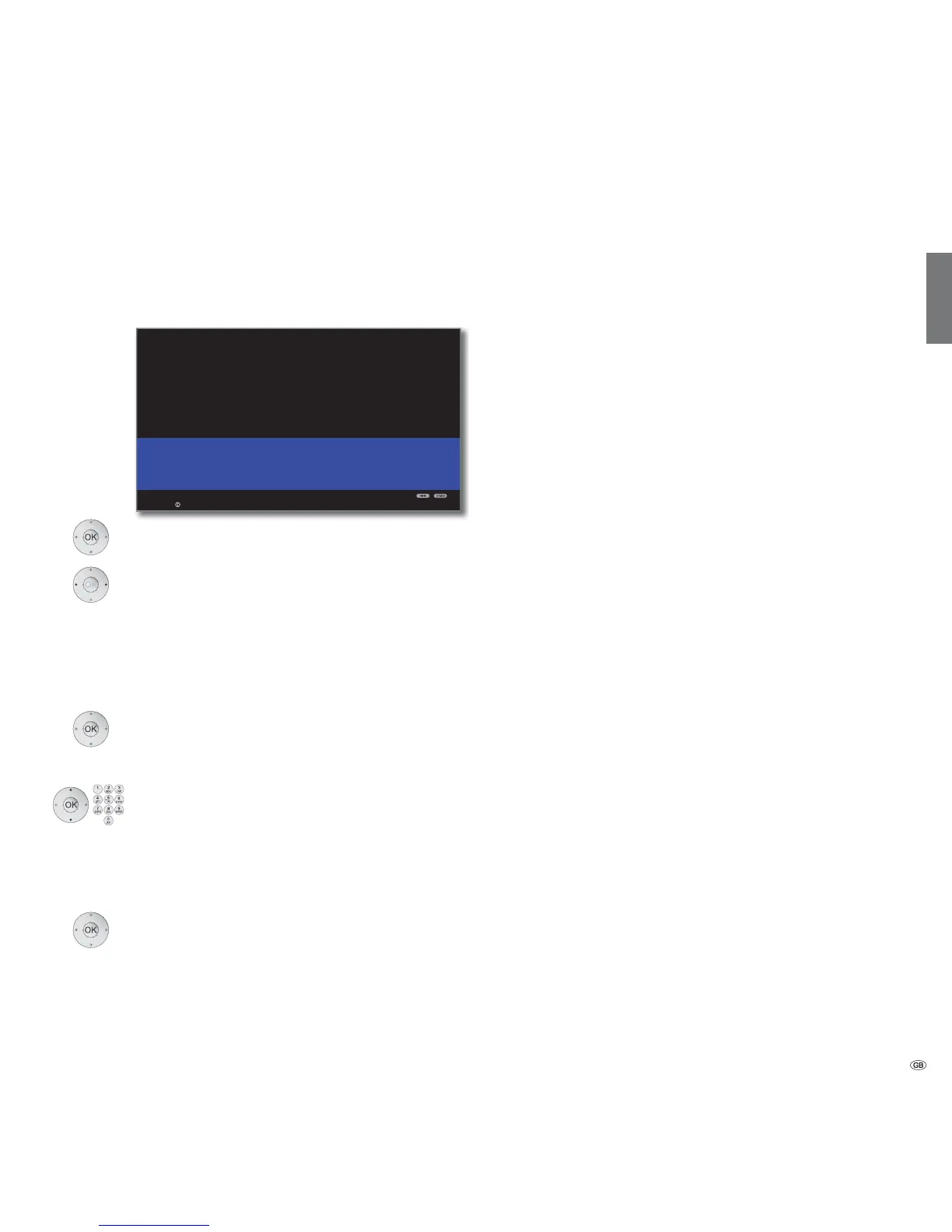
NETWORK WIZARD: WIRED
Current adapter settings:
IP configuration Manual
IP address 192.168.2.123
Subnet mask 255.255.255.0
Gateway 192.168.2.1
DNS server 1 192.168.2.1
DNS server 2 192.168.2.1
Additional adapter data:
MAC address 00:09:82:11:99:11
Change settings
IP
configuration
IP address
Subnet mask
Gateway
DNS server 1
DNS server 2
MAC address










 To Next Page