- 60
english
Media
+
Explanation of the setting possibilities in Network settings menu
(continued)
This menu contains settings which have to be changed
less frequently.
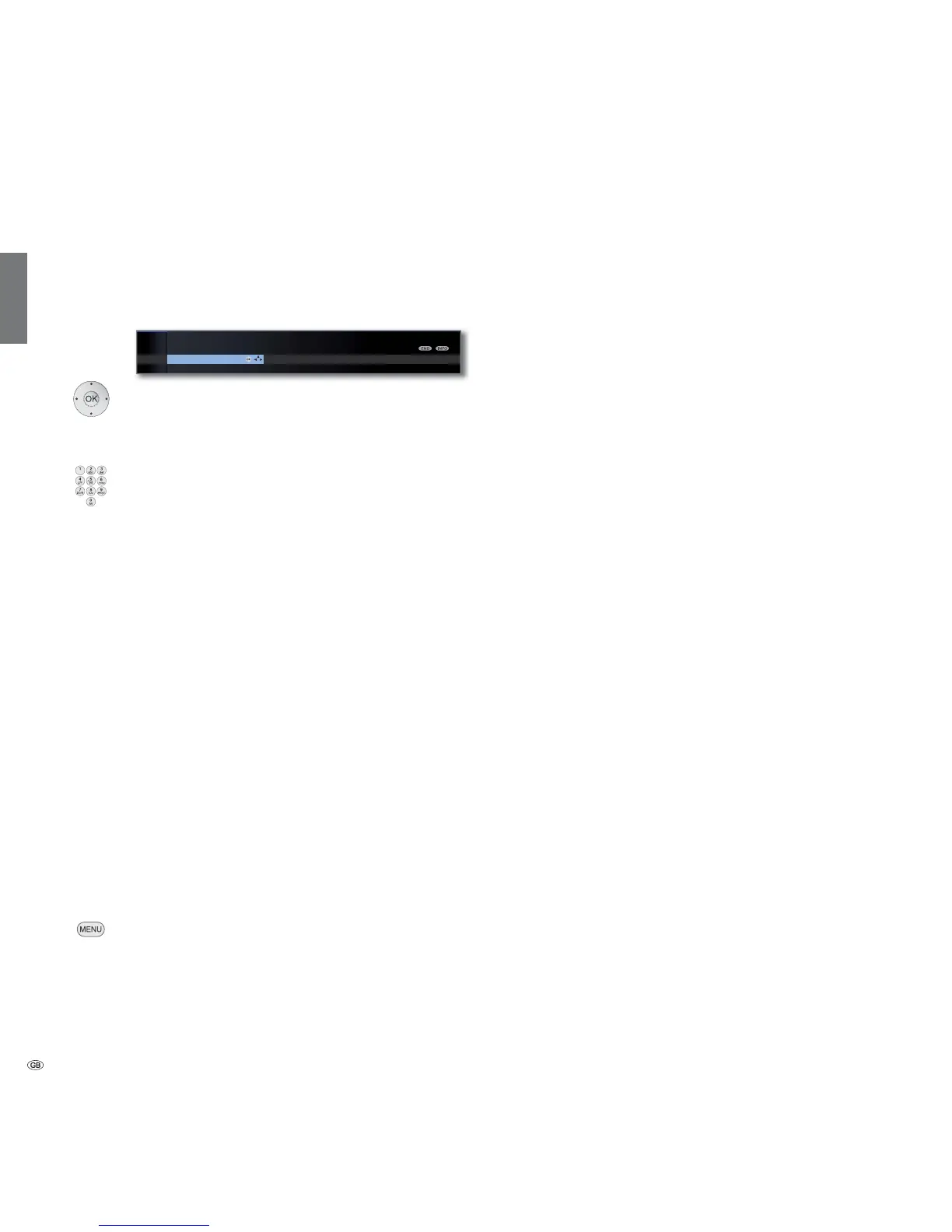
Select Other,
OK call further networking settings.
Select desired setting,
or numeric buttons: Perform changes.
Numeric buttons: Enter characters (procedure same as
Rename stations, see page 42).
Host name: Give your TV set a name so that it can be
uniquely identified in the network.
Use proxy server: Indicate whether your network access
is to be direct or via a proxy server.
➠ A proxy server is not necessary for most home net-
works.
➠ Contact your home network administrator if you are
unclear about the proxy server settings.
Proxy server name:
(only available if Use proxy server
p
yes)
Indicate the name or IP address of the proxy server used.
Proxy port number:
(only available if Use proxy server
p
yes)
Indicate the network port number.
Proxy server requires login:
(only available if Use proxy server
p
yes)
Specify whether your proxy server requires a special login.
User name and Password:
(only available if Proxy server requires login
p
yes)
Enter your login data for the proxy server.
MENU: Quit Other network settings menu.
Other
MEDIA MENU
Network settings
Other Networ










 To Next Page