One 55
User manual
108
Extras
Extras contains additional functions and settings (e.g., Integrated
features, Repeat initial installation, CA module settings).
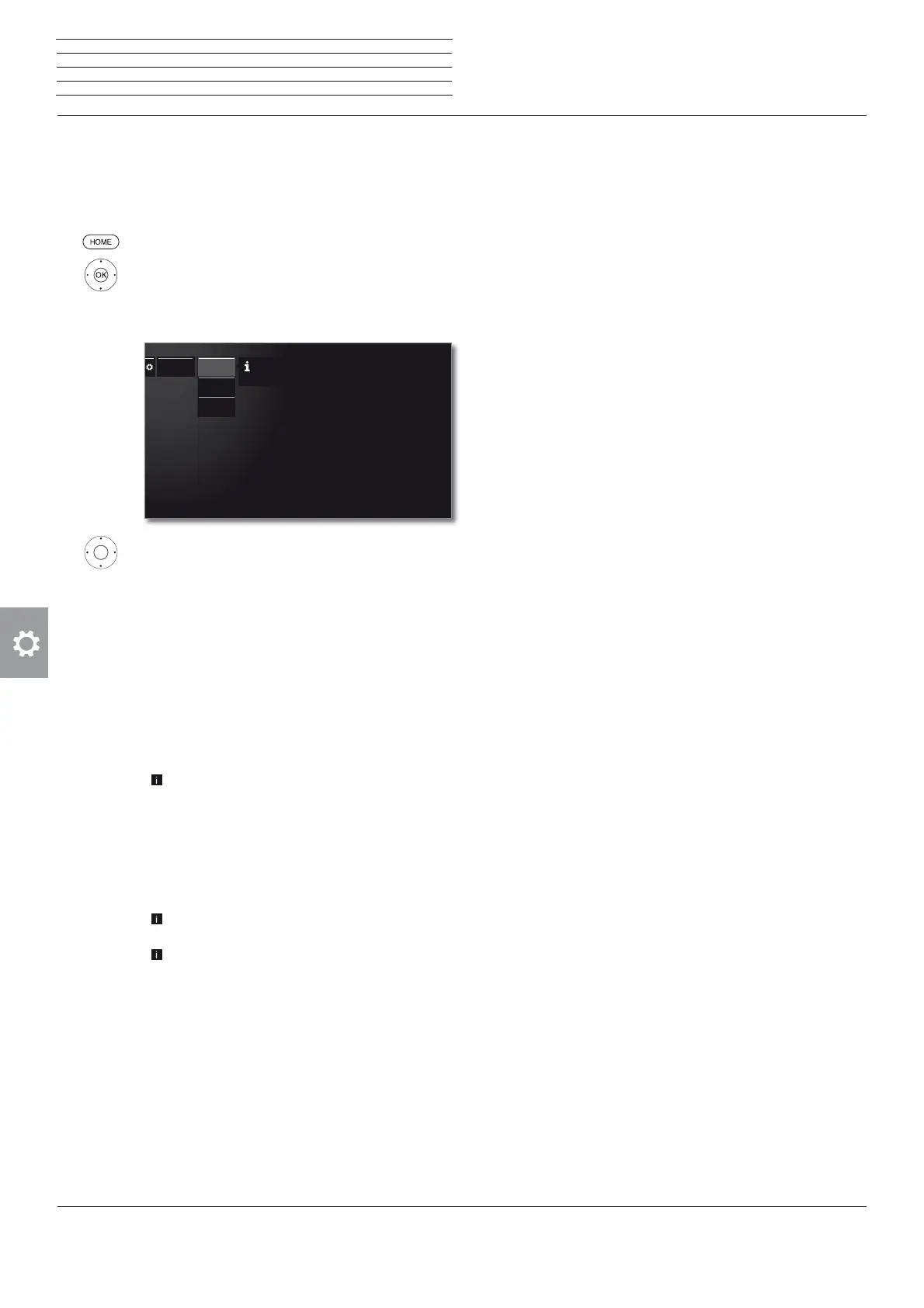
Call Extras
HOME: Call Home view.
Mark System settings,
OK call System settings.
Mark Extras,
go to next column.
Select the desired setting,
call.
Explanation of the subitems of Extras
Integrated
features
Call information on the integrated features of the TV
set (see next page).
Repeat initial
installation
You can repeat the Initial installation again at any
time. You are guided through the various menus
where i.a. an automatic TV/radio station search is
automatically carried out.
Caution: All stored stations and all created personal
lists will be deleted by this!
I If a parental lock is activated, the access
code must be entered before repeating initial
installation.
Reset to
factory
settings
Resetting various settings to their factory defaults
(see next page).
CA module
[Name]
Make settings for your CA modules.
This menu item appears only it at least one CA
module is plugged in.
The exact designation of the menu item and
available subitems depends on your CA module(s).
See chapter System settings, section Extras – CA
module for further information.
Extras
Here you can obtain information on the integrated
features of your TV set.
Repeat ini-
tial installatio
Integrated
features
Reset to
factory settin
System settings
Extras











 To Next Page