One 55
User manual
95
System settings
Control
Standard Teletext
In the Standard Teletext menu you can configure the Teletext.
Call Teletext settings
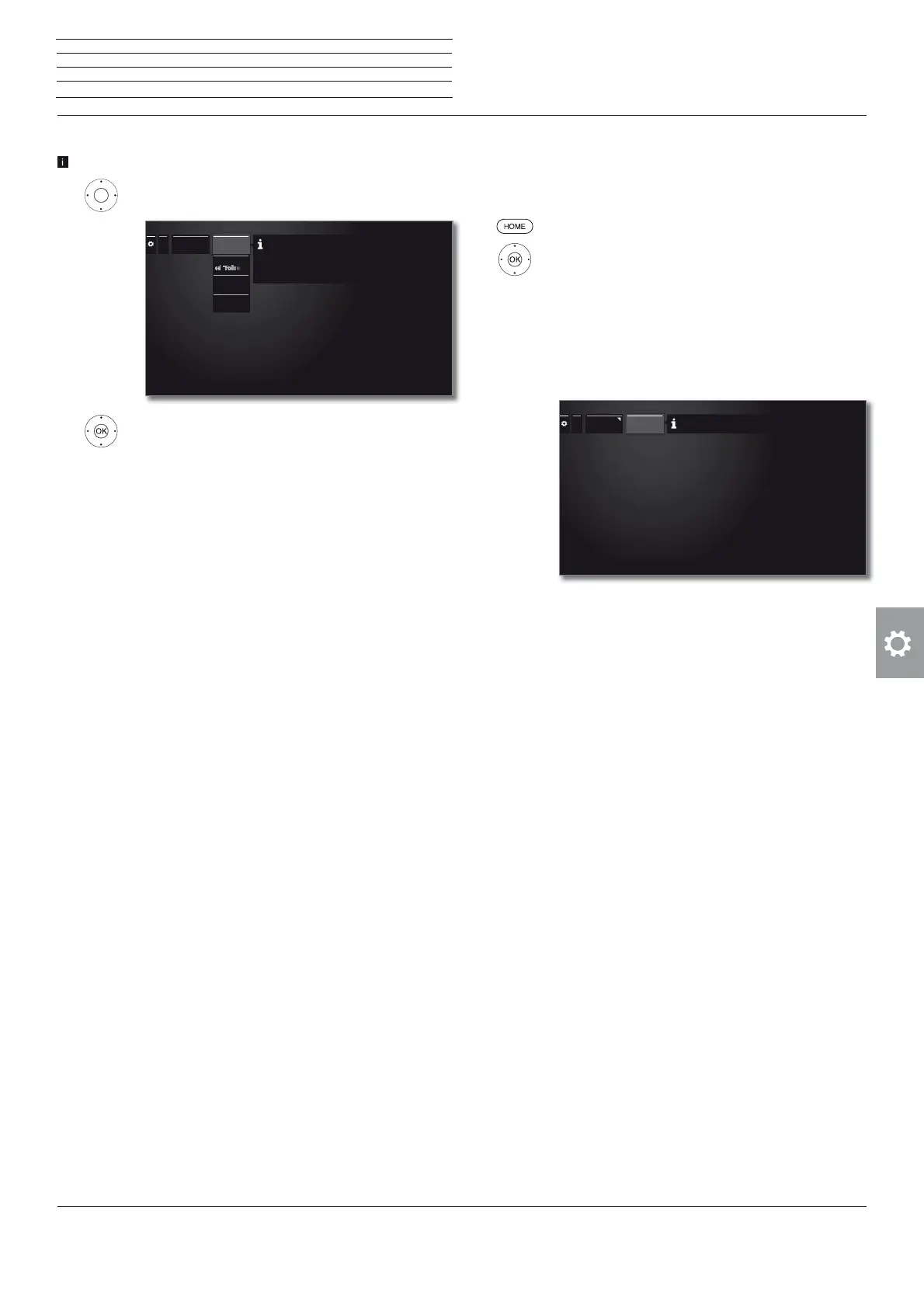
HOME: Call Home view.
Mark System settings,
OK call System settings.
Mark Control,
go to next column.
Mark more ...,
call other settings.
Mark Standard Teletext,
go to next column.
Explanations of the Standard Teletext menu functions:
Character set
Teletext character set can be switched to other lan-
guages (Russian, Greek, Polish and Turkish).
...
Standard
Teletext
Character
set
The programme preview pages and the page for the programme subtitles are
specified here.
Call DR+ streaming settings
The DR+ settings are called (see previous page).
Mark DR+ Streaming,
go to next column.
Mark desired setting,
go to next column.
Make settings,
OK confirm setting.
Explanation of the setting options for DR+ streaming
Also use
other
archives.
Setting yes enables you, via the archive, to also view
recordings from other TV sets that have accessible
movies within the home network (client function).
Notify
started
„Follow me“
recording
Please indicate here whether your TV should provide
automatic notification when a programme is available
for viewing as soon as this has been started as a
„Follow me“ recording on another TV in the network.
DR+ device
group name
Give a name for your TV set group.
Using different group names enables you to group
your TV sets as required. Only TV sets under the
same group name can exchange data.
IP port
number
IP port numbers are preset ex-factory. Under normal
circumstances they do not require amending.
...
DR+
Streaming
Use Archive
other TVs
Notify start-
DR+ device
group name
IP port
number
By selecting "yes" here, you can view films from the DR+
archives of other Loewe TVs that have been set up for this
function, as long as these units have had their DR+ archives
made accessible. Again, this takes place using your home
network.











 To Next Page