EasyManua.ls Logo

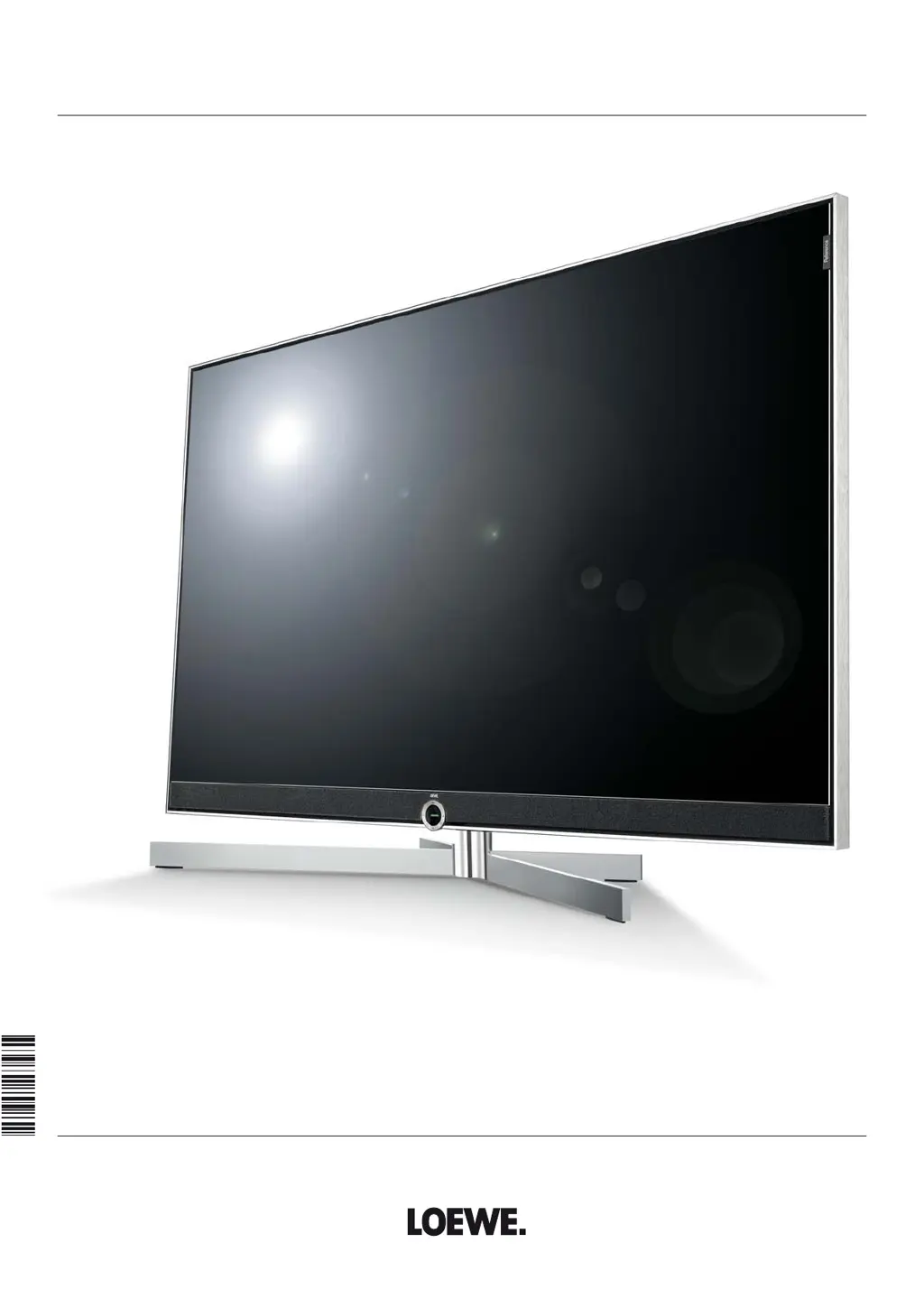
Loewe Reference 85 - User Manual

Loewe Reference 85
162 pages
Print Icon
To Next Page IconTo Next Page
Loading...
TV
Reference
Reference 85
Reference 75
Reference 55
User manual
36506020

Table of Contents

Questions and Answers

  • S
    Sean HowardAug 15, 2025
    How to change the menu language on my Loewe Reference 85?
    • L
      Lisa GordonAug 15, 2025
      If all the menus on your Loewe TV are displayed in the wrong language, it means the menu language was set incorrectly. To fix this, press the HOME key, then navigate to the last menu item (bottom left). Mark the fourth item from above in the following list and move to the next column to the right. Call the first list item with OK. Select the language and confirm it with OK.
  • A
    andersonbarbaraAug 18, 2025
    What to do if WLAN code characters can't be entered on my Loewe Reference 85?
    • M
      Marcus NortonAug 18, 2025
      If characters received in the WLAN code of the wireless router cannot be entered for the network configuration at the TV set, it means that the device does not support all special characters. Change the WLAN key of the router.
  • J
    Jason SanchezAug 21, 2025
    Why is there no sound from my Loewe Reference 85 via the external digital audio amplifier?
    • D
      Dr. David ParksAug 21, 2025
      If you are not getting any sound through your external digital audio amplifier, there could be a couple of reasons: * The external digital audio amplifier may not support the selected sound format (Dolby Digital, dts, MPEG). In this case, set PCM stereo on the DVD player in the sound selection. For DVB stations, switch Language/Sound. * The TV and external digital audio amplifier might not be properly connected. Connect SPDIF OUT from the TV to a digital input of the external digital audio amplifier and select the appropriate input.
  • M
    Max RichardsAug 25, 2025
    What to do if I have general problems connecting external devices via AV input on my Loewe Reference 85?
    • R
      Ryan MillsAug 26, 2025
      If you're experiencing general problems when connecting external devices to your Loewe TV via an AV input, it might be due to an incorrect signal type setting. To resolve this, set the correct signal type in System settings ? Connections ? AV connection settings ? Signal type. If AV standard or Signal type is set to 'Automatic' then this can lead to false detections with non-standard signals. In this case standard and signal must be set according to the information in the operating manual of the external device.
  • C
    Cindy Bartlett PhDAug 28, 2025
    Why is there no sound on my Loewe TV when playing video or music files?
    • J
      Joshua ThomasAug 28, 2025
      If you cannot hear sound despite playing a video or music file on your Loewe TV, there are a couple of potential causes: * The TV might be muted, or the volume might be set too low. Try increasing the volume by pressing the V+ key on the remote control for a longer time to cancel any mute setting. * An audio device that does not exist or that is not connected might be registered under System settings ? Connections ? Sound components (e.g., HiFi/AV amplifier). Connect the audio device and switch it on. In the Sound components wizard, change back to TV speakers.
  • H
    Heather Hopkins DDSAug 31, 2025
    Why isn't my Loewe TV finding any wireless routers?
    • D
      Debra SmithAug 31, 2025
      If your Loewe TV is not finding any wireless routers when searching, it could be that the router is not ready for wireless communication. Check your wireless router and try to make the connection again a few minutes later.
  • K
    Kristen SmithSep 4, 2025
    How to fix incorrect characters in Teletext on my Loewe Reference 85?
    • G
      Gabriel FisherSep 4, 2025
      If various characters are displayed incorrectly in Teletext on your Loewe TV, the wrong character set has likely been set in the System settings. To correct this, go to System settings ? Control ? more ... ? Standard Teletext ? Character set ? Standard or select the appropriate character set.
  • R
    Roberto SmithSep 7, 2025
    What to do if errors occurred when running a CA module on my Loewe Reference 85?
    • D
      dawn54Sep 7, 2025
      To resolve errors that occurred when running a CA module on your Loewe TV: 1. Switch the TV off. 2. Remove the CA-module from the TV. 3. Wait a few seconds. 4. Reinsert the CA module. 5. Switch the TV on again.
  • D
    Diane AndrewsSep 12, 2025
    How to fix no IP address issued to my Loewe TV?
    • B
      Brianna JacobsSep 12, 2025
      To fix the problem when no IP address is issued to your Loewe TV, set up a DHCP server or assign the IP addresses for the TV set manually.

Loewe Reference 85 Specifications

General IconGeneral
Screen Size85 inches
Resolution4K UHD (3840 x 2160)
Display TechnologyOLED
Smart TVYes
HDMI Ports4
USB Ports3
Wi-FiYes
BluetoothYes
EthernetYes
ProcessorQuad-Core
RAM3 GB
Storage16 GB
Built-in SpeakersYes
Integrated SoundbarYes
HDR SupportHDR10, Dolby Vision, HLG
Smart TV PlatformLoewe
Speaker TypeIntegrated

Related product manuals