Fieldbook) E1) User’s) Guide)
31
2.2.2. Connecting a power supply
The AC adapter provides power to the system and charges the internal
battery at the same time. The AC adapter has an auto-switching design
that can connect to any 100VAC ~ 240VAC power outlet.
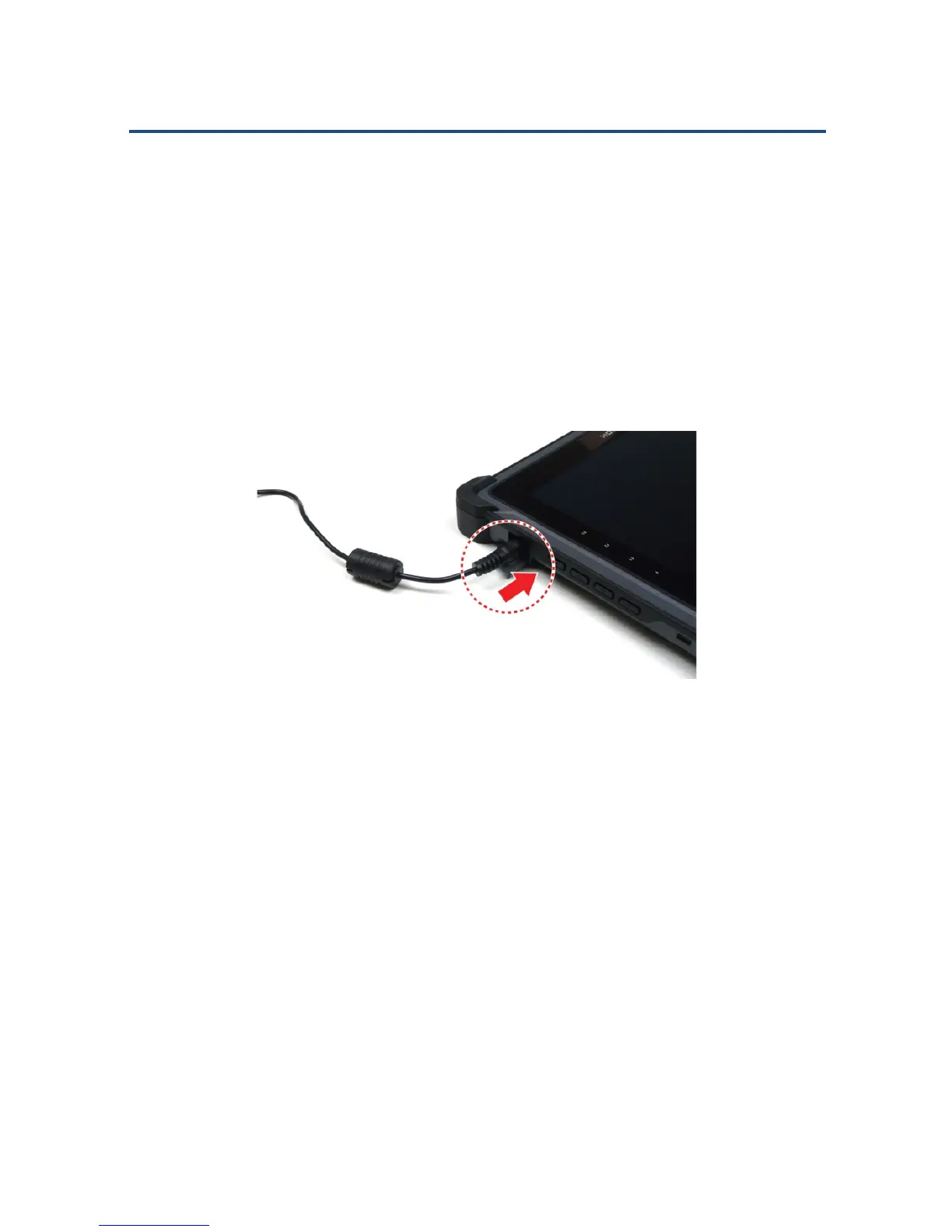
To connect the tablet to a power outlet:
1. Plug the AC adapter connector to the DC-jack socket.
Plugging in the AC Adapter Connector
2. Plug the power cord to the AC adapter.
3. Plug the other end of the power cord to a live wall outlet. The Power
LED on the front panel lights up.
NOTE: Make sure to use only the AC adapter and power cord that came
with the device, or one that is recommended and approved by the
manufacturer.
WARNING: Make sure the socket and any extension cord(s) you use can
support the total current load of all the connected devices.



 To Next Page