Fieldbook) E1) User’s) Guide)
54
3.3.2. Volume
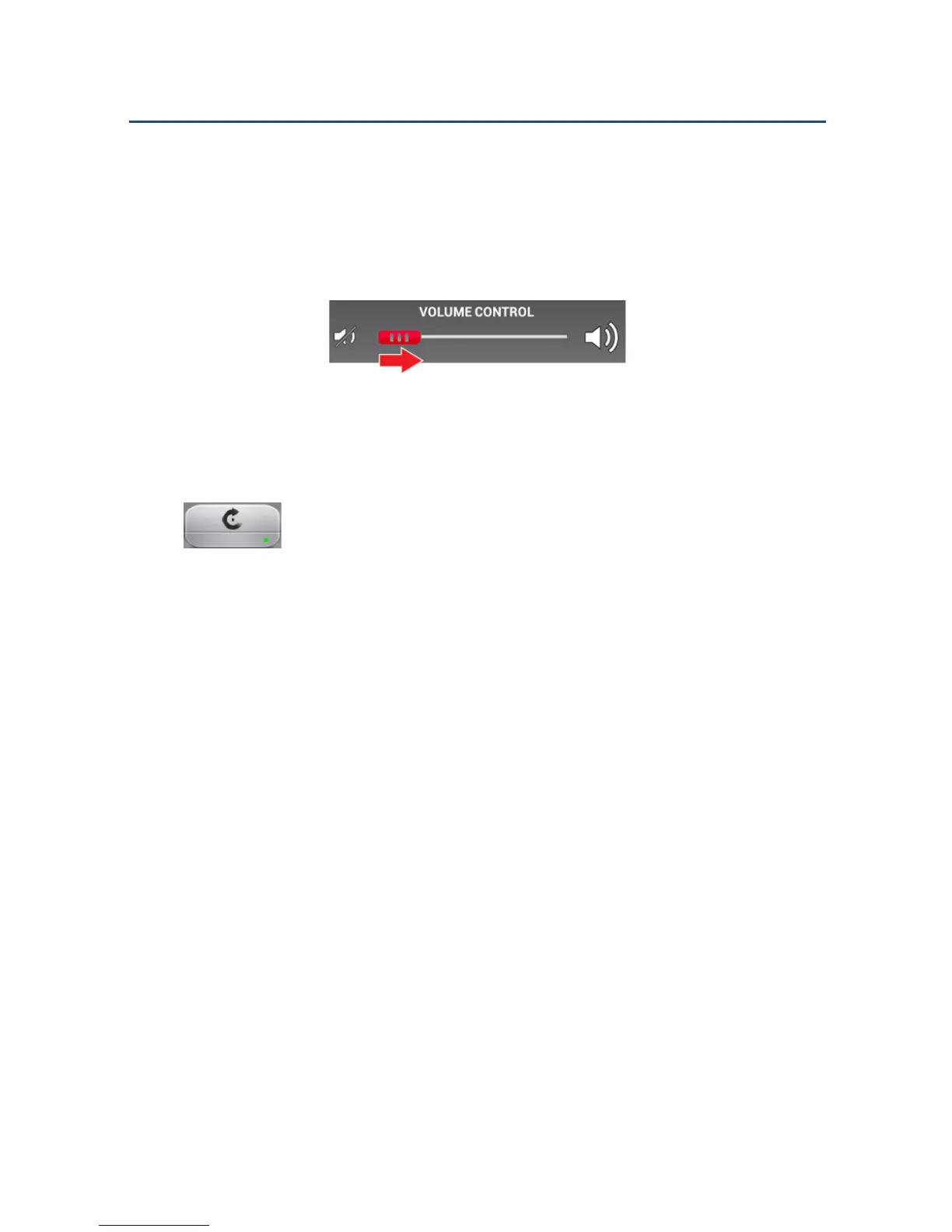
To adjust the volume:
Slide the controller to the left or right, according to your desired level.
Adjusting the Volume
3.3.3. Auto-Rotation
Tap this icon to activate or deactivate auto-rotation. A green dot
appears at the bottom right corner of the icon to indicate that this function is
activated. A red dot indicates that this function is deactivated.



 To Next Page