Fieldbook) E1) User’s) Guide)
58
3.4. Administrator Menu
Go to the Administrator Menu to change default device settings, rename
profiles, set an administrator password, and change the mapping of
programmable function keys.
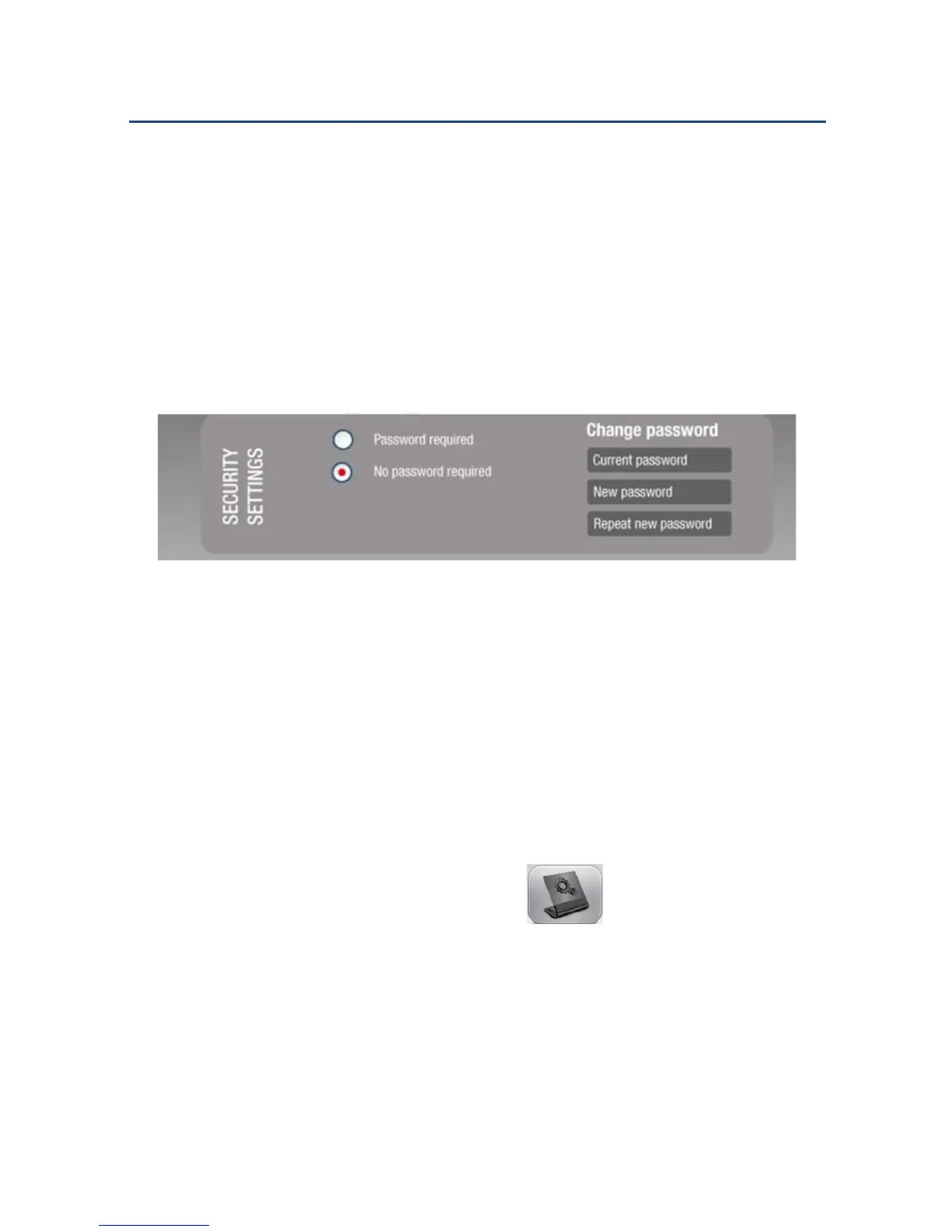
NOTE: No password is required the first time FieldControl is used.
Default Security Setting
For subsequent uses, the administrator may set a password to prevent
users from modifying settings. Contact your system administrator if you
need to access the Administrator Menu page.
3.4.1. Accessing the Administrator Menu
To access the Administrator Menu:
1. From the FieldControl main page, tap .
2. If the Administrator Menu is password-protected, you will be prompted
to key in the password.
NOTE: If you do not have the password, contact your system administrator
if you think you should have access to the Administrator Menu.



 To Next Page