Fieldbook) E1) User’s) Guide)
53
3.3. Main Page Function Controls
3.3.1. Brightness
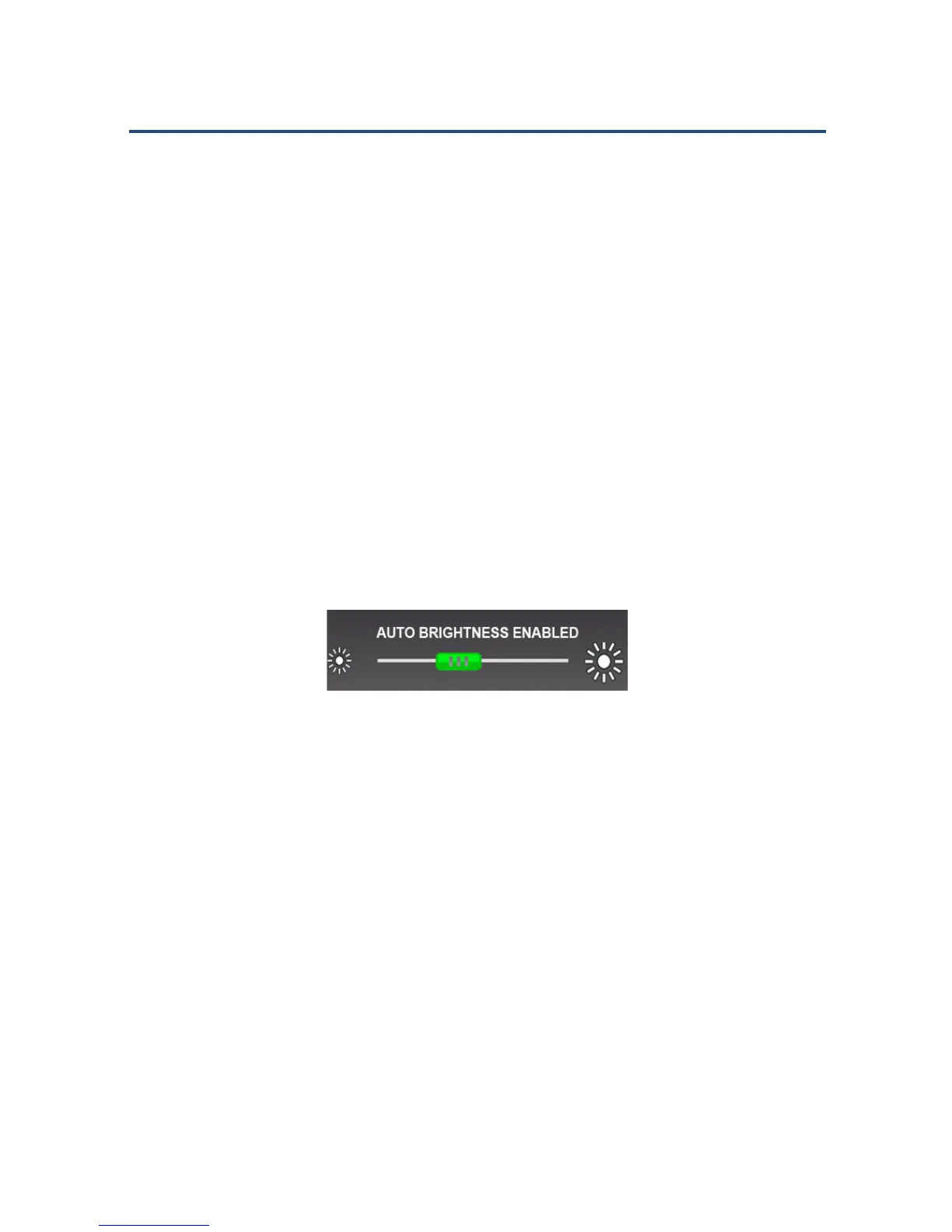
You can manually adjust the brightness of the display, or enable AUTO
BRIGHTNESS to use the factory default setting.
To enable/disable AUTO BRIGHTNESS:
Tap the controller (the button on the slider) to toggle auto and manual
controls.
! Green – indicates that AUTO BRIGHTNESS is enabled.
! Red – indicates that you can set the brightness level manually.
AUTO BRIGHTNESS Enabled
To adjust the brightness manually:
1. Make sure that AUTO BRIGHTNESS is disabled.
2. Slide the controller to the left or right, according to your desired level.



 To Next Page