Fieldbook) E1) User’s) Guide)
52
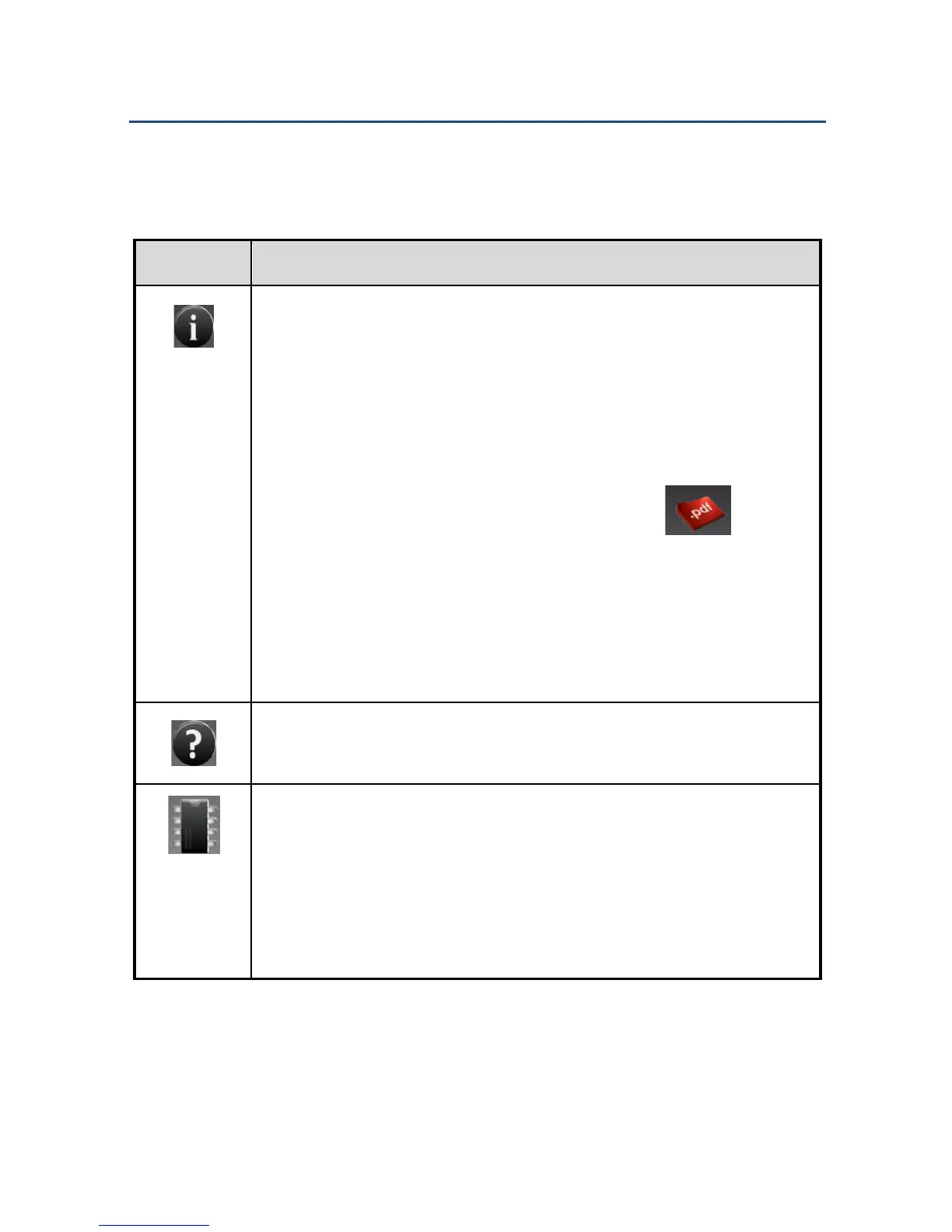
The right section provides easy access to key information. Tap an icon to
display its contents.
Shows information on the following:
• The current key mapping for the programmable function
keys.
• How to activate/deactivate Stealth mode.
• How to change the key mapping.
• A link to the Fieldbook E1 manual. Tap to open
the manual.
NOTE: Acrobat Reader is required to view the PDF file. If it is
not installed, you will be prompted to download it from Adobe
Acrobat Reader download page.
Shows Help information on how to enable and disable the
functions found on the left section of the FieldControl screen.
Shows information on the following:
• Device name, device number, Android version,
FieldControl version, Manufacturer, and an email
address for service support.
• Battery status.



 To Next Page