Fieldbook) E1) User’s) Guide)
64
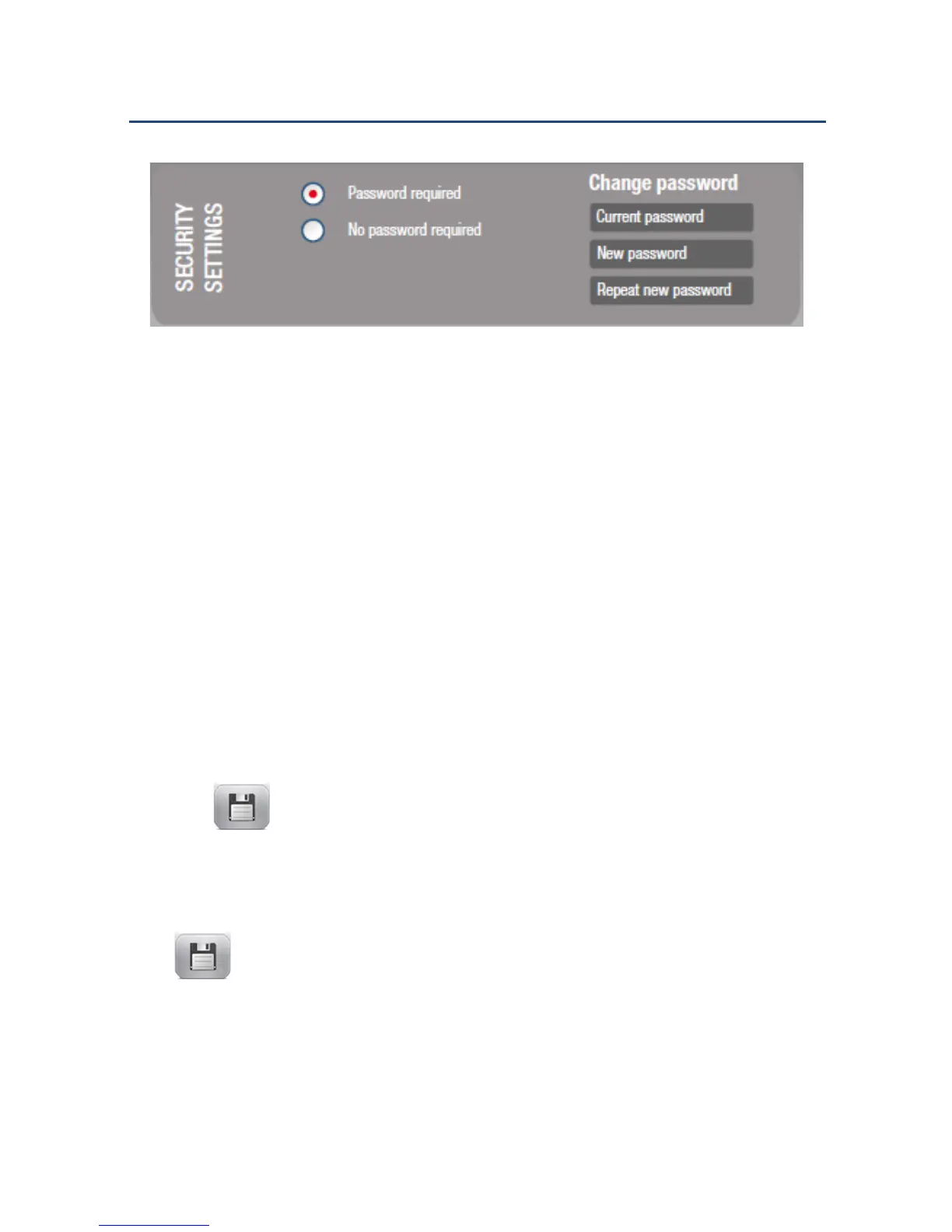
Security Settings
The following options are available:
! Password required – A password to enter the Administrator Menu is
required. Set or change the password using the password fields on the
right.
NOTE: No password is required the first time FieldControl is used.
! No password required – Password protection is disabled.
Setting or Changing the Password
1. To set the password for the first time, type “admin” at the prompt, then
tap .
2. To change the password, type the current password or maintenance
password, the new password, and then retype the new password. Tap
to apply new password.
NOTE: If the repeated password is not the same as the new password, you
will be prompted to type it again.



 To Next Page