Fieldbook) E1) User’s) Guide)
34
2.2.3. Insert a SIM Card
The SIM card stores your phone number, your contact’s information, and
saved messages.
NOTE: Internet access may incur fees. Contact your service provider for
details.
NOTE: This device requires a micro SIM card.
WARNING: Remove all power from the device before installing or
removing the SIM card.
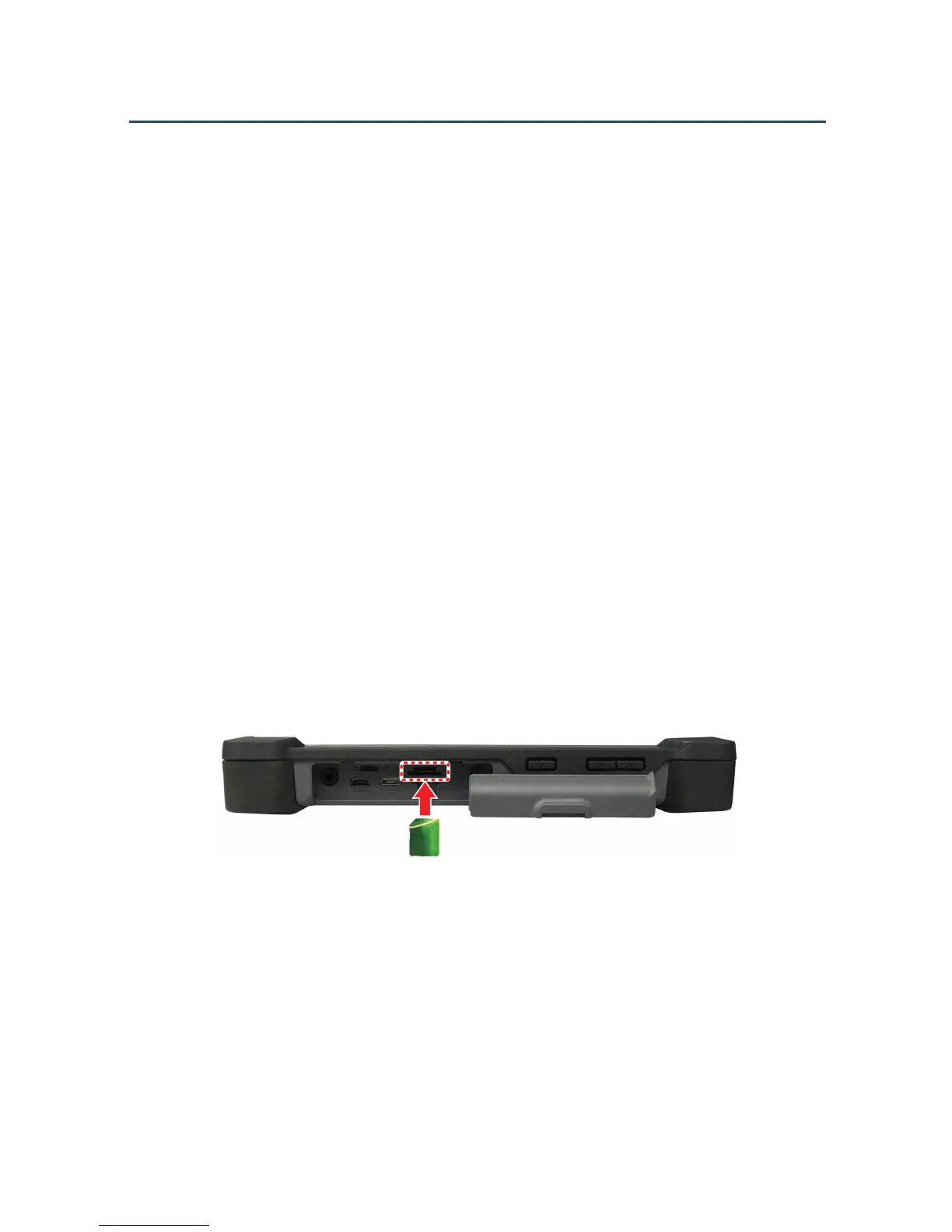
To insert a SIM card:
1. Open the I/O ports door.
2. Insert the SIM card into the SIM card slot with the cut-off corner going
in first, and the gold contacts facing down.
3. Push the SIM card all the way until it is flush into the SIM card slot.
Inserting a SIM Card



 To Next Page