Fieldbook) E1) User’s) Guide)
36
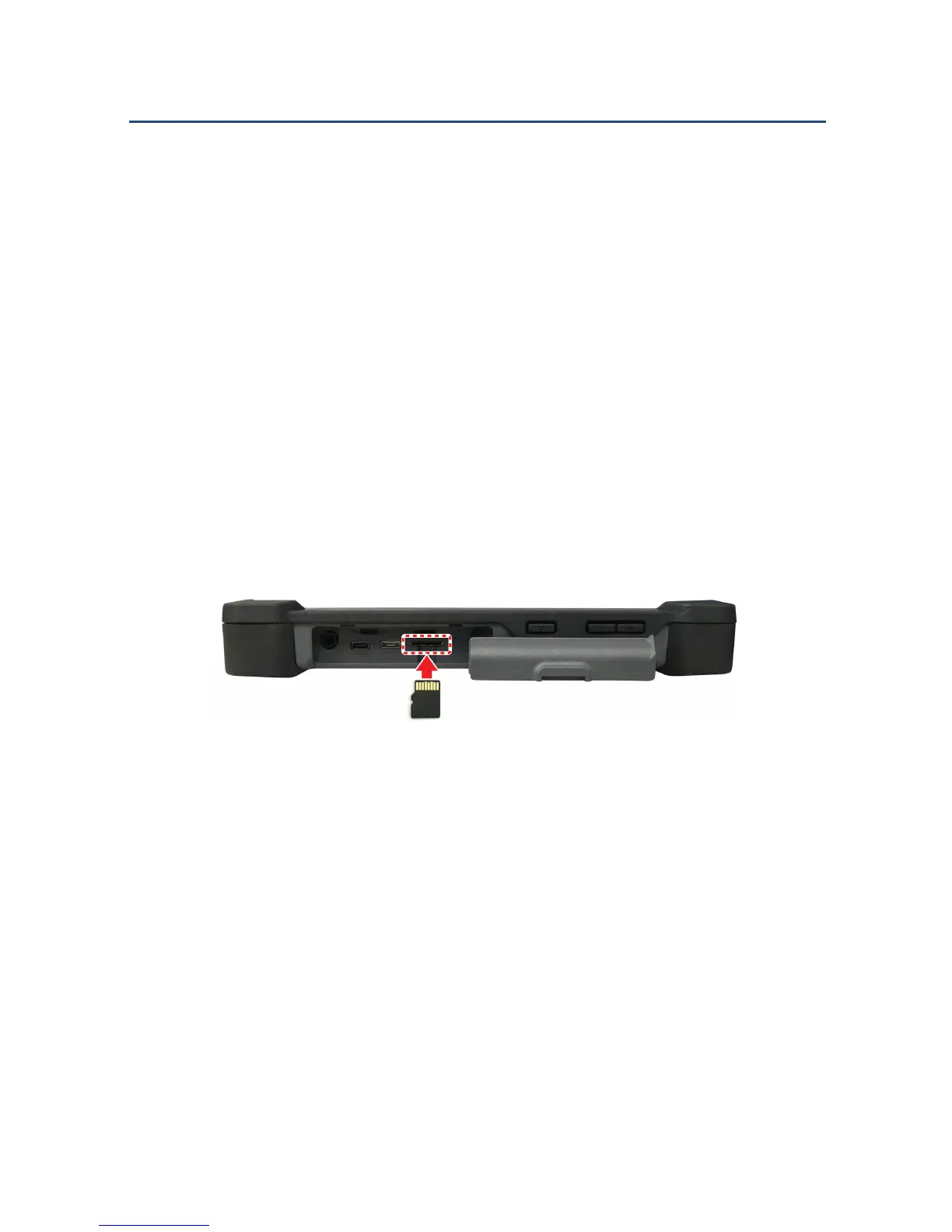
2.2.4. Insert a Micro SD Card
Use a micro SD card to store photos, music, videos and other files.
WARNING: Remove all power from the device before installing or
removing a micro SD card.
To insert a micro SD card:
1. Open the I/O ports door.
2. Insert the micro SD card into the micro SD card slot with the gold
contacts facing up.
3. Push the micro SD card all the way until it is flush into the micro SD
card slot.
Inserting a micro SD Card



 To Next Page