Fieldbook) E1) User’s) Guide)
43
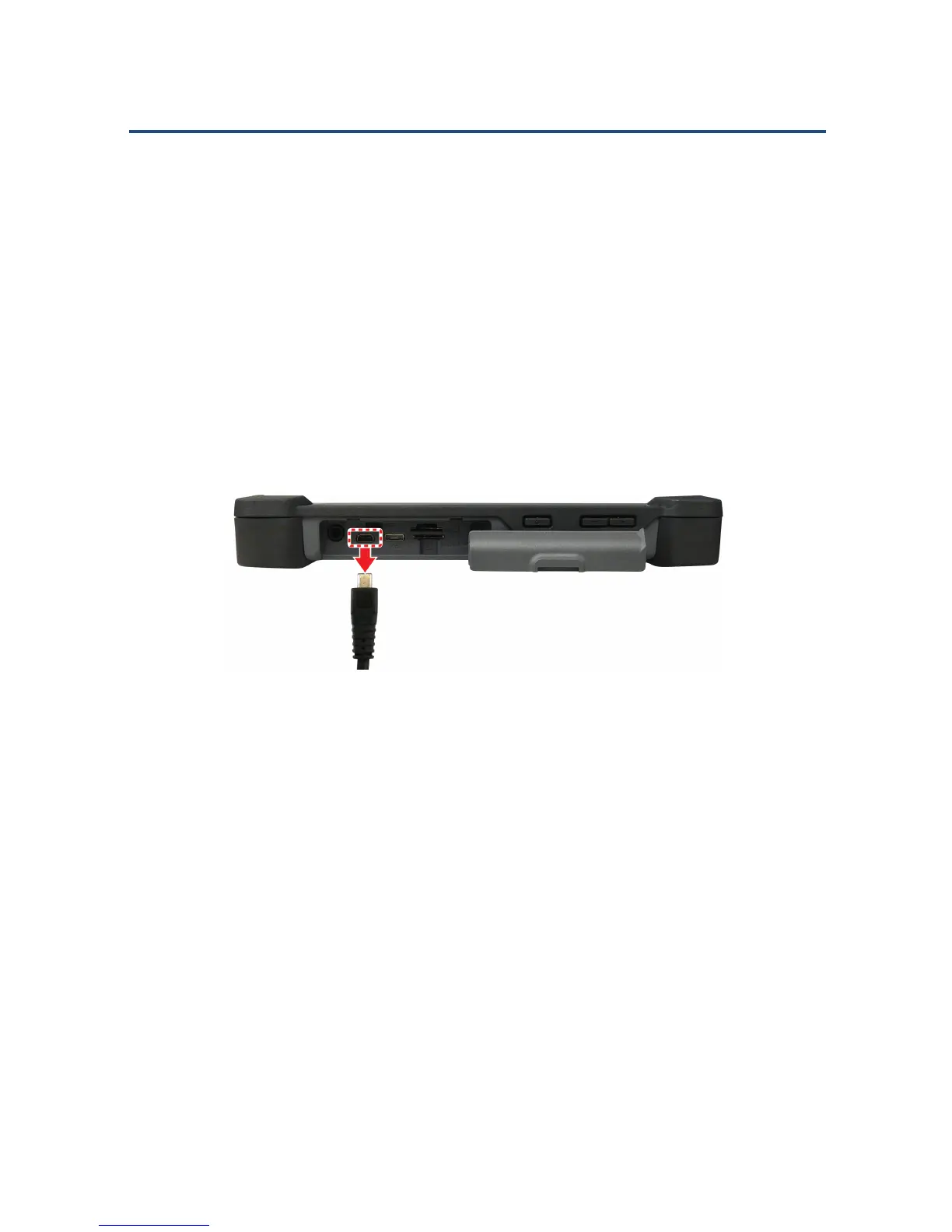
To remove a USB device:
CAUTION: If you are removing a storage device, make sure it is safe to
disconnect it from the Fieldbook E1 to prevent data loss or damage.
1. Open the I/O ports door.
2. Unplug the micro USB cable from the micro USB port on the Fieldbook
E1.
3. Unplug the other end of the micro USB cable from the USB device you
connected.
Unplugging a micro USB Cable



 To Next Page