Fieldbook) E1) User’s) Guide)
62
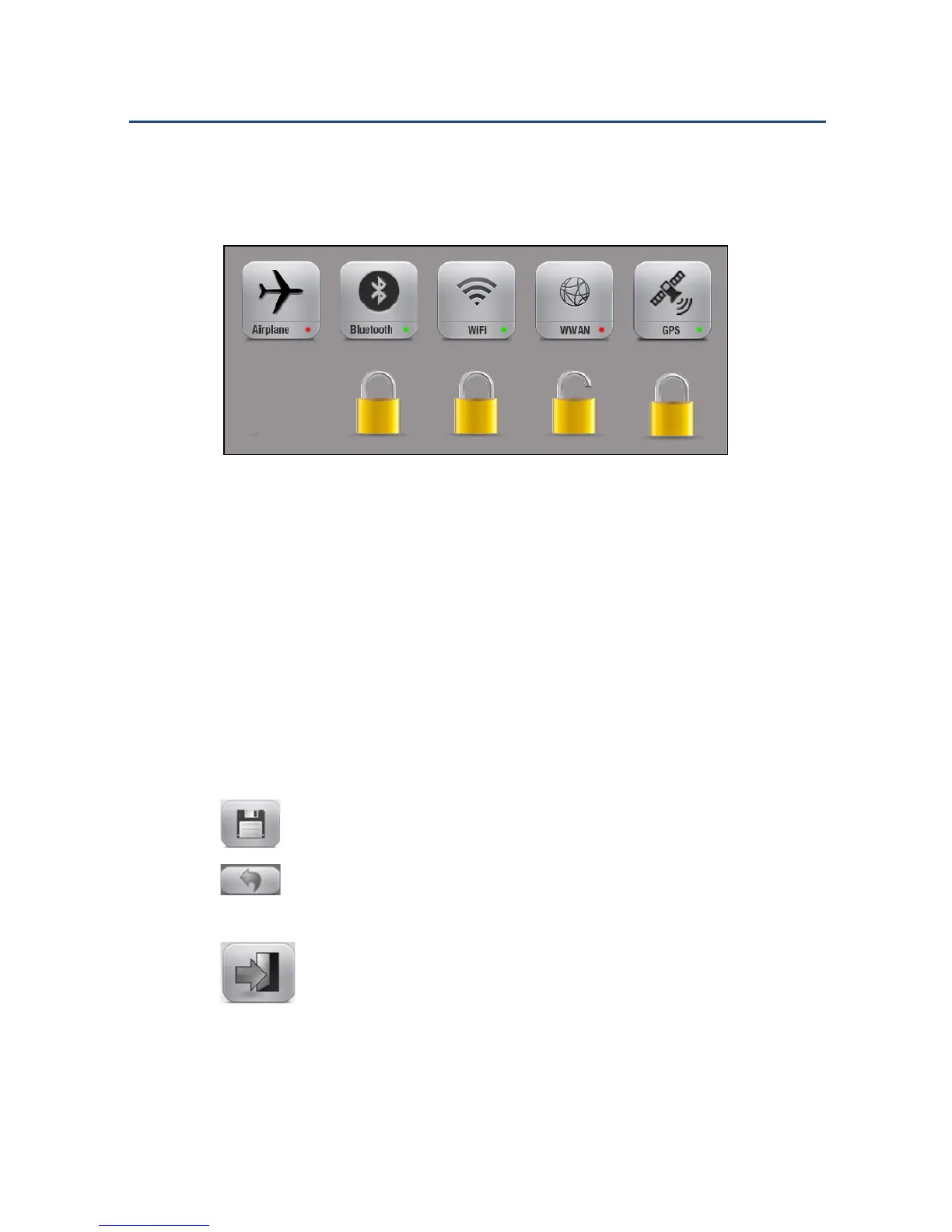
4. Tap the functions you want to activate or deactivate.
5. Tap the lock icons to lock/unlock your setting.
Activating/Deactivating Radio Functions
NOTE: A green dot at the bottom right corner of the icon means that the
radio function is activated. A red dot means it is deactivated.
NOTE: If the option is not installed on the device (e.g., GPS or WWAN),
you will see a black dot instead of a green or red dot,
NOTE: If a function is locked by the administrator, you will see a blue dot
next to the green or red dot.
6. Tap to keep the new settings for the profile.
7. Tap to load the default values for the profile. The changes you
made will be lost.
8. Tap to go back to the FieldControl main page.



 To Next Page