Safety Information and
Table of Content
Product Introduction and
Setting the Player
Playback Functions and
Special Playback Features
System Set-up
Troubleshooting and
Specification
Important
Notice
20
Subtitle Language
You can set your preferred Subtitle Language as the
default language for the disc.
Not all languages are available on all the discs.
Some discs do not allow the users to select the
audio language from the Blu-ray Disc Player
Set-up Menu. However, it can be selected from
the BD/DVD disc setup menu.
Disc Menu Language
You can set your preferred Disc Menu Language as the
default language for the disc.
Not all languages are available for all the discs.
OSD Language
You can select the entire Set-up Menu’s languages and
On-Screen Display languages.
System Set-up
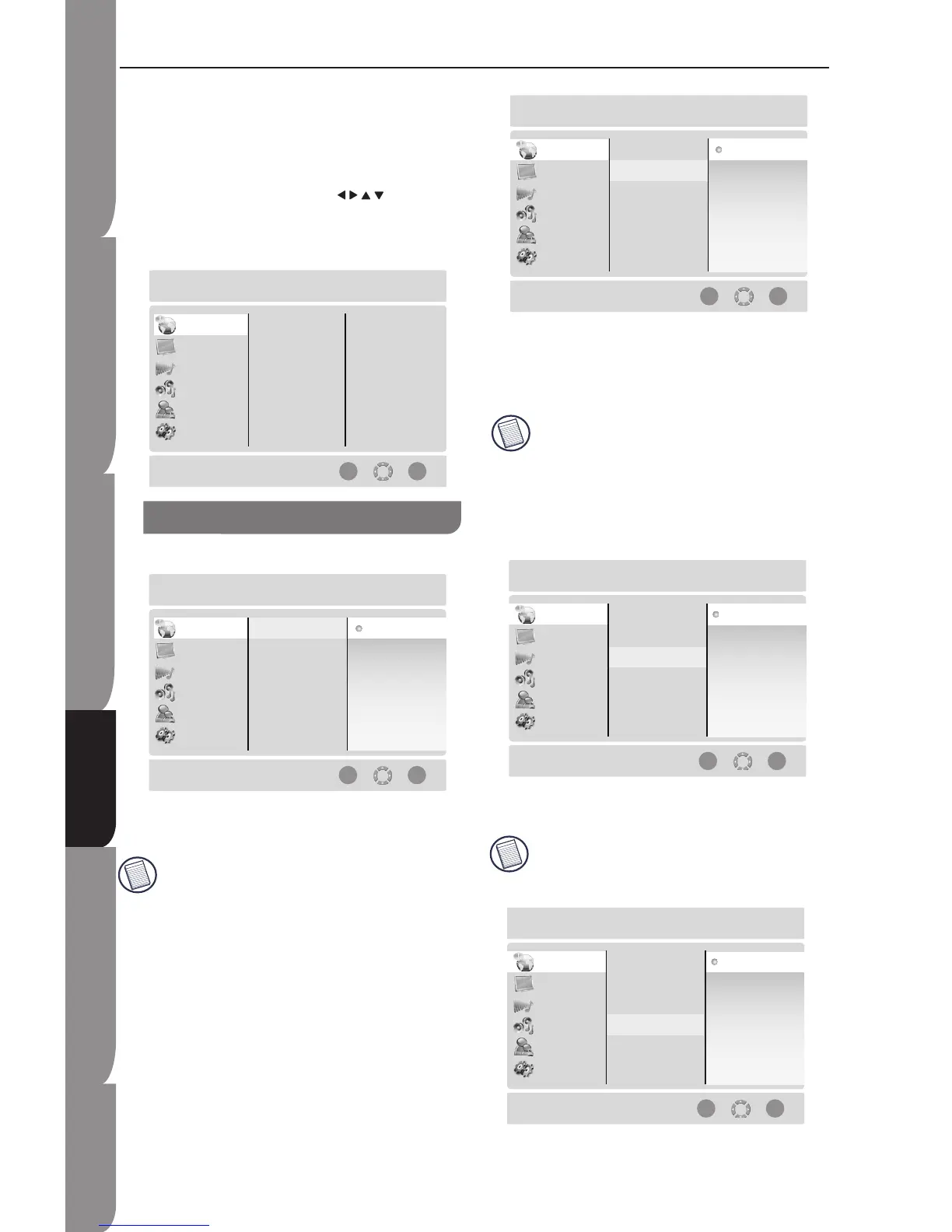
When you press SETUP button on the remote control,
the Set-up Menu will be displayed. It includes
Languages, Display, Audio, Speaker, Parental, and
System.
Within the Set-up Menu, you can use the
NAVIGATION/ CURSOR buttons (
) to move the
cursor, and press OK button to make and confirm your
selection.
To exit the Set-up Menu, you can press SETUP button.
Audio Language
You can set your preferred Audio Language as the
default language for the disc.
Not all languages are available on all the discs.
Some discs do not allow the users to select the
audio language from the Blu-ray Disc Player Set-up
Menu. However, it can be selected from the BD/DVD
disc setup menu.
Language Menu


 To Next Page