Safety Information and
Table of Content
Product Introduction and
Setting the Player
Playback Functions and
Special Playback Features
System Set-up
Troubleshooting and
Specification
Important
Notice
24
System Set-up
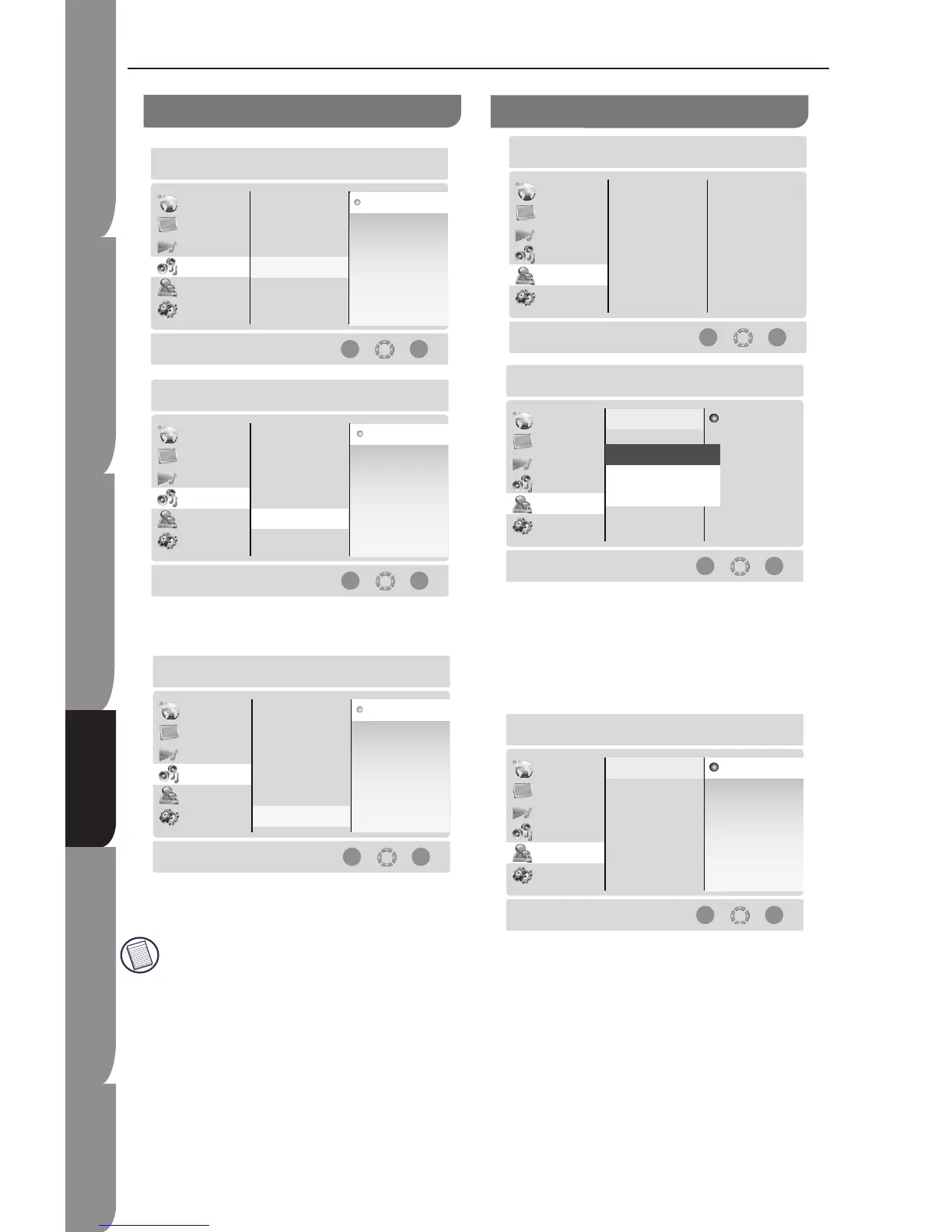
Enter 4 numeral password, and then press OK button
on the remote control to confirm.
The default password is 0000. Once confirmed, the
following setup screen will display:
Parental Control
The Parental Control function works inconjunction
with the different censorship classes assigned to Blu-
ray Disc. These classes help to control the types of
Blu-ray Disc that the family watches. There are up to 8
censorship classes for Blu-ray Disc.
Parental Control Setting
This setting is to indicate to the player the bass
frequency response of the connected subwoofer.
This setting is not valid if the Blu-ray Disc player is
connected with audio system via HDMI or SPDIF.
This setting allows you to activate and deactivate
subwoofer output.



 To Next Page