Safety Information and
Table of Content
Product Introduction and
Setting the Player
Playback Functions and
Special Playback Features
System Set-up
Troubleshooting and
Specification
Important
Notice
23
System Set-up
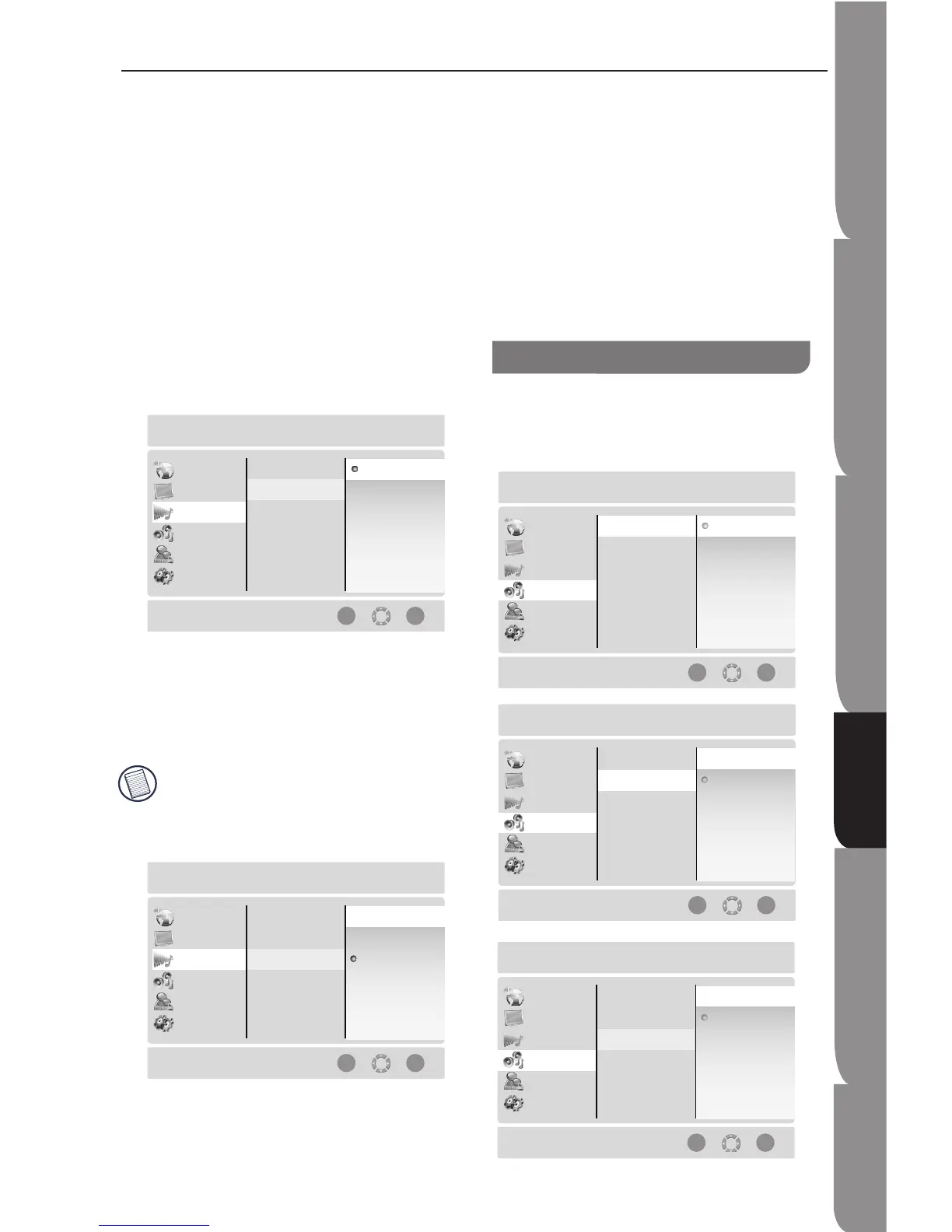
Bitstream HD: Original bitstream from disc is passed
over HDMI and SPDIF using highest quality possible.
HDMI has higher quality capabilities with advanced
audio codecs like TrueHD and DTS-HD. BD audio
limited to soundtrack for main movie (i.e. no PIP audio
and no effects audio).
Bitstream Mixed: BD audio streams are mixed and
encoded into a single bitstream. Primarily intended for
users with SPDIF 5.1CH receivers who want to enjoy
mixed BD audio in surround sound.
PCM Stereo: Mixed digital audio sent over HDMI and
SPDIF in 2-channel PCM format. This should be set if
the player is connected to TV directly via HDMI.
PCM Downsampling
To set player’s digital output PCM sampling rate with
following options:-:
48kHz
96kHz
Off
Incorrectly set the digital audio output’s PCM
sampling rate may result in unpredictable audio
playback.
Dynamic Range Control
This function is only active when a Dolby Digital signal
is detected.
On: When movie soundtracks are played at low
volume or from smaller speakers, the system can apply
appropriate compression to make low-level content
more intelligible and prevent dramatic passages from
getting too loud.
Auto: The Dynamic Range Control will operate
automatically when the movies with Dolby True-HD
soundtracks are played. For other audio format
soundtracks, the compression is always On.
Off: The movie soundtracks play at the Standard
Dynamic Range.
Speaker Setting
This is to set up the built-in multi-channel surround
decoder. If the speakers with low frequency of 100Hz
or below, select “Large.” Otherwise, select “Small.”


 To Next Page