Safety Information and
Table of Content
Product Introduction and
Setting the Player
Playback Functions and
Special Playback Features
System Set-up
Troubleshooting and
Specification
Important
Notice
22
System Set-up
Resolution (cont’)
TV TYPE Correct Resolution
Setting
If your TV is HDMI
equipped, and it
is connected to your
TV via HDMI, and
you wish the BD
player to set the video
output to the TV’s
optimum resolution
based on information
exchanged between
the TV and the player
over the HDMI cable.
HDMI Auto
Setting the player for an output resolution not
supported by your TV will result in unpredictable
results. Only the HDMI output of the player is capable
of supporting 1080p video output at any frame rate. If
the HDMI cable is not connected, the component
outputs are limited to 1080i.
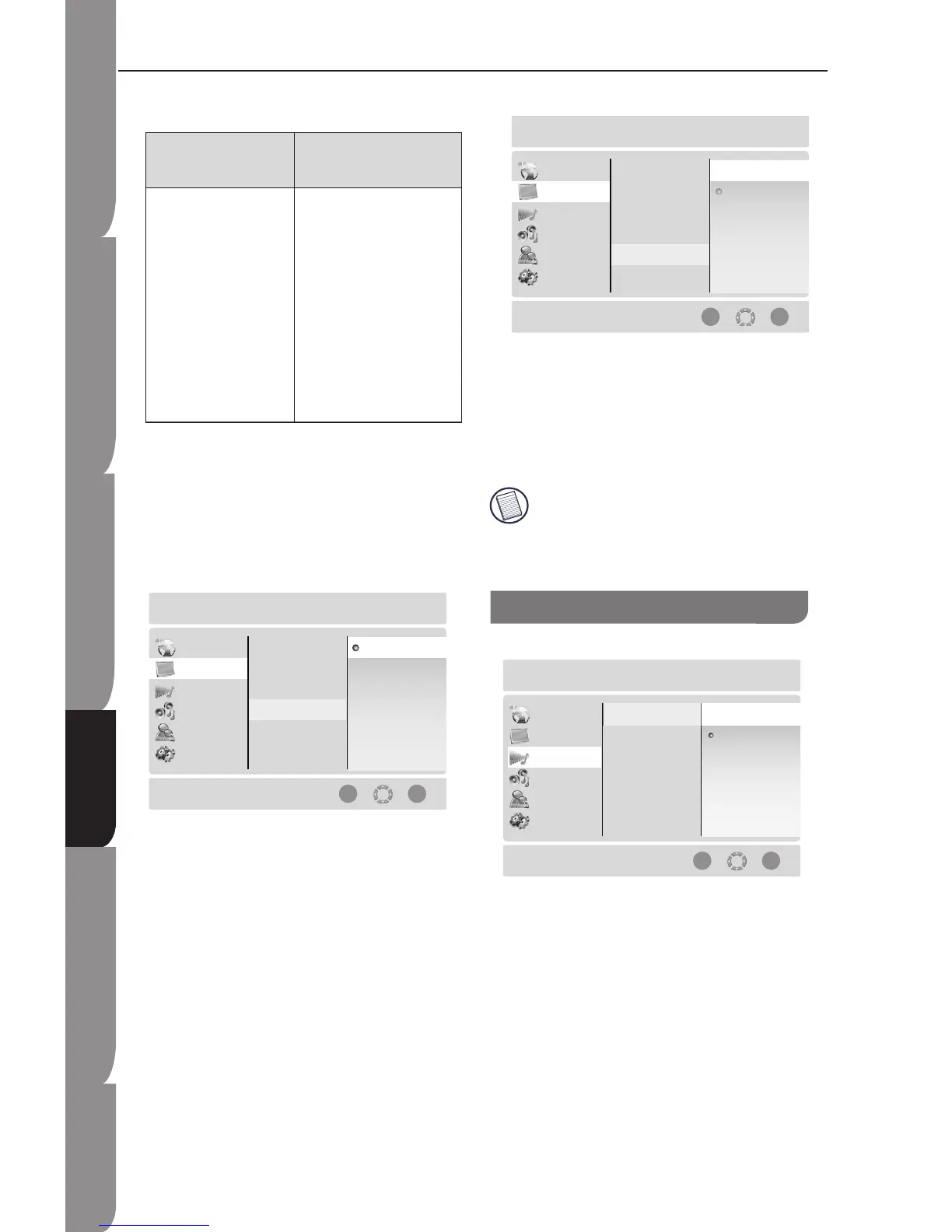
Colour Space
You can set colour space output.
xvYCC: Set to xvYCC (default)
YCC: Set to YCC
RGB: Set to RGB
Film Mode
Movies are recorded on film at a rate of 24 pictures or
frames per second. Many of the movies on Blu-ray
Disc are placed on the disc at this frame rate. However,
not all TV can display 24 progressive frames second of
video. Select Off or On for 60 frames/ second output
format.
Only HDMI output of the player is capable of
supporting 1080p video output at any frame
rate. The component outputs are limited to
1080i, regardless of the Film Mode Setting.
Digital Output
This allows you to set the Digital Audio Output, such
as PCM7.1, Bitstream HD, Bitstream Mixed, and PCM
Stereo.
PCM 7.1: Mixed digital audio sent over HDMI in
7.1CH PCM (if supported by HDMI device) and SPDIF
in 2-channel PCM format.
Audio Output Setting


 To Next Page