Safety Information and
Table of Content
Product Introduction and
Setting the Player
Playback Functions and
Special Playback Features
System Set-up
Troubleshooting and
Specification
Important
Notice
26
System Set-up
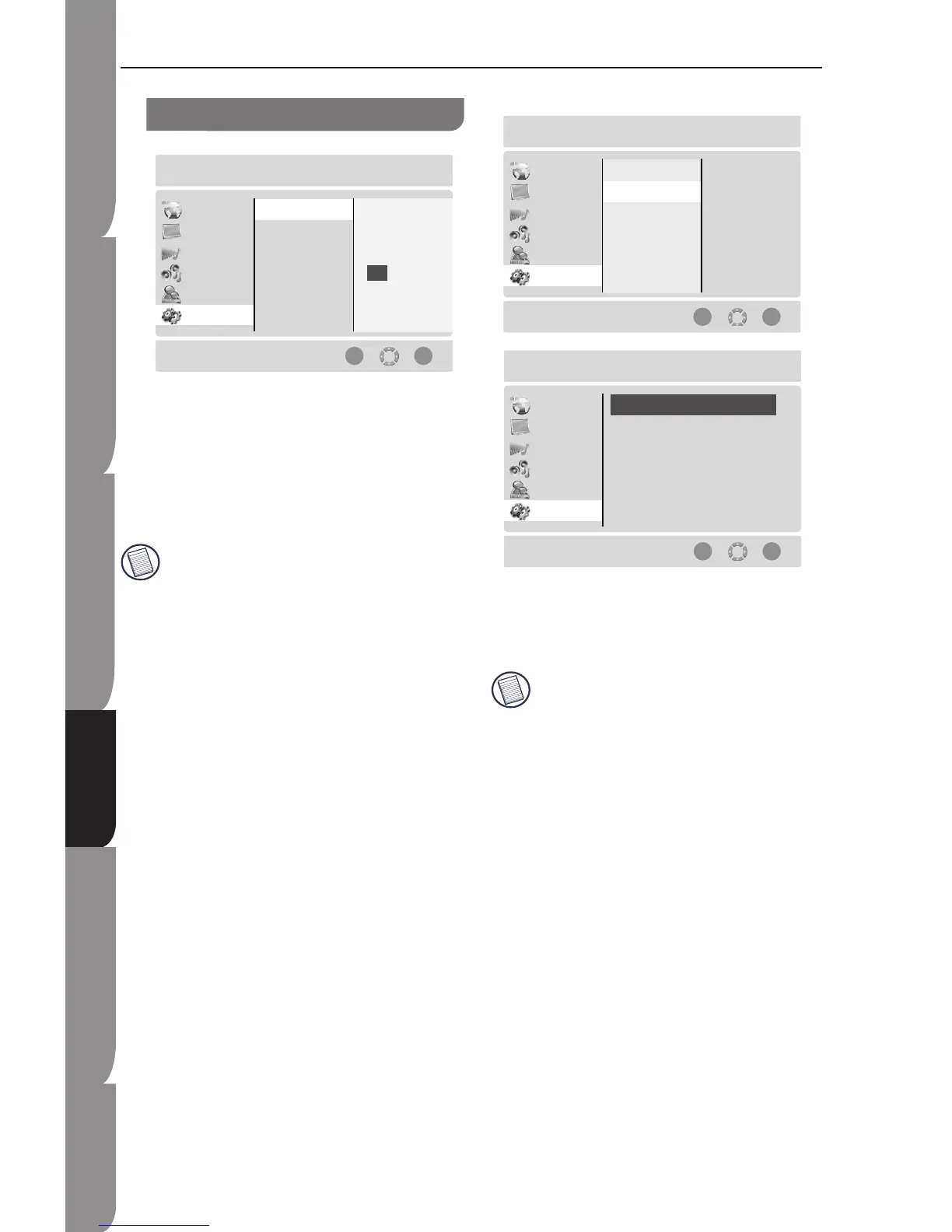
Set Password
To set a new password, please follows the steps below.
Input the old password and press OK button.
Then, input the new password.
Input the new password again to confirm the
setting.
Press OK button to confirm the password.
Record your password in some secure, easy-to-find
place. We assume no responsibility for lost,
misplaced, or forgotten password.
1.
2.
3.
4.
System Menu Setting
Software Version
The System Information of the player can be viewed by
the option (such as CFE Version, Software Version,
and Servo Version. Press OK button to quit the system
information.
The information in the above screenshot is not
necessary the same as that on your unit.


 To Next Page