- 31 -
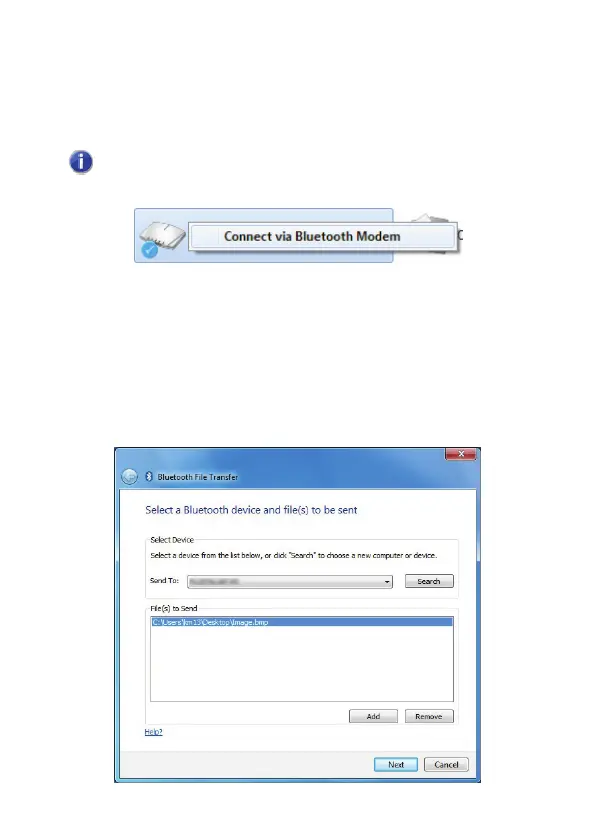
5. To use the link to access the internet, right-click
Dialup
Networking Profile
and choose
Connect via Bluetooth
Modem
.
To access the internet using DUN for the first time, you'll
need to set up an internet connection using the Windows wizard.
4.11 How can I send audio, image and other files to
another Bluetooth device?
Pair with the device, see
Adding a Bluetooth device
.
1. Right-click the file you wish to send and select
Send to
, then
Bluetooth Device
. The file transfer wizard will open:



 To Next Page